Choose which notifications can wait for one attention-demanding task, and decide how essential contacts can still reach you. Start with the task and your responsibilities. A blanket rule may hide a message you actually need.
Stothart, Mitchum and Yehnert’s 2015 study reported disruption on an attention-demanding task from phone notifications even when participants did not interact with the device.[S45] That is a finding about a study task. It does not measure how a particular notification arrangement will affect your work or establish which of your contacts can safely wait.
Choose a task with a clear stopping point
Name the piece of work you intend to do, such as reading a section of a draft. Then identify the messages that could require action while you do it. A colleague awaiting a handover, a caregiving responsibility and a routine app update may need different treatment.
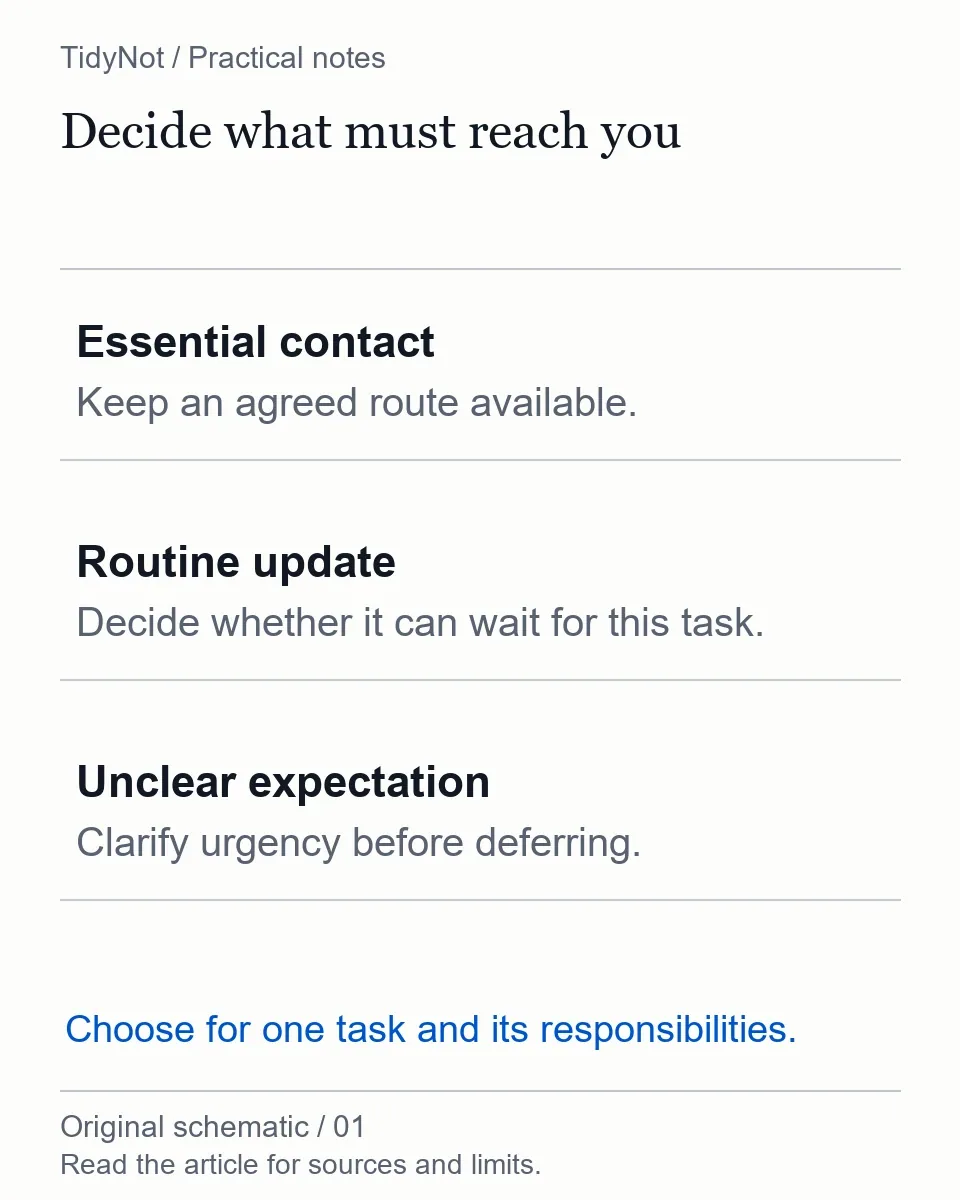
Decide what must reach you. Original TidyNot schematic.
Classify notifications for one task while preserving essential contact routes.
For this task | Decision to make | Check before using a setting |
|---|---|---|
Essential contact | Which people or apps must reach you? | An agreed contact route and actual exception behavior |
Routine update | Can it wait until a chosen check point? | Whether delaying it affects someone else |
Unknown urgency | Who can clarify the expectation? | Avoid silently treating it as unimportant |
If the importance of a message is unclear, check the expectation before deferring it. You can make a small plan for one piece of work without assuming that every interruption has the same value.
Inspect the actual controls and exceptions
Apple’s Focus guide describes allowing or silencing selected people and apps, with additional notification exceptions.[Q79] Use the current official guide for your software version and inspect the settings on your own device. Labels and available options can differ. This article has not changed or tested any device setting.
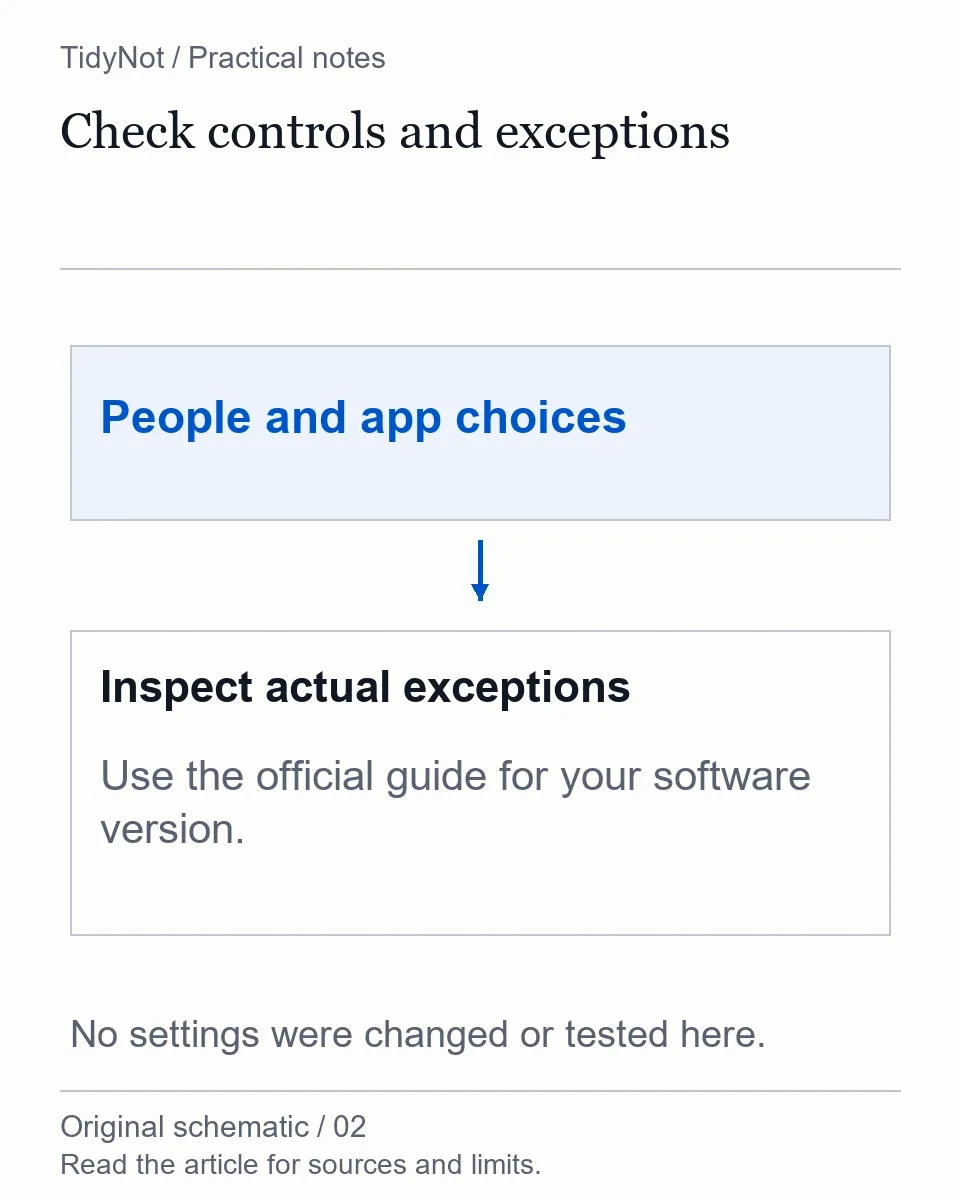
Check controls and exceptions. Original TidyNot schematic.
If you choose to use a focus mode, verify the contact route that matters to you. Read the applicable exception details and check behavior with the relevant person when appropriate. A setting’s name is not proof that an urgent contact will get through in the way you expect.
Review the arrangement after the task
At your stopping point, check the messages you chose to defer. Note any essential message you missed, as well as interruptions that remained. Revise the arrangement from those observations. There is no measured productivity gain or recommended duration attached to this exercise.
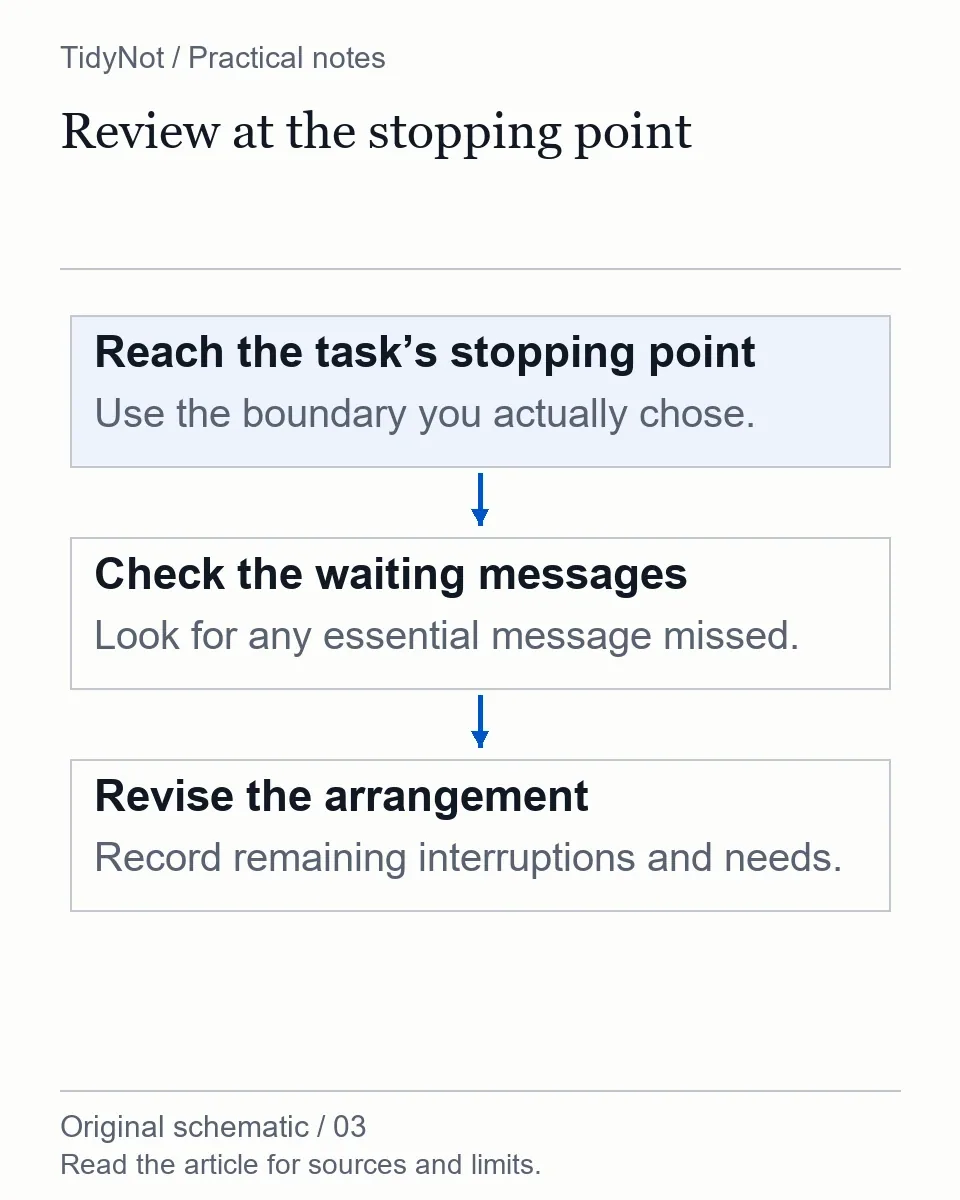
Review at the stopping point. Original TidyNot schematic.
Keep the plan specific: the task, what can wait, what must reach you and when you will review the waiting messages. If another person depends on your availability, agree on that arrangement with them before relying on it.
Try it with your own information
Plan one availability window
Decide what can wait while keeping essential contact expectations explicit.
An invented worked example
Use this scenario to see how the decisions fit together, then replace its details with your own observations.
Fictional task: review the headings of one draft. Routine news notifications can wait until the review ends.
A colleague is waiting for a handover. Agree on a reachable route before silencing an app; do not infer urgency from the app’s name.
At the stopping point, check deferred messages and record missed essentials. A silent screen is not proof that the arrangement worked.
No account needed. Open the worksheet, enter your own notes, then download a text copy. You can also download it blank to complete elsewhere.
Open and download your worksheet
Sources and reading scope
- Cary Stothart, Ainsley Mitchum and Courtney Yehnert. The attentional cost of receiving a cell phone notification. Journal of Experimental Psychology: Human Perception and Performance 41(4), 893–897; 2015. https://pubmed.ncbi.nlm.nih.gov/26121498/. Abstract and bibliographic record checked on 2026-10-20; full paper not reviewed. The finding concerns an attention-demanding study task, not a measured productivity gain or a test of any phone setting.
- Apple. Allow or silence notifications for a Focus on iPhone. iPhone User Guide; Current public document checked 2026-10-20. https://support.apple.com/guide/iphone/allow-or-silence-notifications-for-a-focus-iph21d43af5b/ios. Official guide checked on 2026-10-24. Use the guide for the installed software version; no device settings or exception behavior were tested for this article.
Evidence and scope
1. The attentional cost of receiving a cell phone notification
Claim covered: Stothart, Mitchum and Yehnert’s 2015 study reported disruption on an attention-demanding task from phone notifications even when participants did not interact with the device.[S45] That is a finding about a study task. It does not measure how a particular notification arrangement will affect your work or establish which of your contacts can safely wait.
Abstract and bibliographic record checked on 2026-10-20; full paper not reviewed. The finding concerns an attention-demanding study task, not a measured productivity gain or a test of any phone setting.
The attentional cost of receiving a cell phone notification. English edition. Checked: .
Attention-task study, not a measured productivity gain for a phone setting. No current full-text or device behavior verification.
2. Allow or silence notifications for a Focus on iPhone
Claim covered: Apple’s Focus guide describes allowing or silencing selected people and apps, with additional notification exceptions.[Q79] Use the current official guide for your software version and inspect the settings on your own device. Labels and available options can differ. This article has not changed or tested any device setting.
Official guide checked on 2026-10-24. Use the guide for the installed software version; no device settings or exception behavior were tested for this article.
Allow or silence notifications for a Focus on iPhone. English edition. Checked: .
No actual device inspected or settings changed. Reader must use guidance for their installed version and verify essential contacts.
3. Editorial application
Claim covered: Choose which notifications can wait for one attention-demanding task, and decide how essential contacts can still reach you. Start with the task and your responsibilities. A blanket rule may hide a message you actually need.
TidyNot editorial workflow suggestion, distinguished from the linked source statements.
TidyNot editorial suggestion. English edition. Checked: .
An editorial application, not a tested intervention or a guarantee of results.