Digital
Change a Photo Date in Mac Photos Only When Evidence Supports It
Correct supported photo dates in Mac Photos 11.0 on macOS Tahoe 26. Back up, log original values and reopen Info to verify each change.
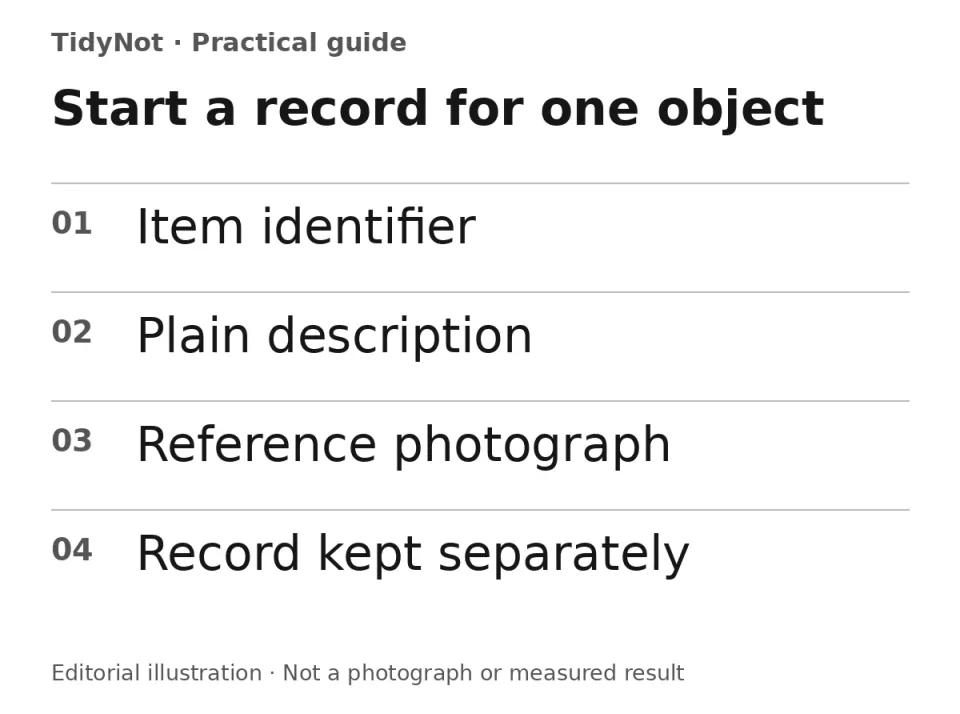
Document a family heirloom with separate observations, attributed memories, documentary evidence and open questions. Keep uncertainty visible.
Use research and a short reading check to separate comprehension from musical preference. Record sound, answers, interruptions and your next choice.
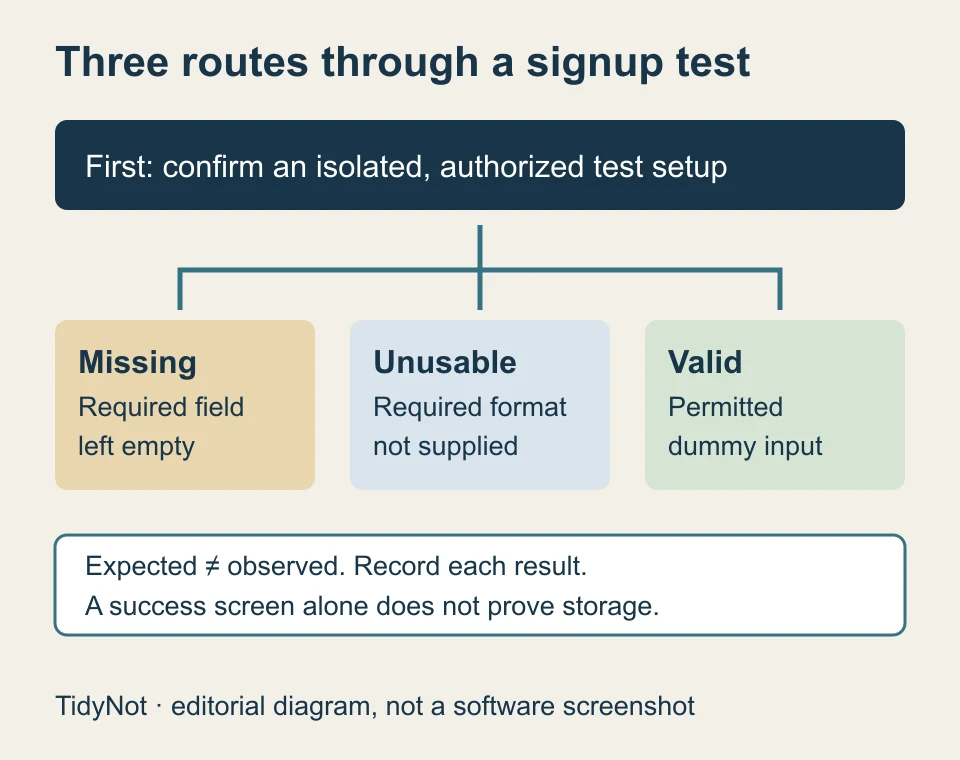
Test missing, unusable and valid signup responses in an authorized safe environment. Check confirmation, test records and notifications separately.
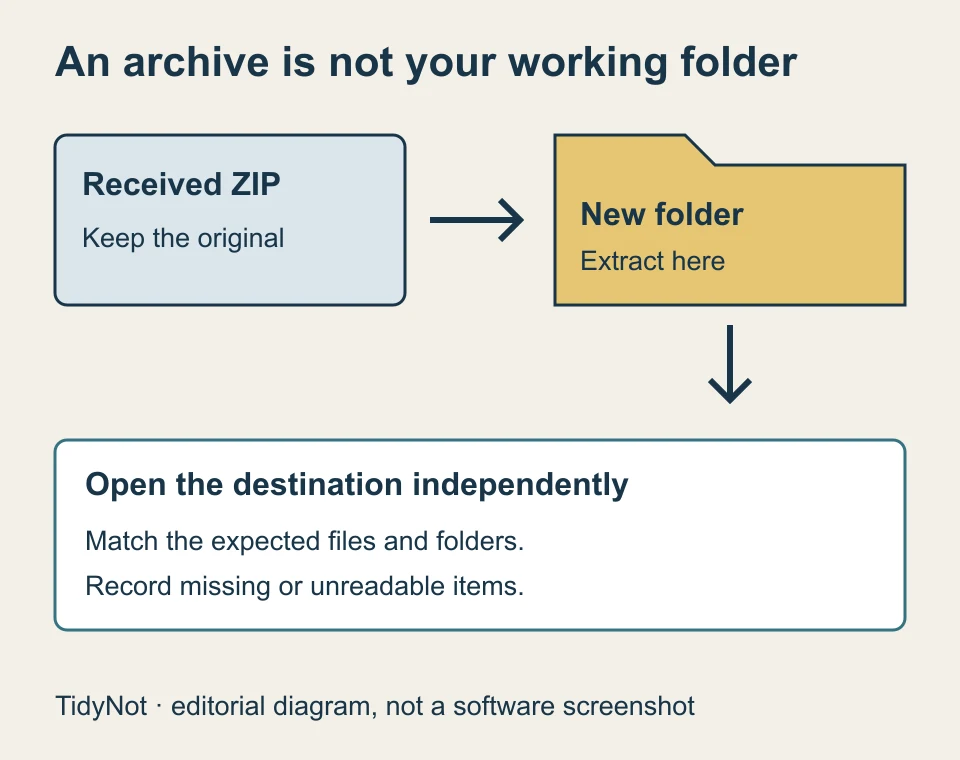
Extract a trusted ZIP into a fresh Windows 11 folder, check its contents outside the archive and record missing or unreadable files.
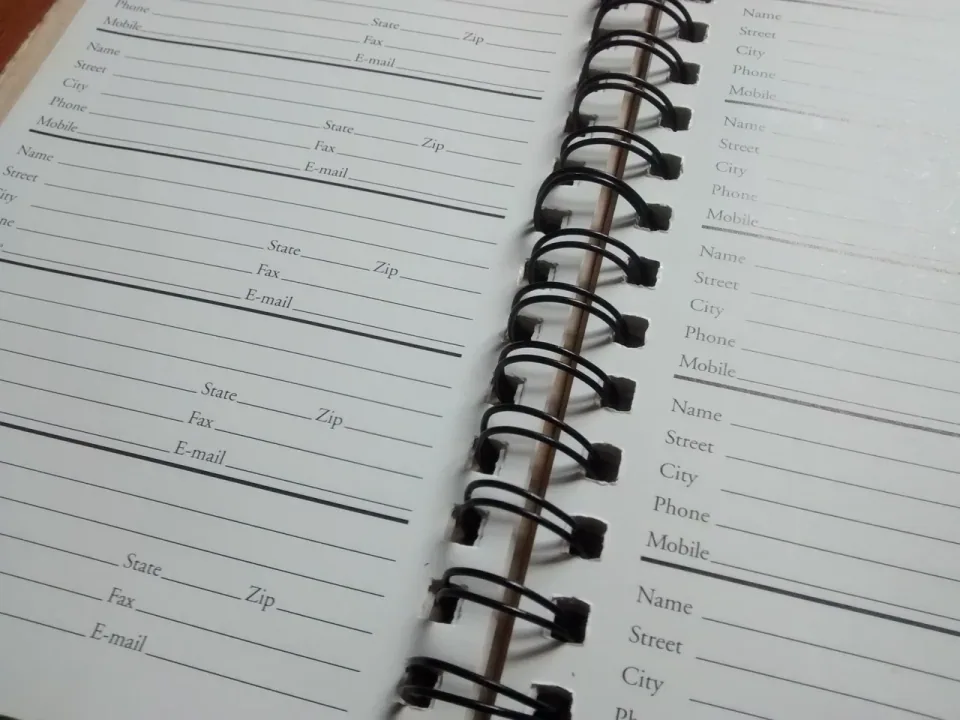
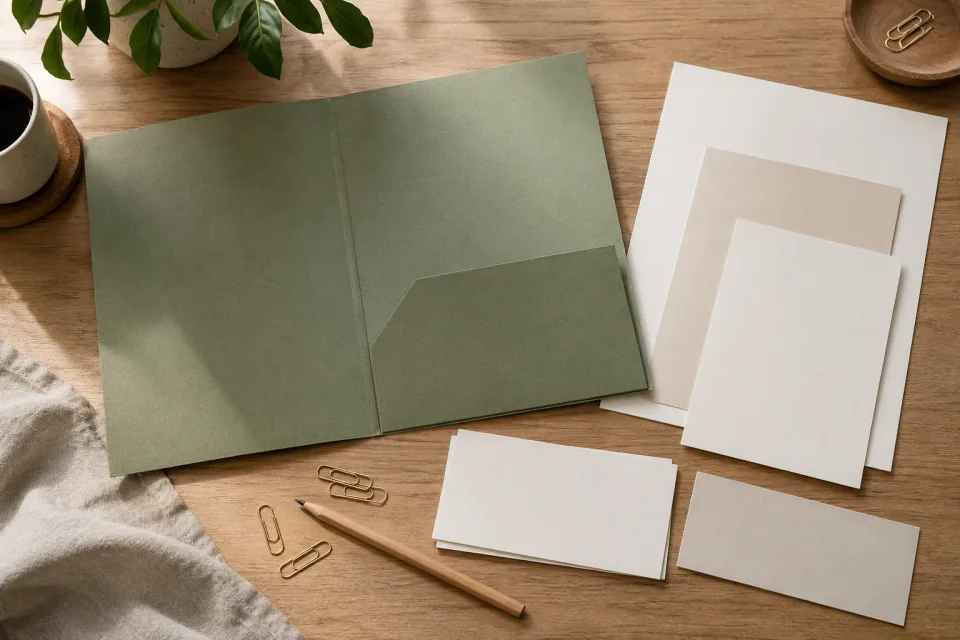
Create a readable offline household contact card with agreed contacts, two meeting places and a checked date. Use the blank template and verify each copy.
Mark a copied sentence as a quotation as soon as you save it, and keep its source and location beside it. Label your own restatement “paraphrase,” a shorter overview “summary,” and your reaction “my note.” That gives you a way to tell whose wording and ideas you are looking at when you return. Rewriting a passage does not remove the need to record its source.
Before accepting a scope change, compare the new request with what was already agreed and write down what else would need to change. Check the deliverable, effort, review work, timing, and cost, leaving unknowns marked as unknown. Then put the request in front of the person who can decide. Recording a request begins that conversation; it does not itself approve the work or change the deadline.
For one leisure activity, write down what you want to experience: following a melody, noticing a color or spending time inside a story. If a score keeps pulling you away from that purpose, try leaving that optional number aside for this session. Keep the practical information you need, and keep the score too if it is part of the fun. The point is to choose what matters to you, not to meet another rule about how to relax.
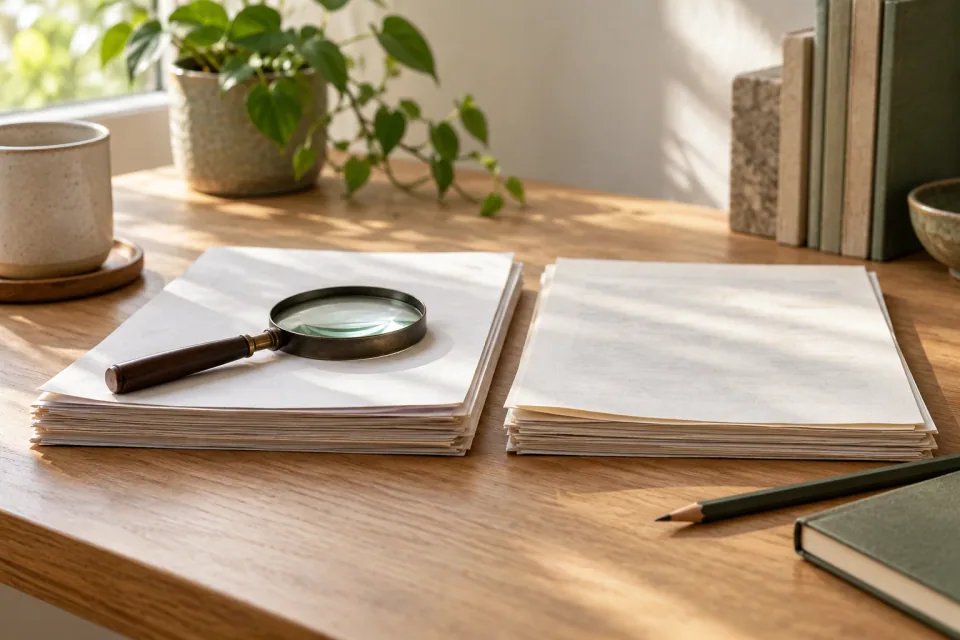
When a source’s publication date differs from the day you read it, keep both and label them. Add a revision date only when the source identifies one, and keep the relevant edition or version beside the link. If the page does not show a date, write “not shown” rather than using today’s date. Your reading date records a check, not when the information became true or current.
Keep a small style sheet for the names and abbreviations you write repeatedly. Record the form you have chosen, the reason for it and the documents it applies to, then keep that sheet beside the next piece you edit. Start with choices you have already had to look up twice. You do not need to write a complete style manual before using a short list.
An accountability check-in is easier to agree to when both people know what it involves. Say what you plan to do, what update you will send, and what response would help. Decide together whether reminders are welcome, what stays private, and how to pause or stop. You remain responsible for the activity; the other person takes on only the role they have agreed to.
For a small gathering, give guests the details that affect whether they can come and how they should prepare. Include when it starts and ends, where it is, what will happen, and whether they need to bring or do anything. Add the access facts you have checked, say what is still unknown, and offer a private way to ask a question.
To find what is stopping a task from starting, name the exact piece of work you want to begin and the result it needs first. Write a visible start condition, such as “approved wording is in the shared document,” rather than “waiting on content.” Then check whether each listed item really blocks that stage, belongs inside it, or is simply a preference. Keep an unconfirmed relationship marked as a question.
Before adding another task, write down what must exist when the project is finished. Split that result into its necessary parts, then check your activity list against them. A list that says “write, meet, review” can still miss the instructions someone needs to use the finished work. A simple deliverable map gives you a place to look for that gap.
Before opening a tool, finish this sentence: “I am here to ___, and I will stop when ___.” Make the answer specific enough to recognize, such as finding one receipt or reading a saved article. If you are opening it for fun, say so. The point is to choose what this visit is for, not to make every screen activity productive.
To find a missing handoff, draw the steps in separate lanes for the people or roles responsible for them. Follow each arrow that crosses from one lane to another. Can you name what is being passed, who receives it, and how they know it is ready? If not, mark that gap before adding more steps.
When two things change together, describe the observation before naming a cause. Use a small claim-check card to keep the comparison, method, and open question together.
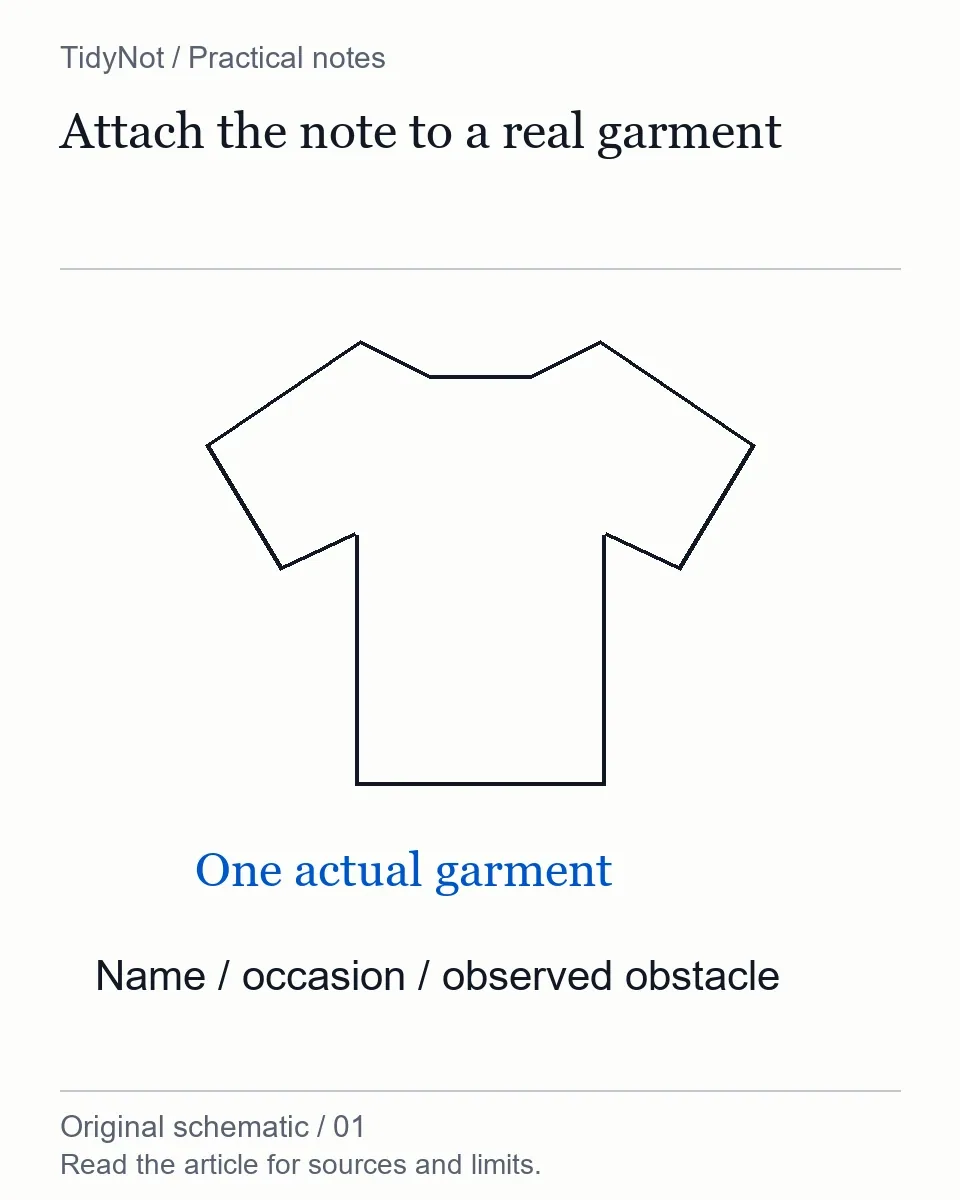
Record the garment, an actual wearing occasion and the specific obstacle before deciding what to do.
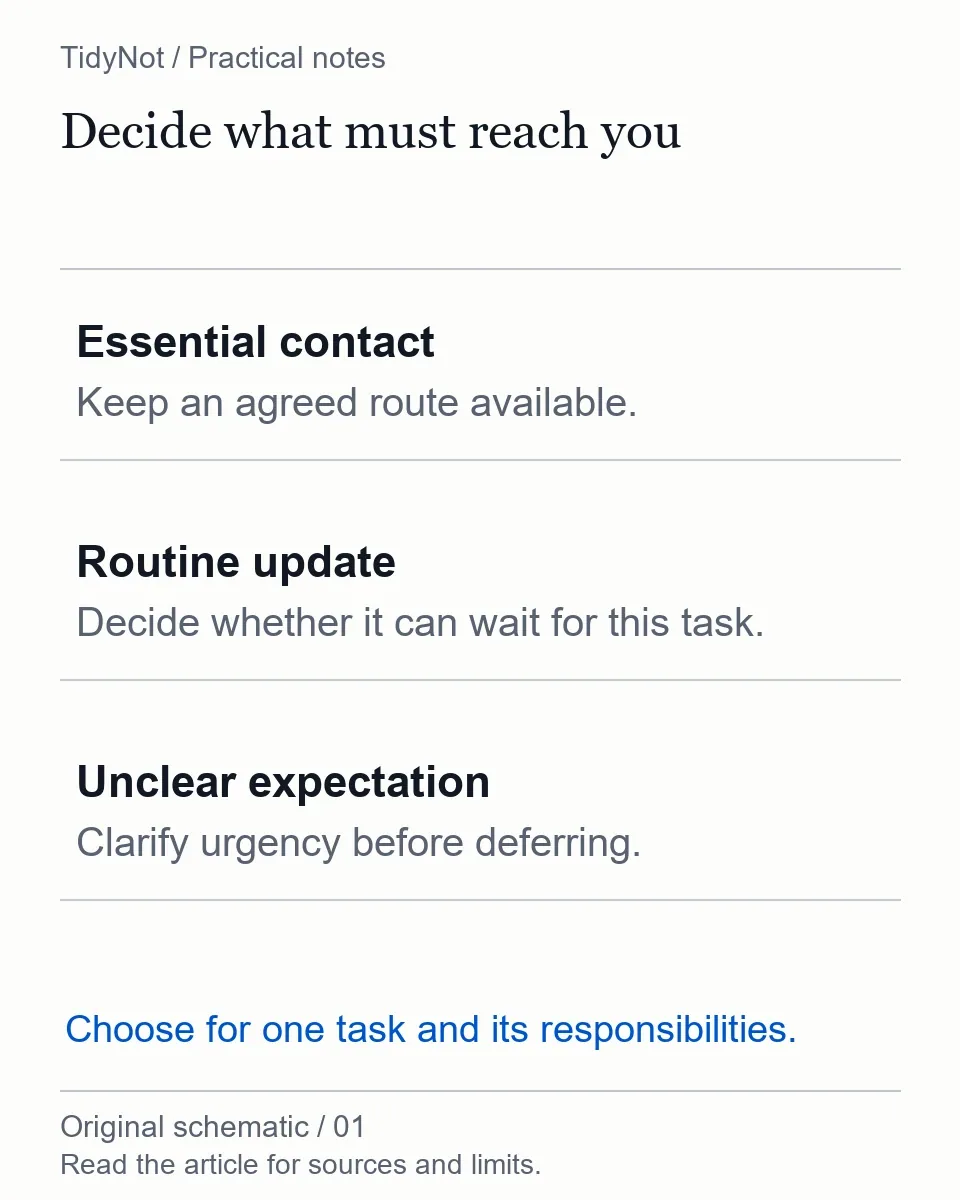
Classify notifications for one task while preserving essential contact routes.
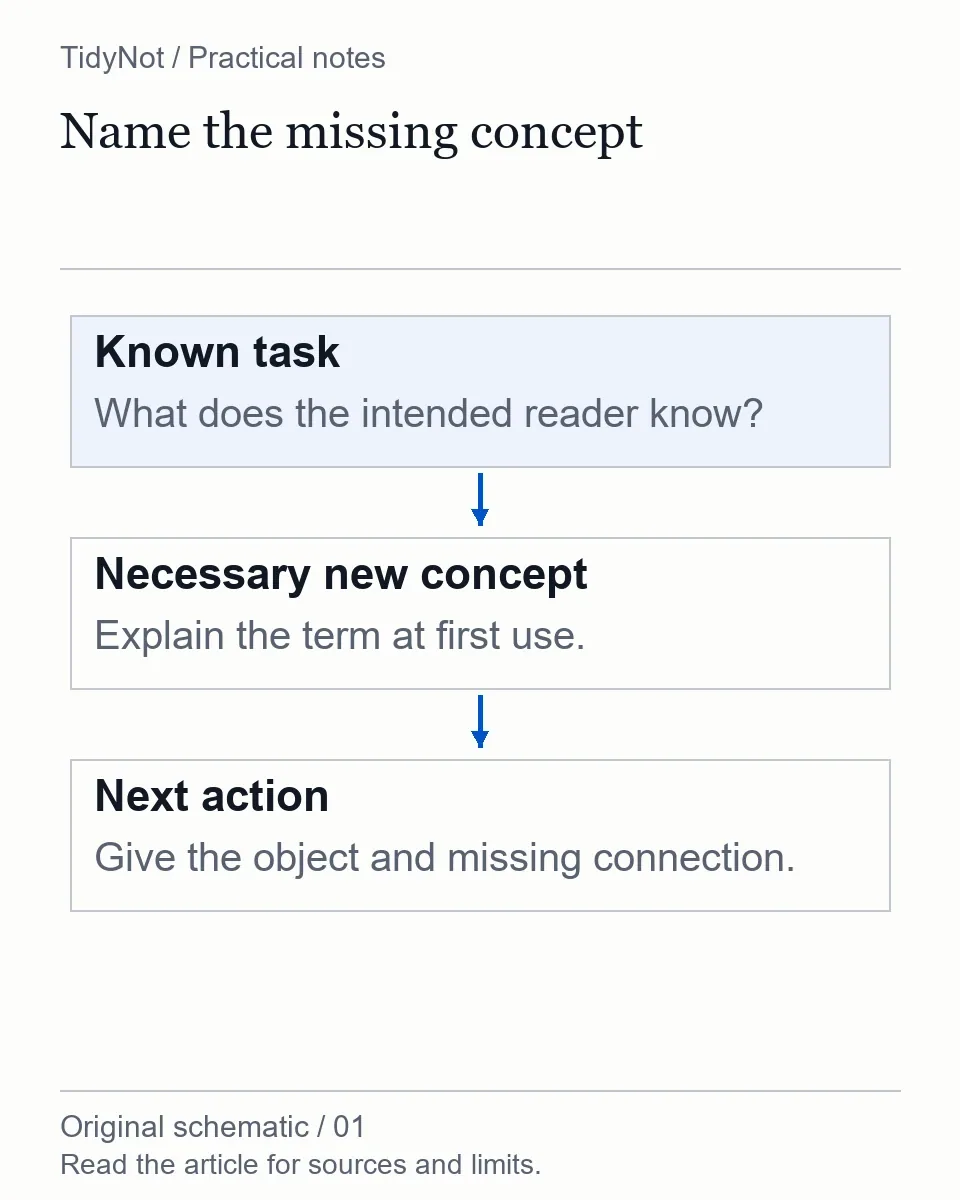
Identify the prerequisite idea and explain necessary terms at first use.
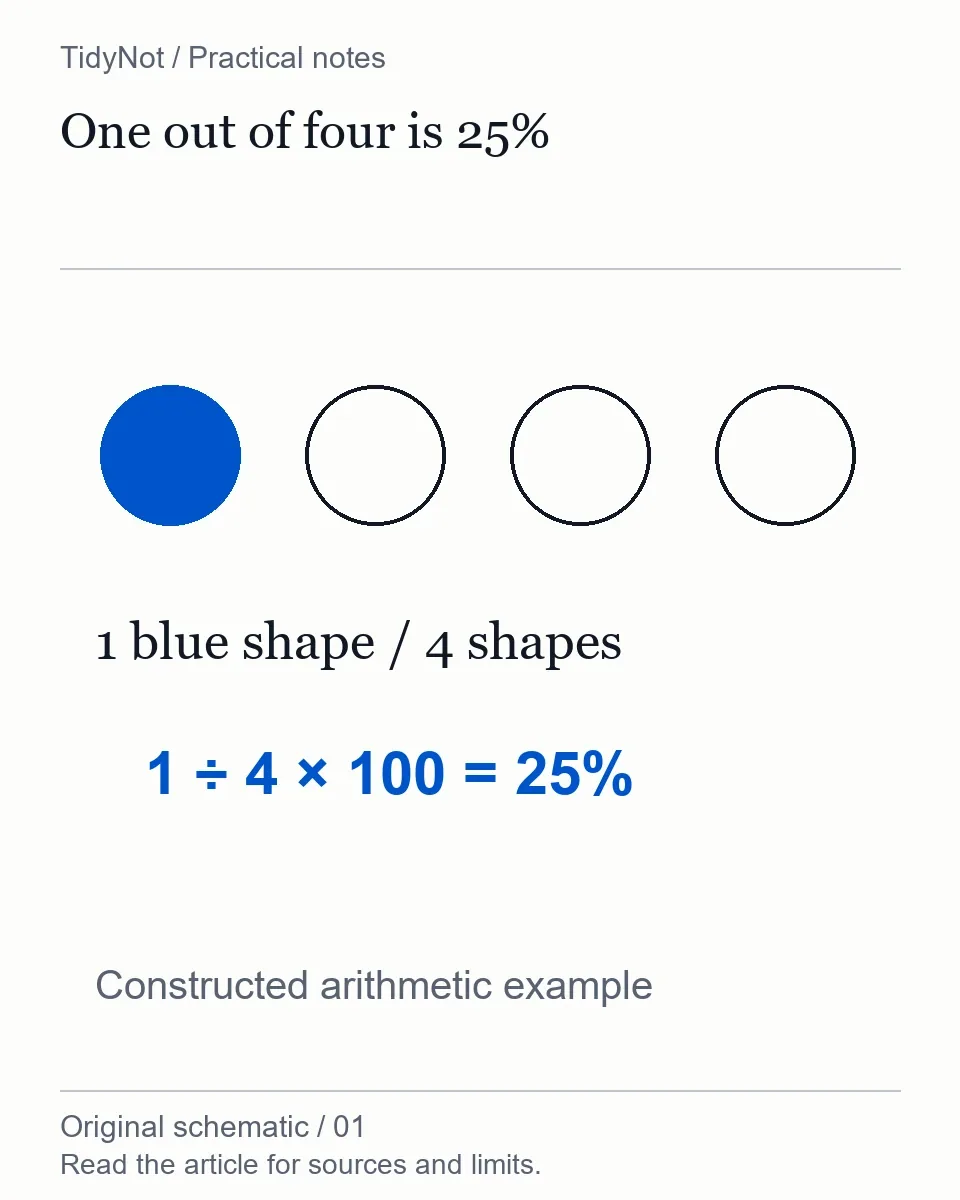
Keep the numerator, denominator, group and period attached to the percentage.
Match each activity and expected condition with a combination of clothes you already have.
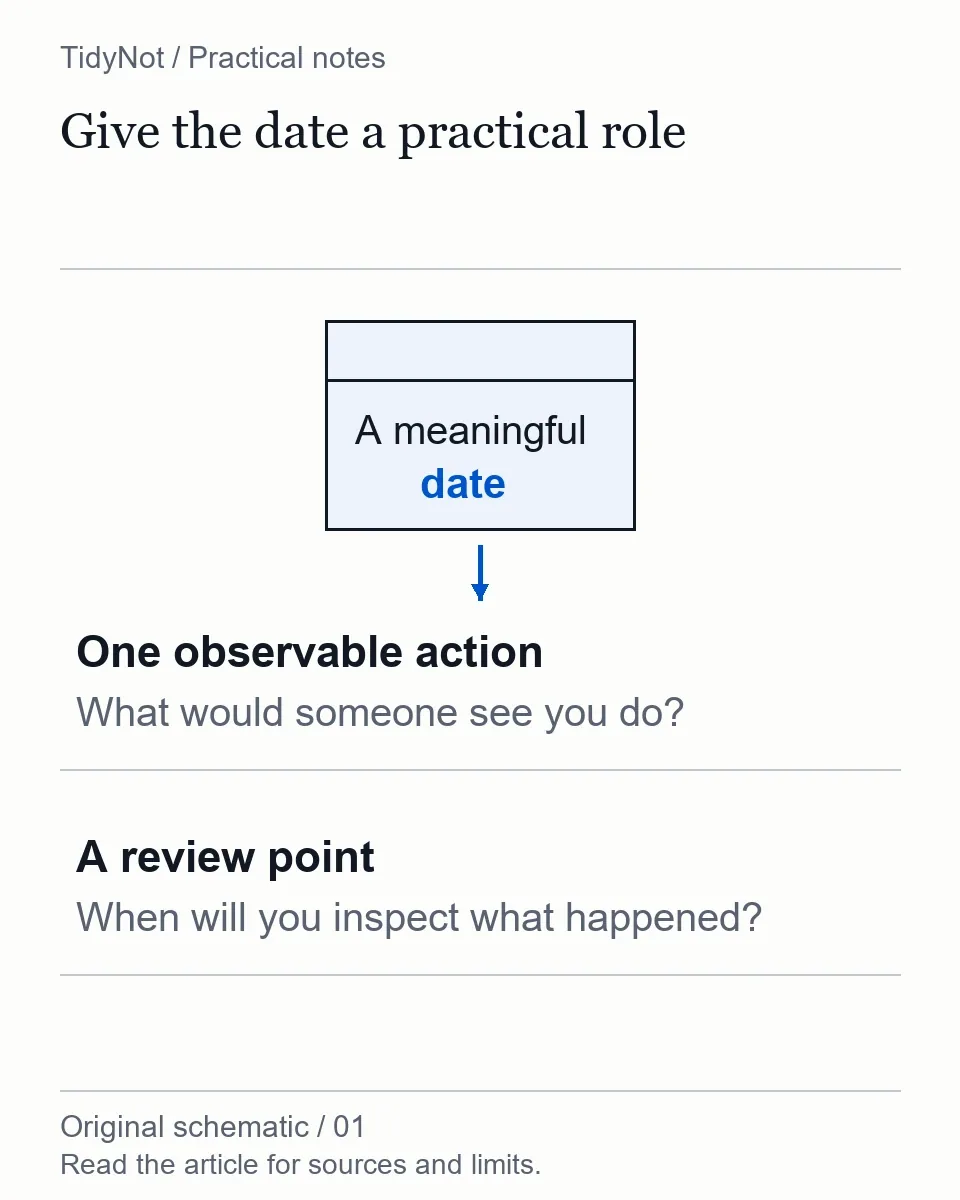
Use the date to define a small action, its context and a later review.
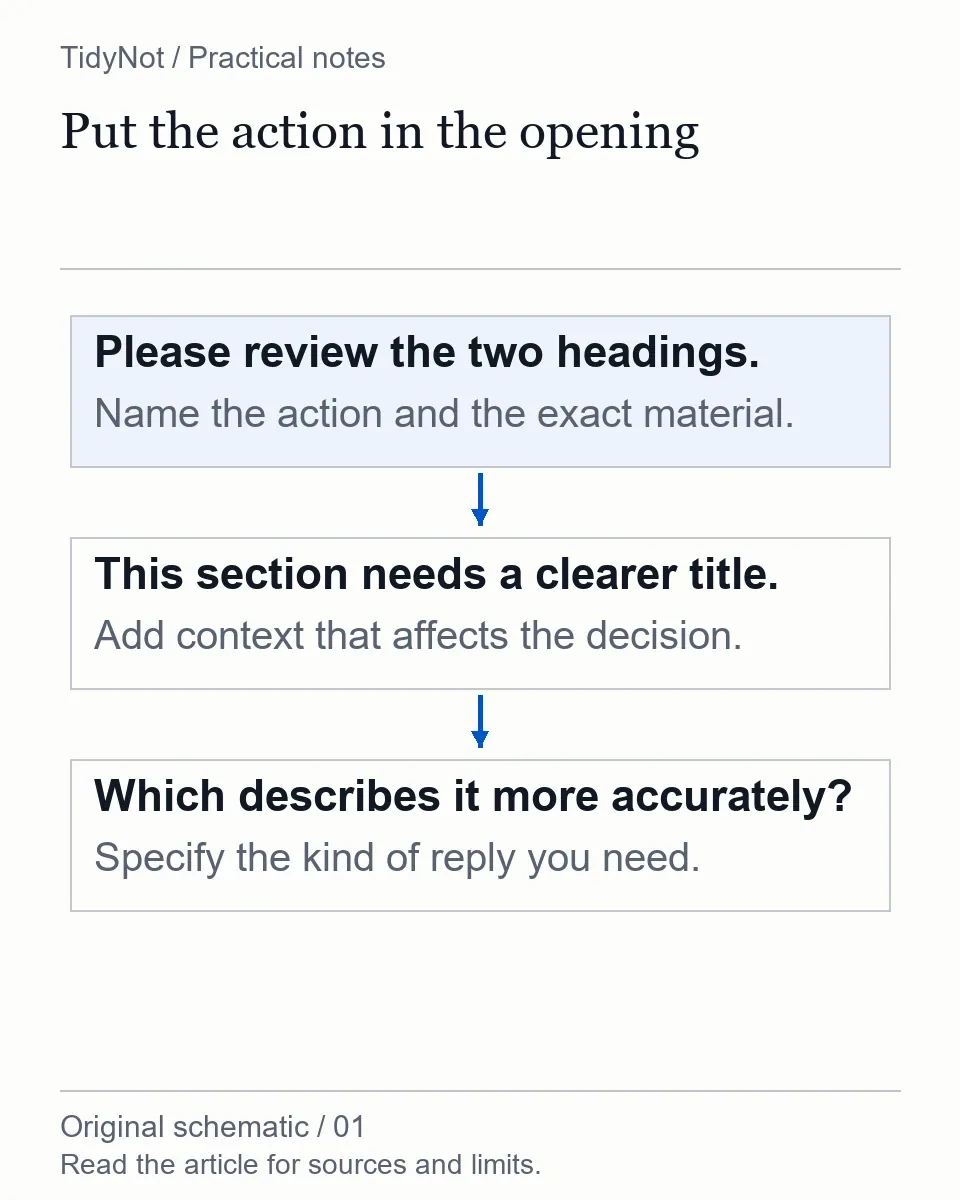
Put the requested action first, followed by the information needed to respond.
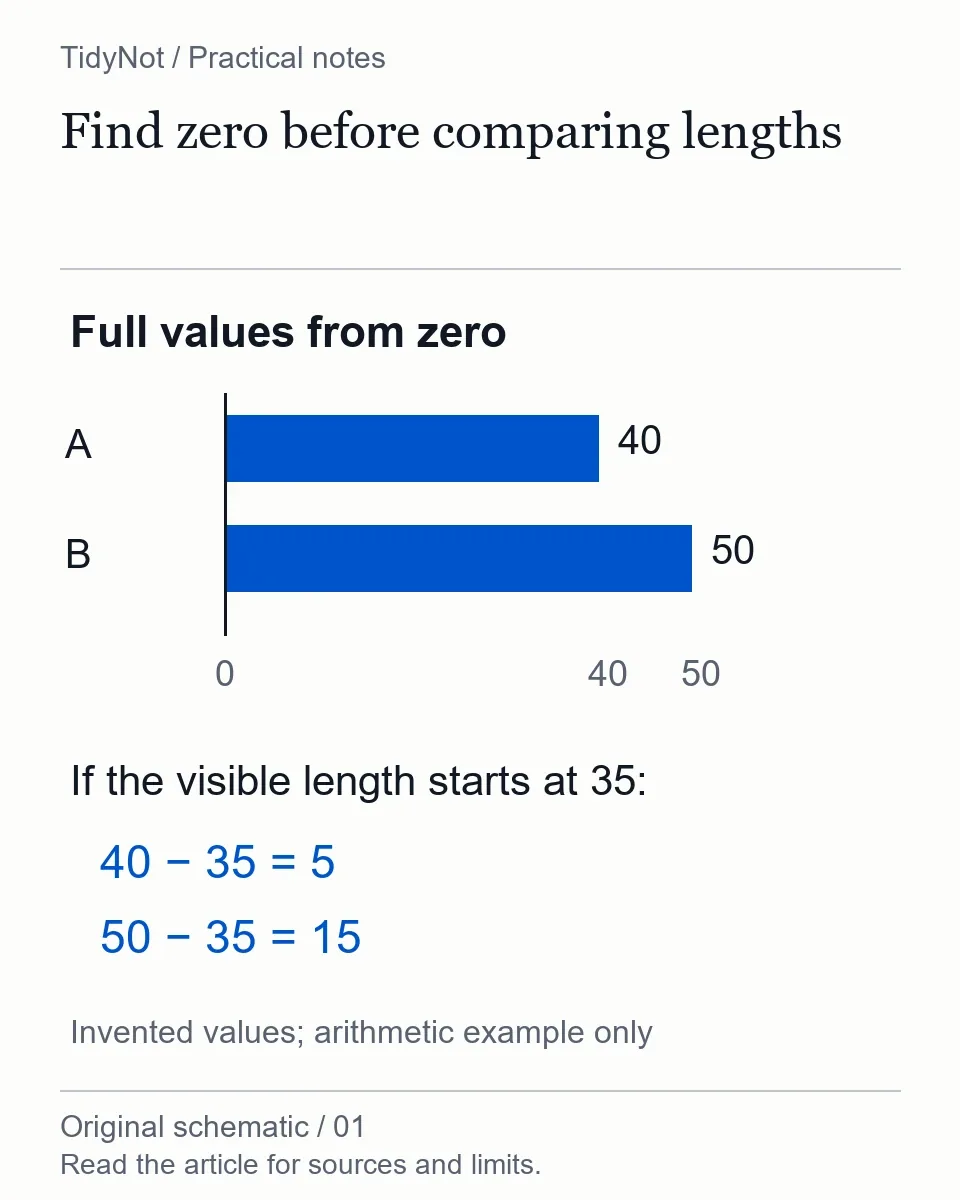
Read the baseline, units and range before interpreting bar lengths.
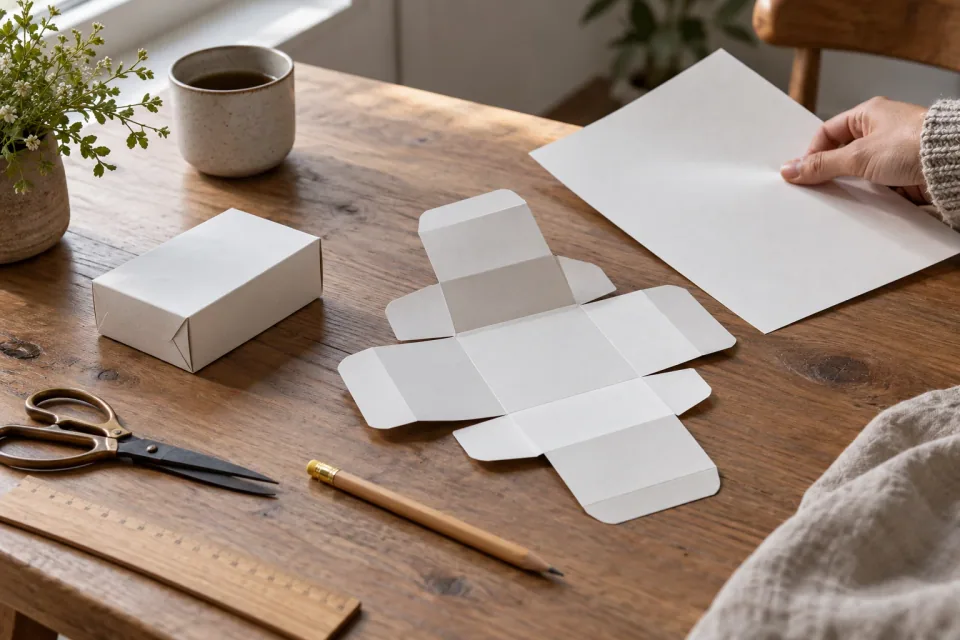
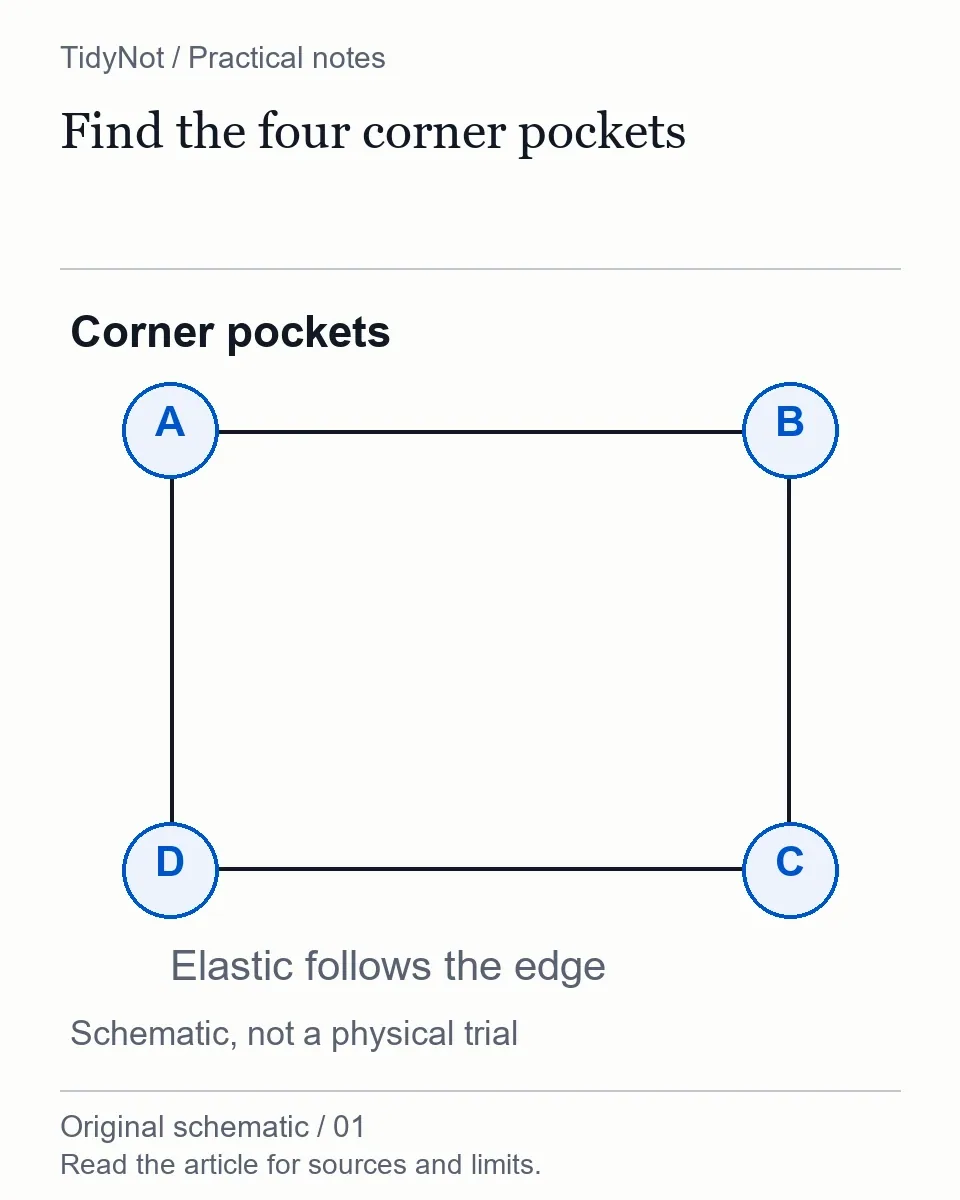
Find and align the corner pockets, then use the supported tutorials for the folding sequence.
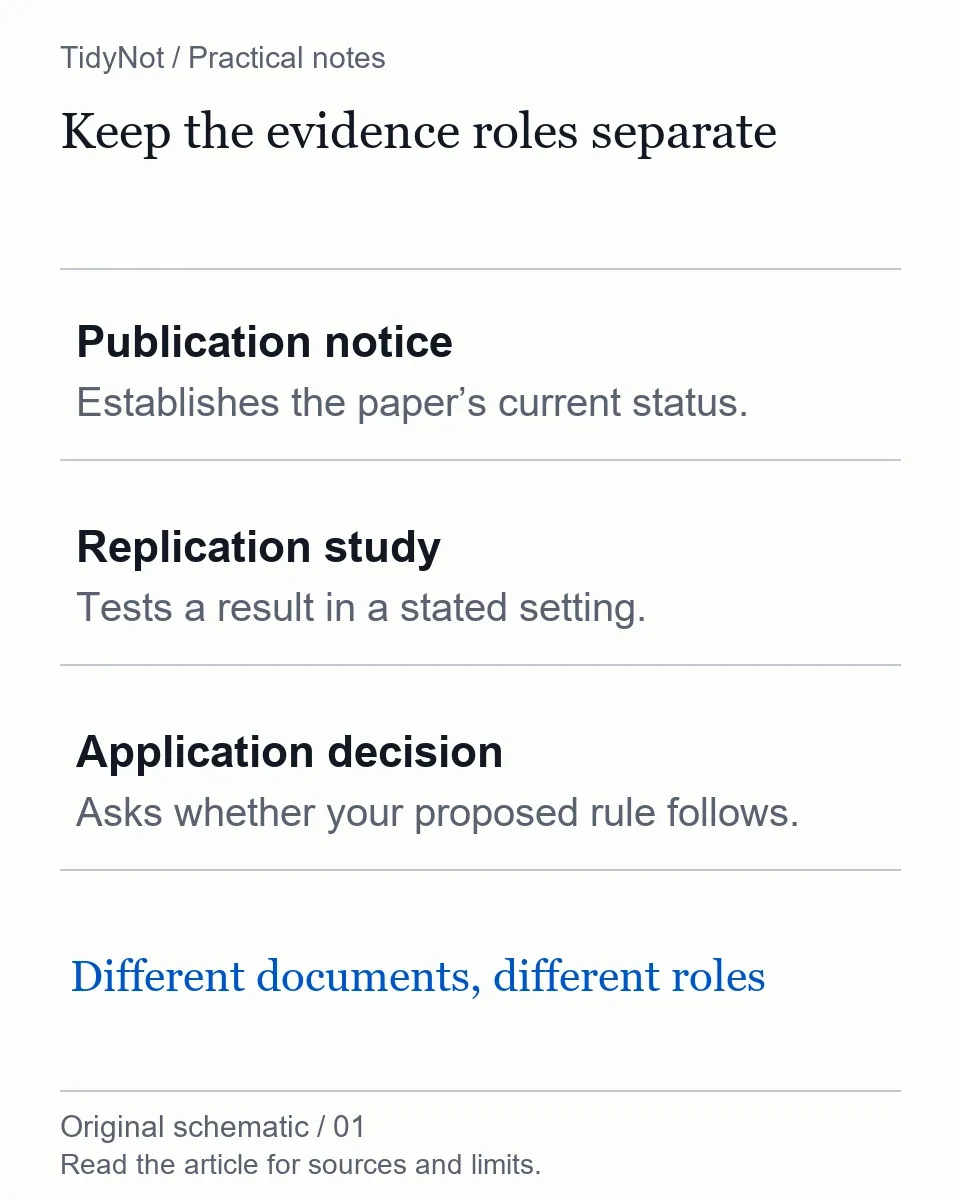
Separate the original claim, current publication status, replication and proposed application.
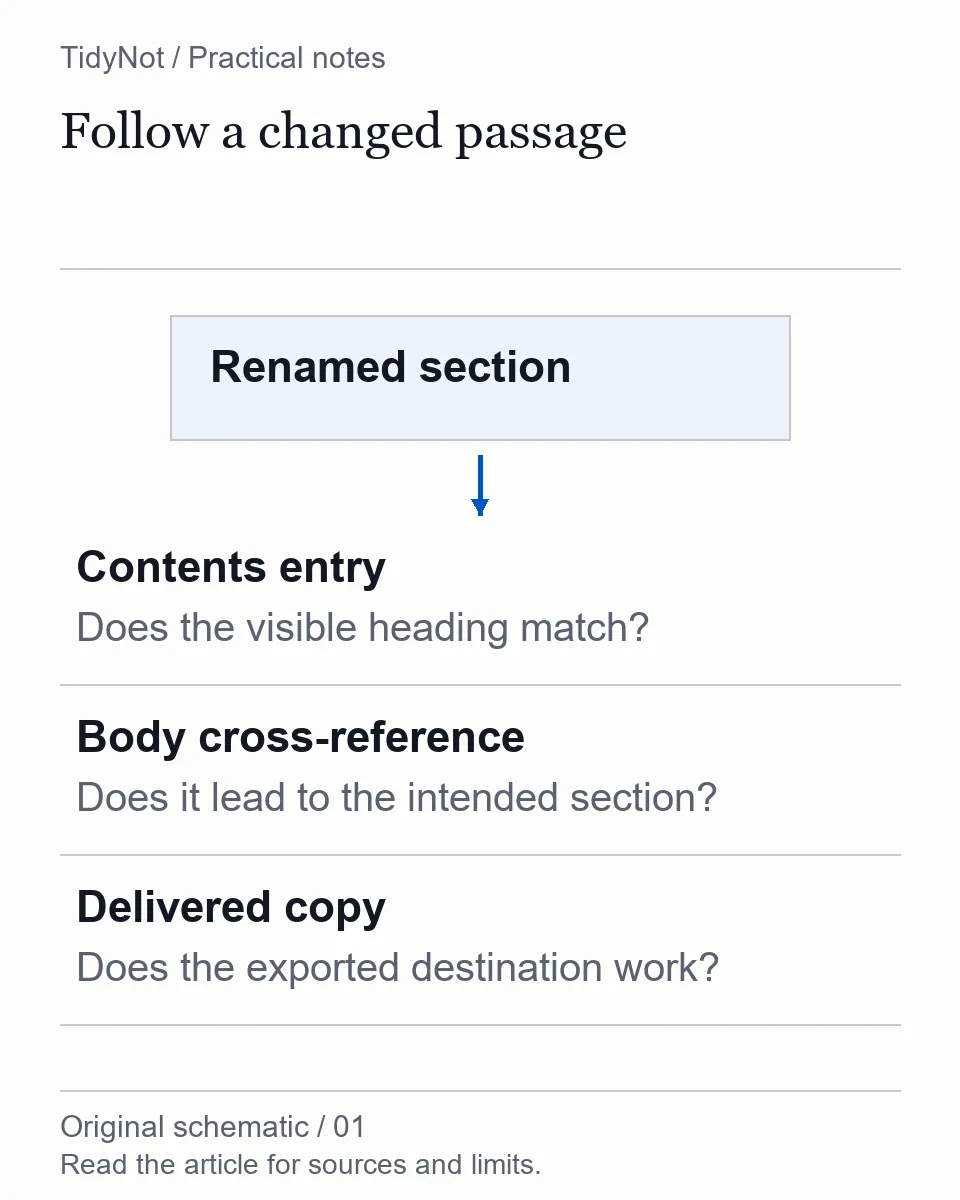
Trace a changed passage to its dependent document elements.
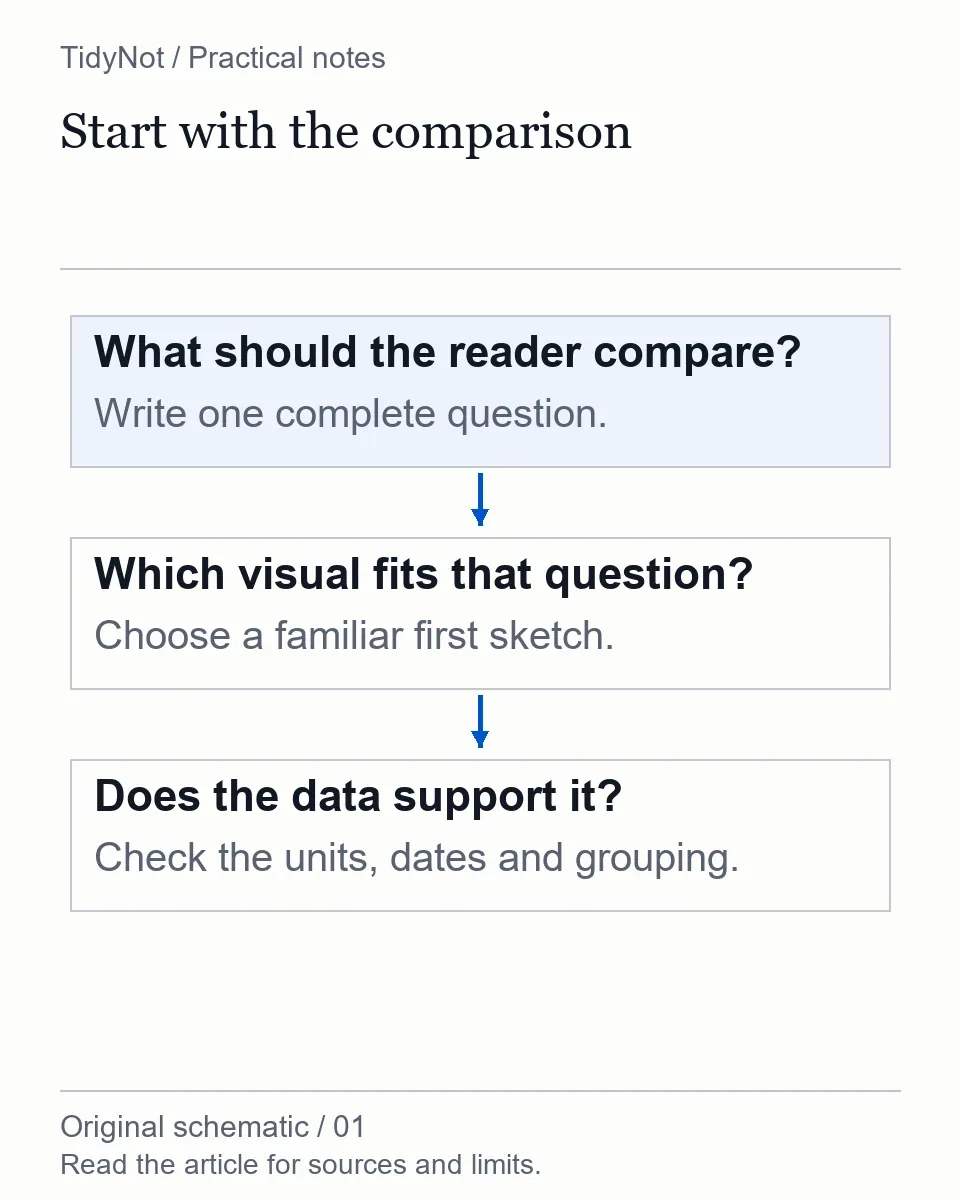
Write the comparison question before choosing a visual.
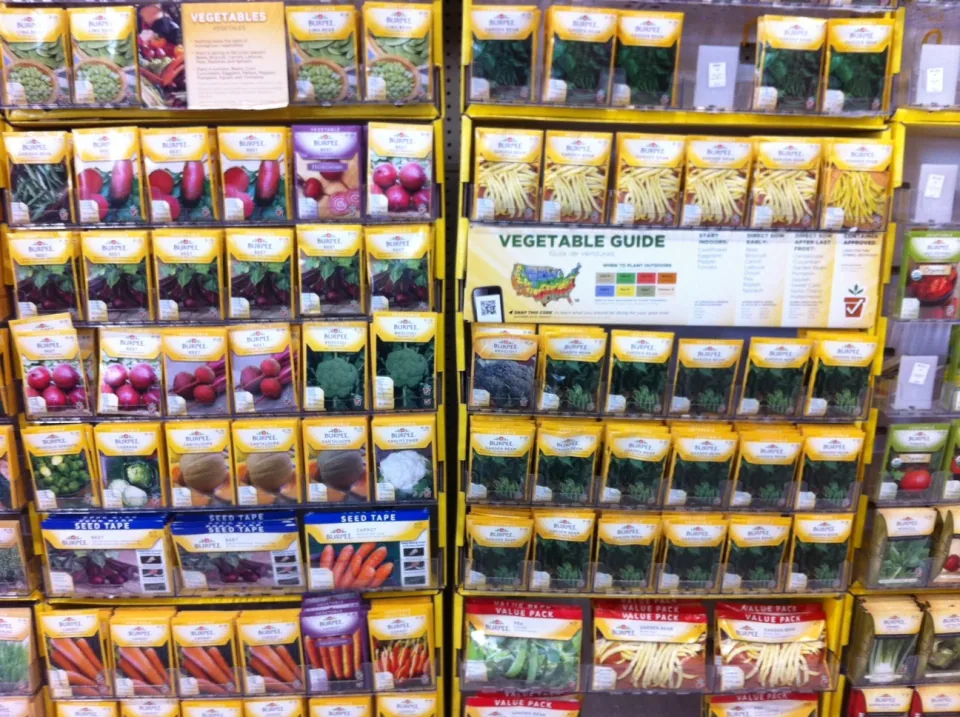
Label and index already-dried saved vegetable seeds by crop, variety, and collection date, then put the packets in a suitable cool, dry location.
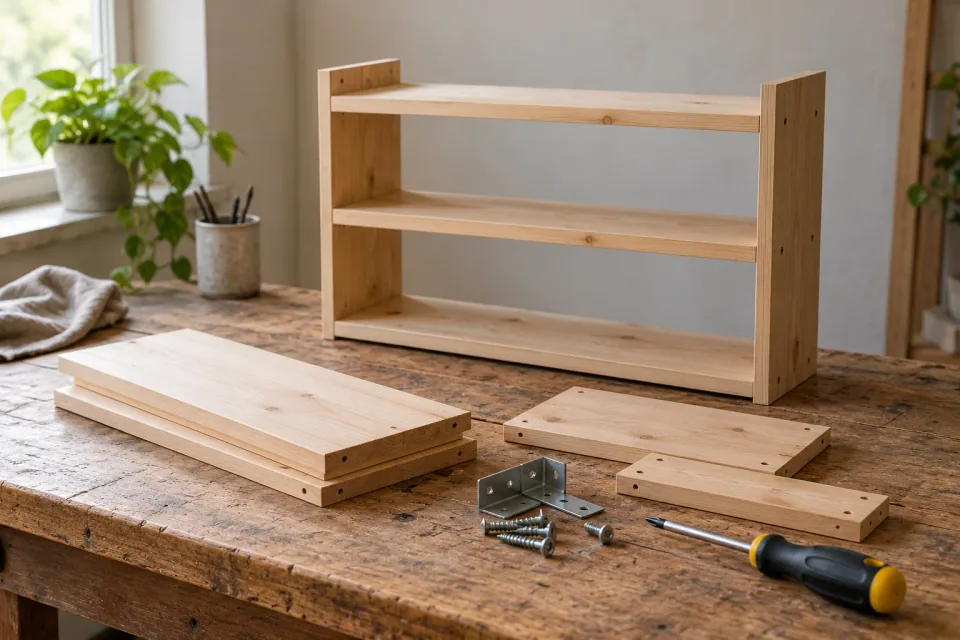
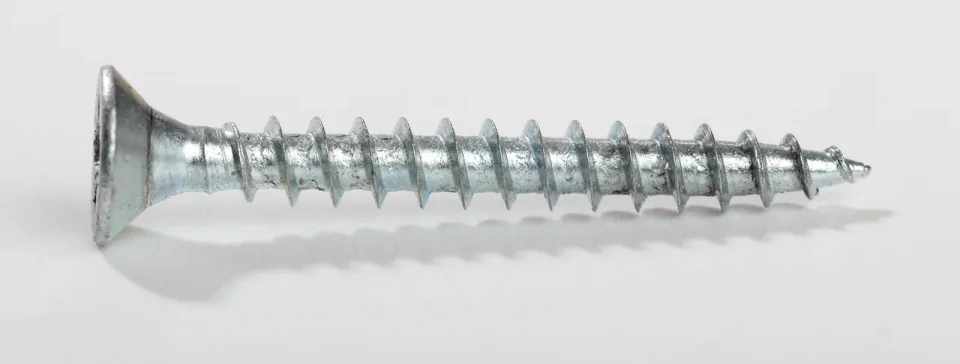
Match loose furniture fittings to the exact model and assembly diagram, preserve part numbers, and keep uncertain matches clearly separate.
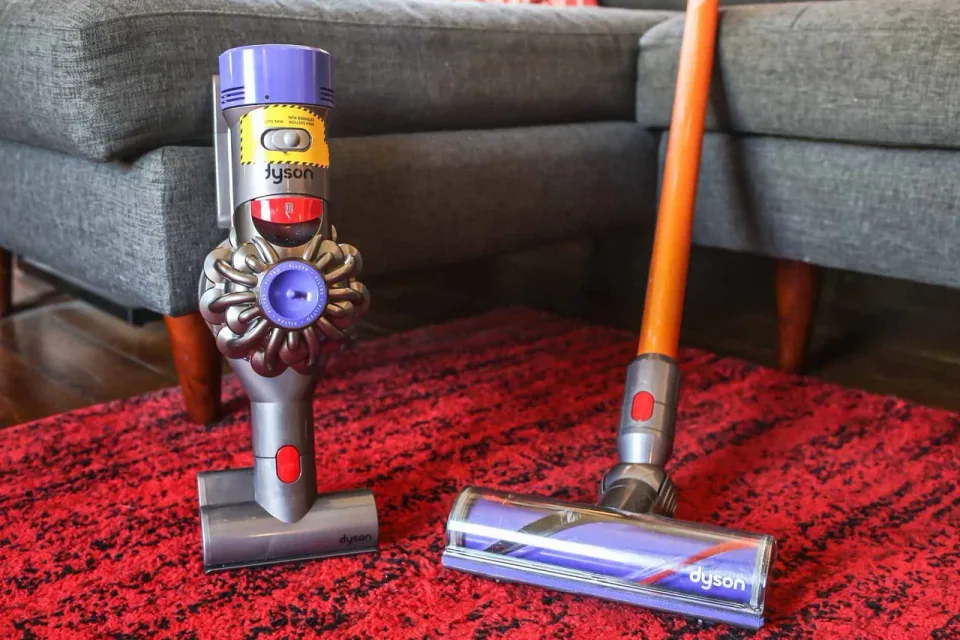
Clean a manufacturer-approved washable vacuum filter, track the drying stage, and check that it is ready to refit before using the machine.
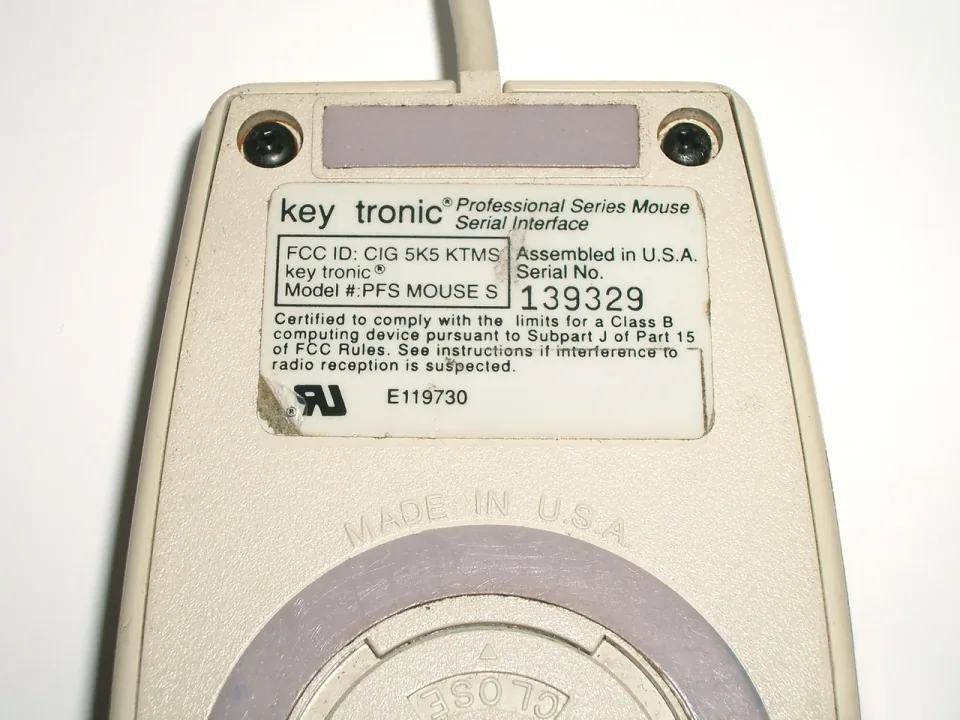
Compare a household product’s actual model and batch details with a CPSC recall notice, then record the result and any separate remedy step.
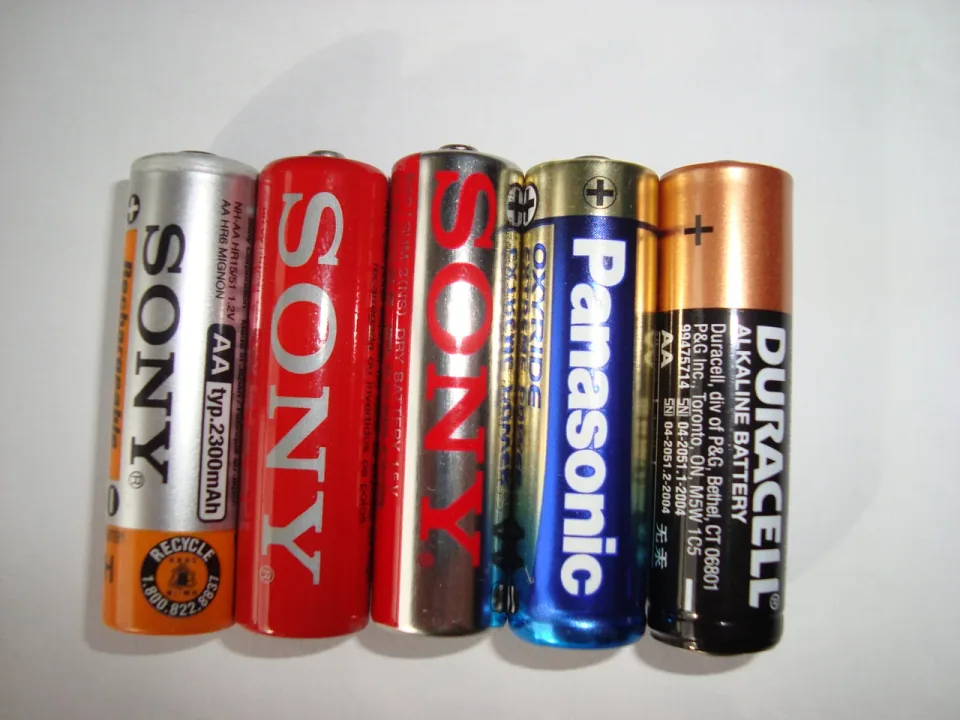
Sort small used household batteries by their labels, confirm an accepting collection site, and track the batch through actual handoff.
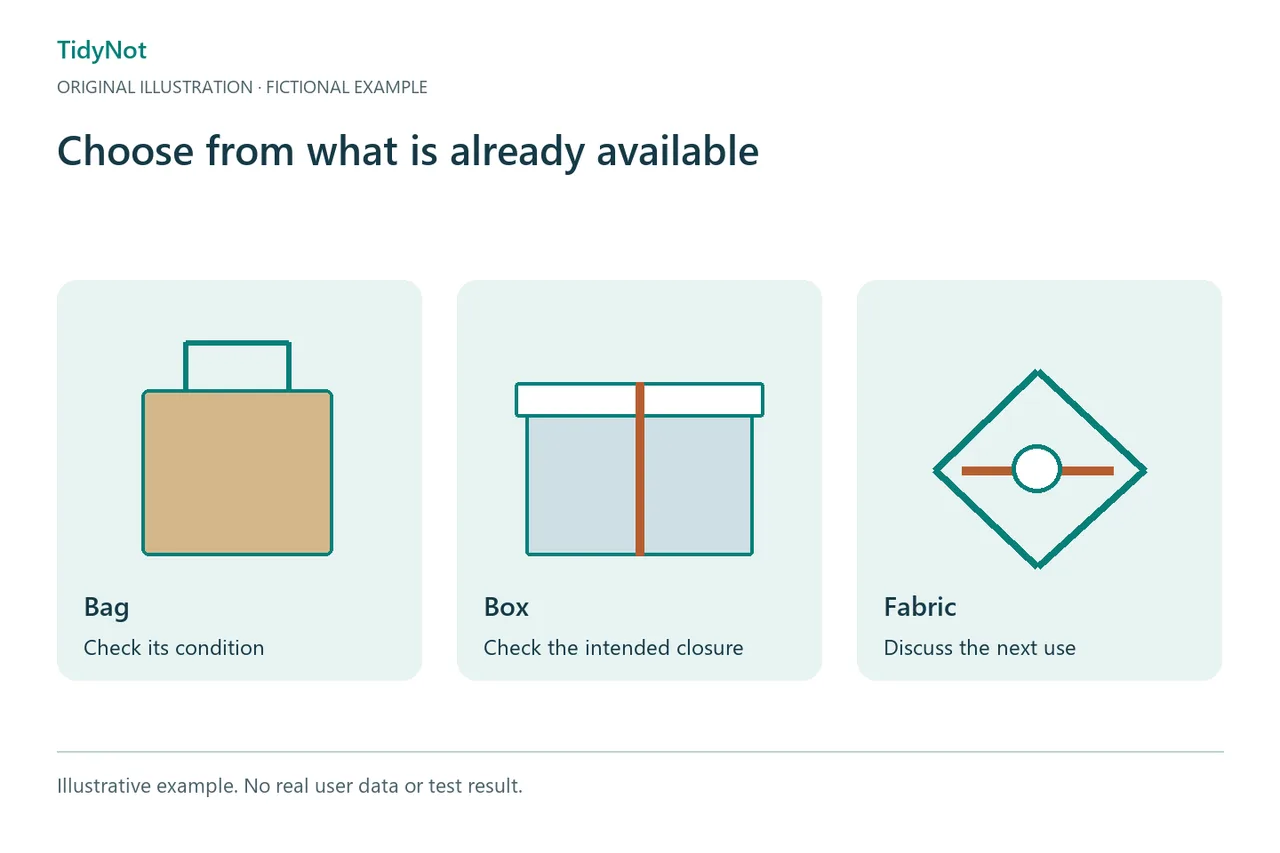
Choose reusable wrapping that fits and protects the gift, with a practical next use for its recipient.
Try removing one optional routine step, protect required checks and record what becomes easier or harder.
Agree on a task’s expected output, acceptance checks and reviewer before handing it over.
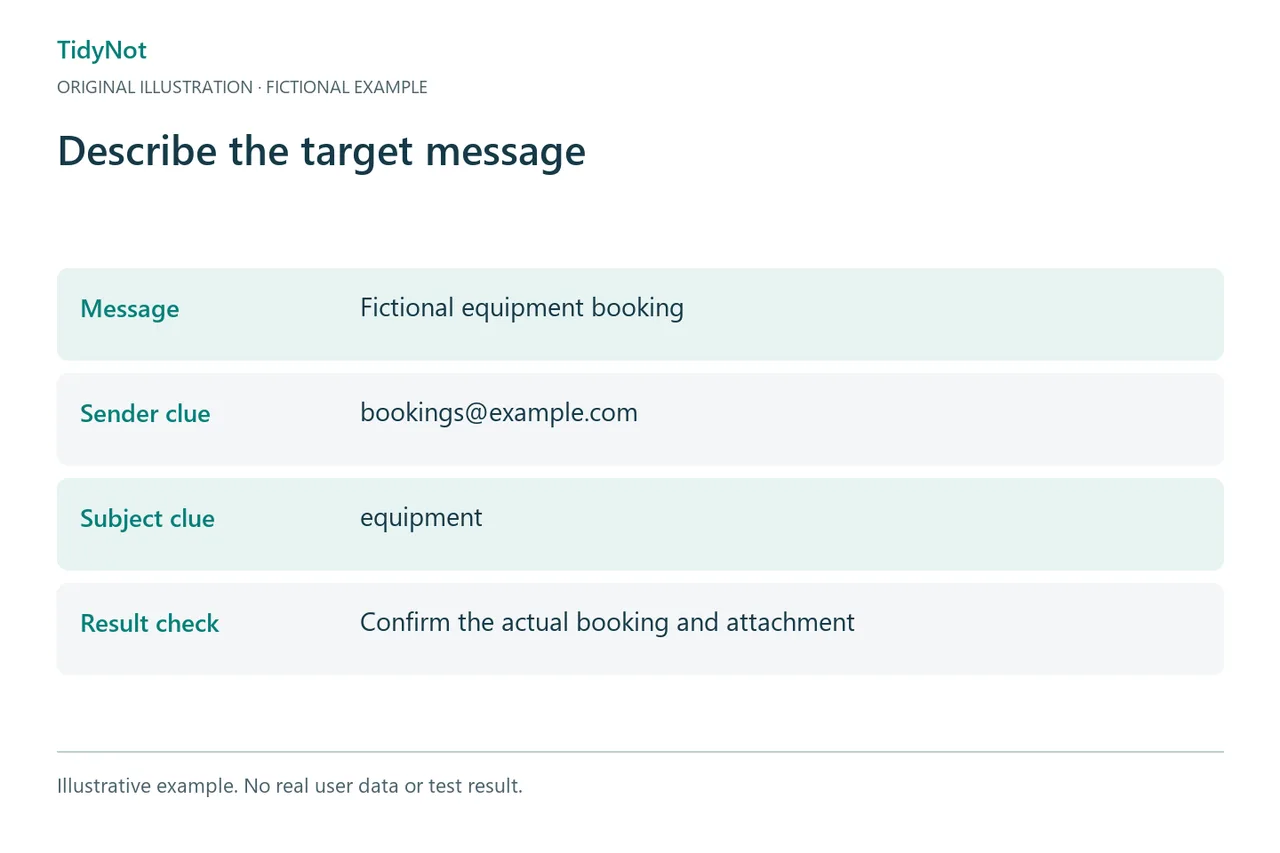
Test finding a known email with search scope, sender and keywords before adding another folder.
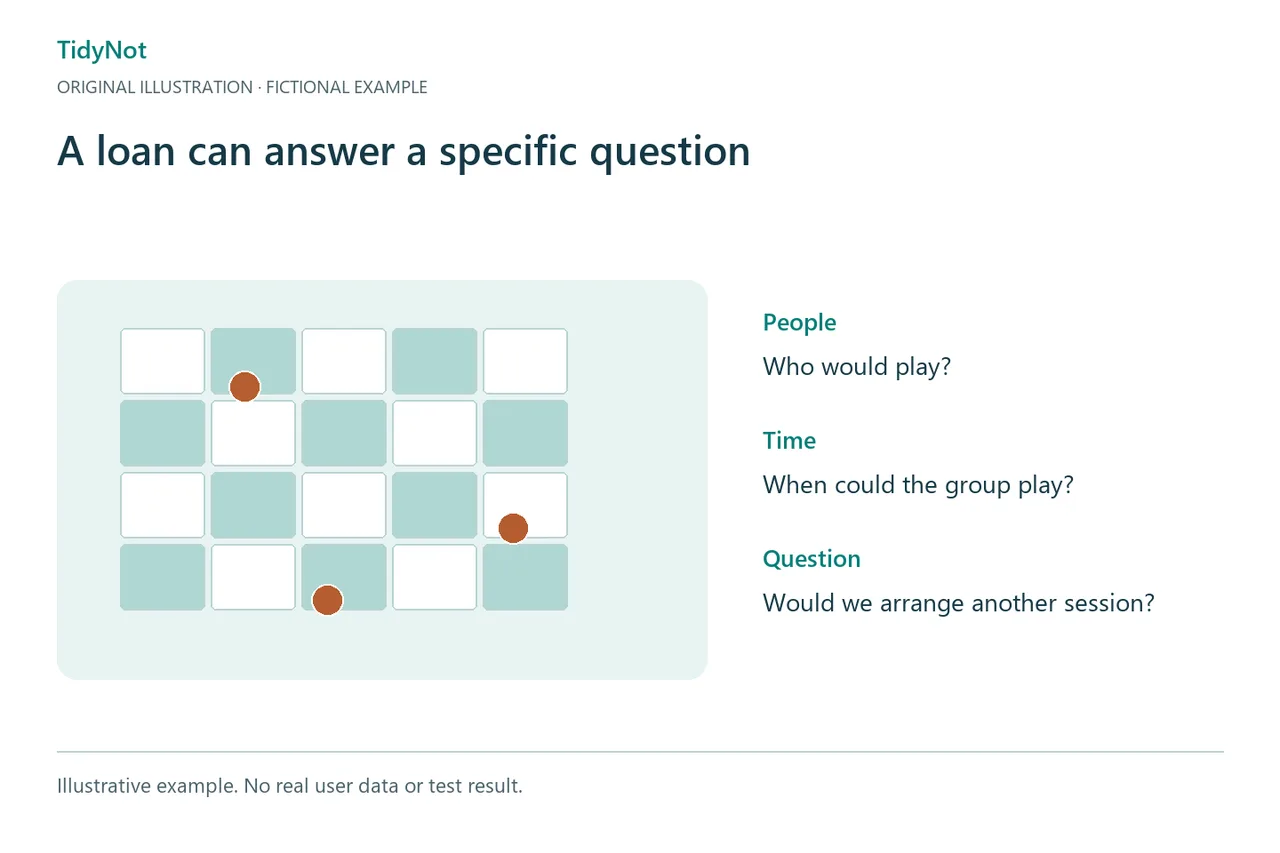
Borrow a board game, check the lender’s rules and record whether it suits your group before deciding to buy.
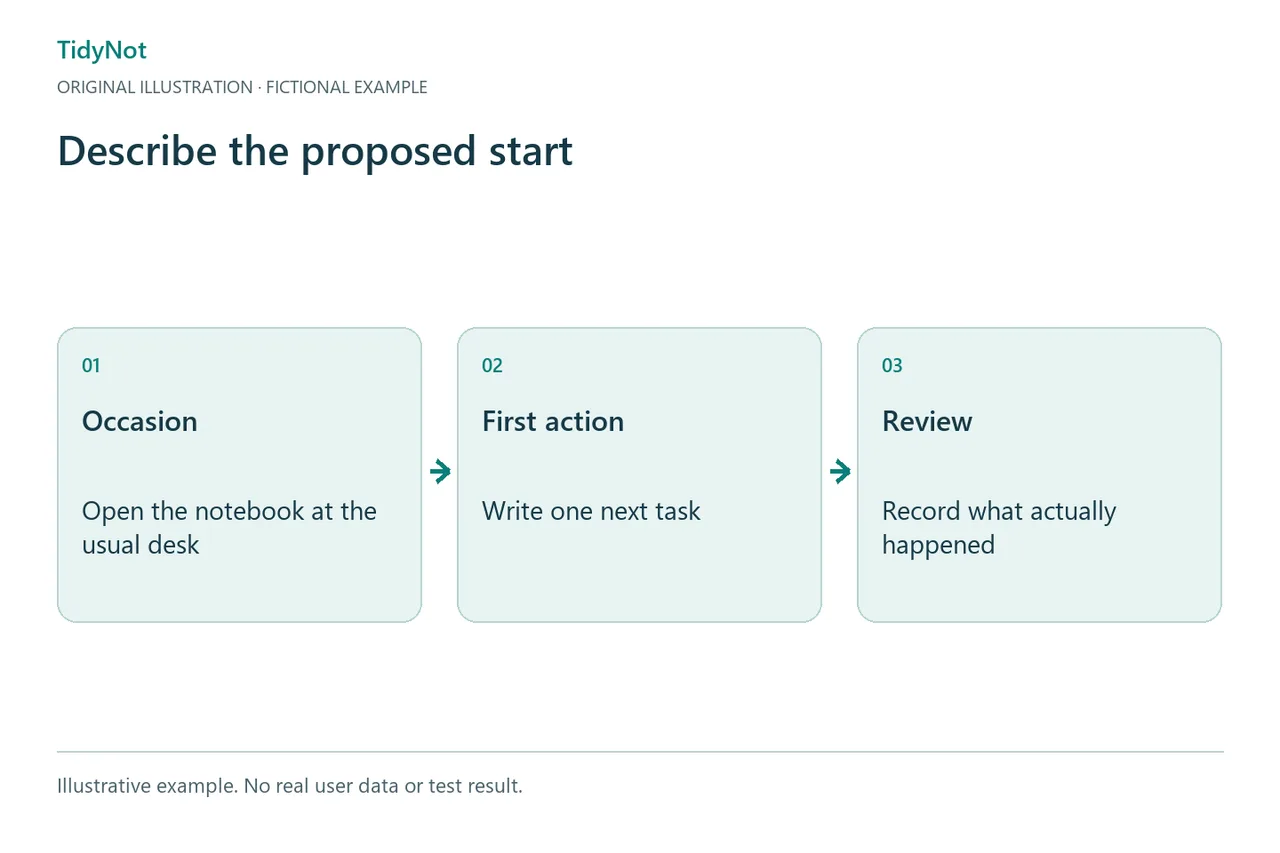
Describe a small starting action and a recognizable cue, then record what happened without promising a fixed habit deadline.
Write a task checklist with observable completion checks and place it where the work happens.
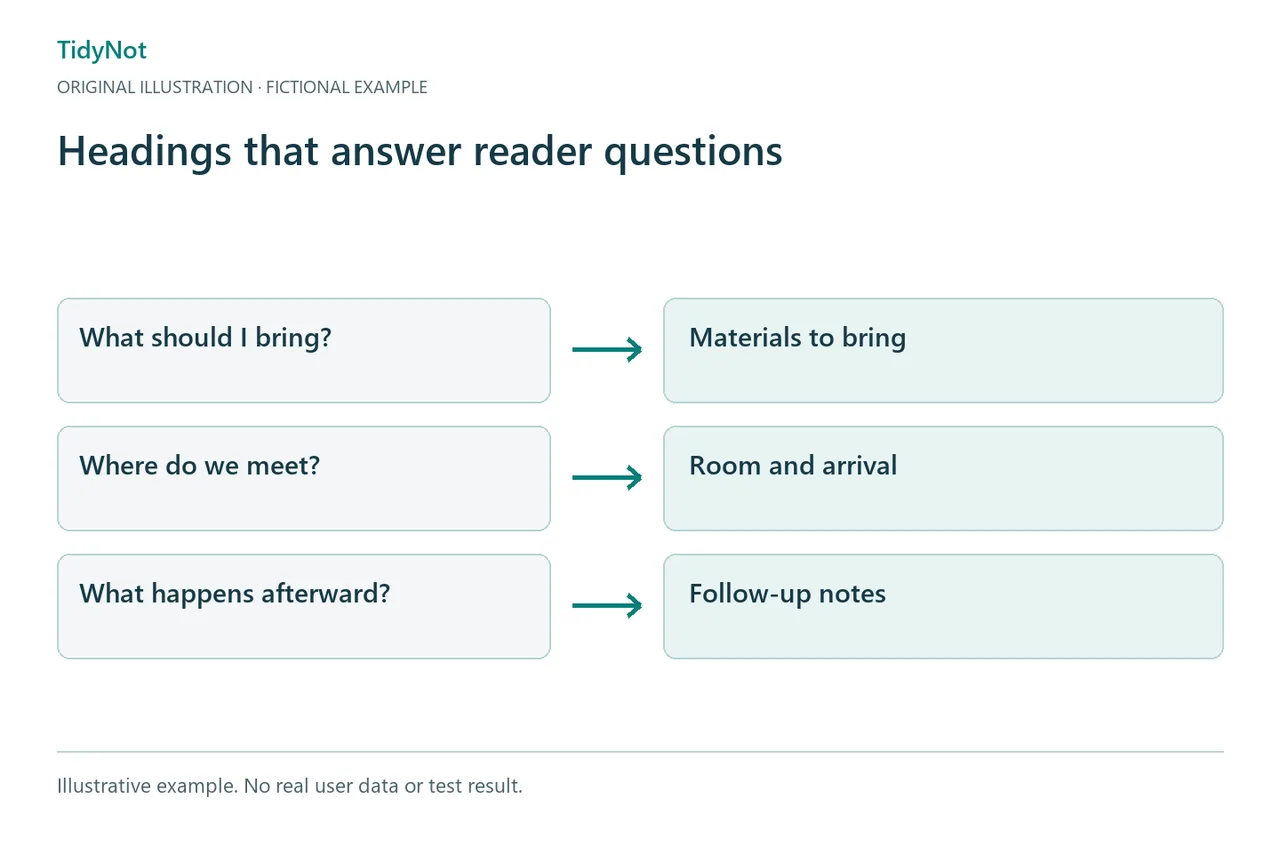
Give a long document meaningful headings, a usable contents list and a checked route to the sections readers need.
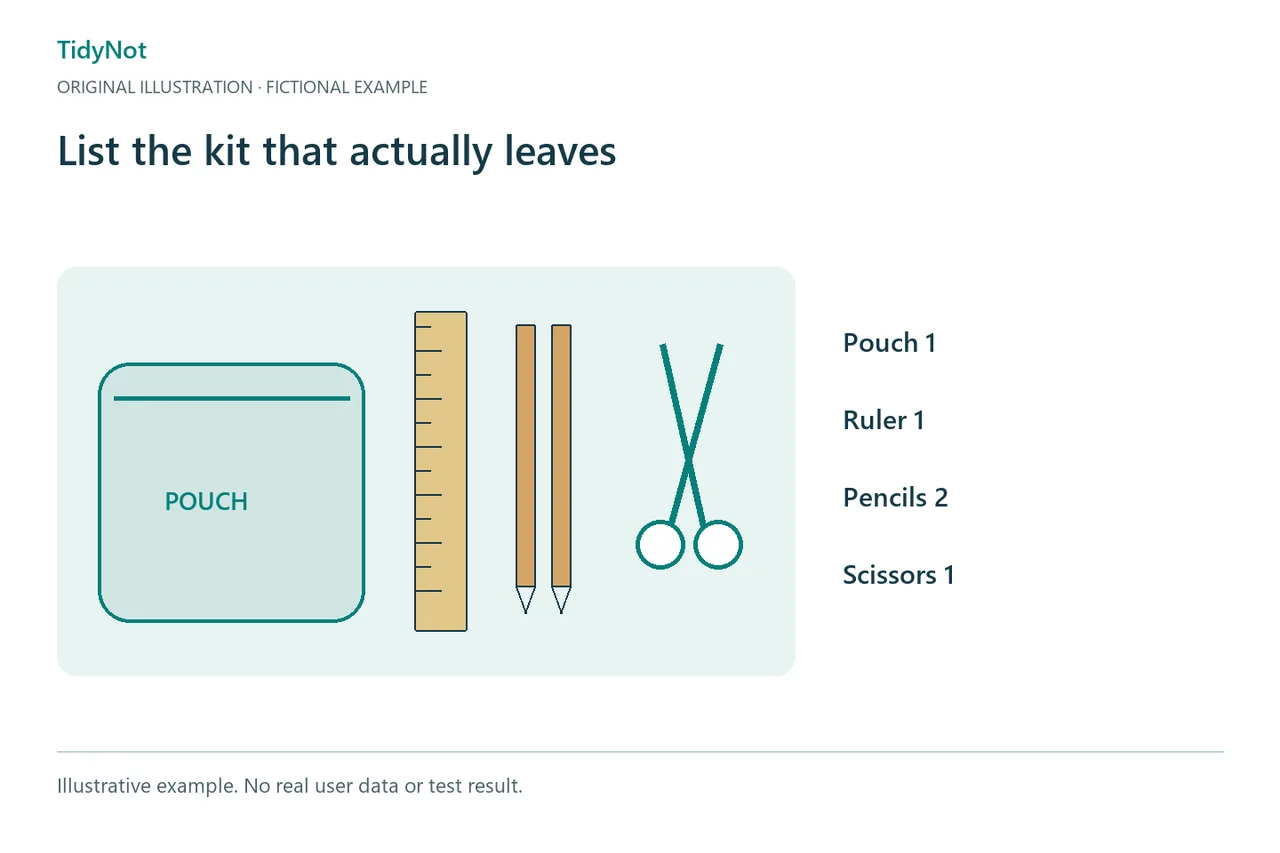
Keep borrowed household kit components together with a clear contents list, return arrangement and receipt check.
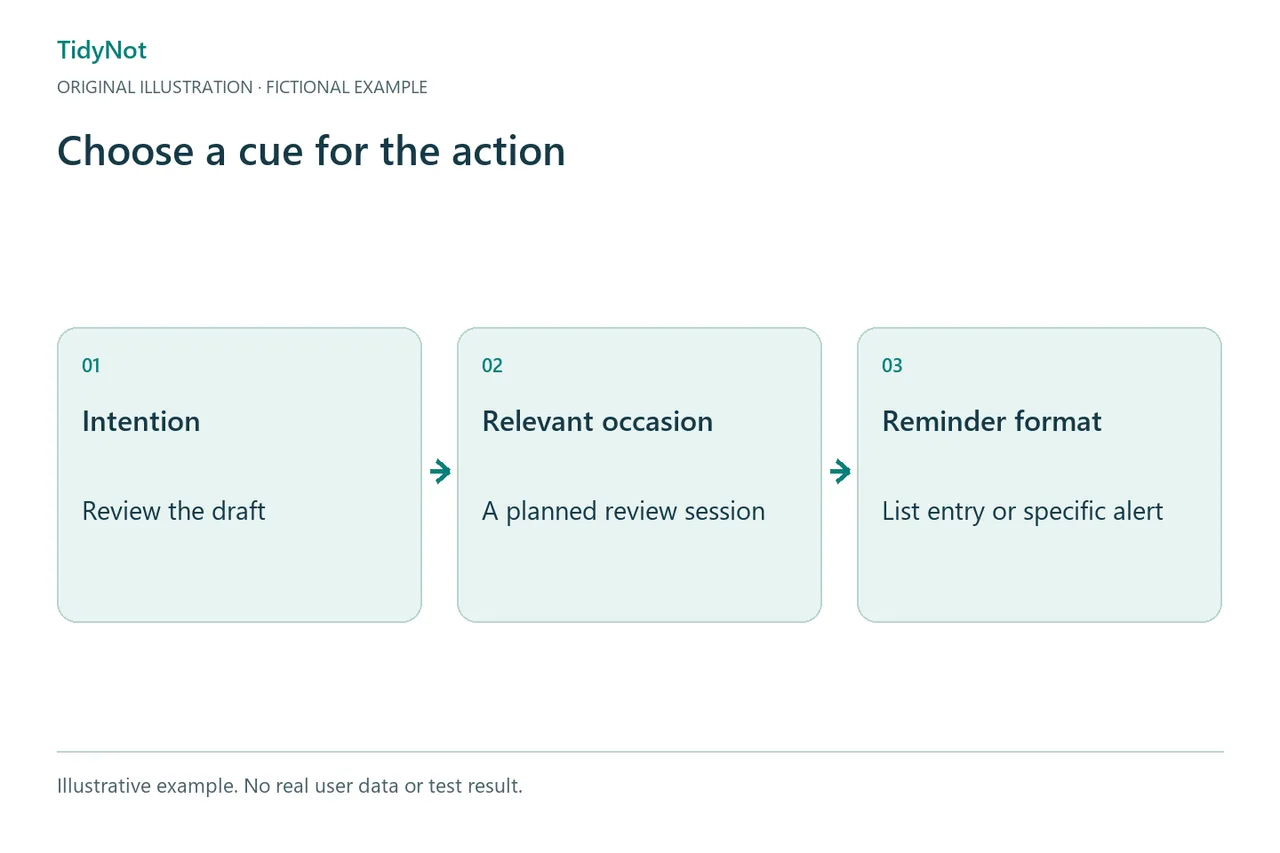
Choose a reminder for a clear action. Review its timing, delivery and usefulness before adding another notification.
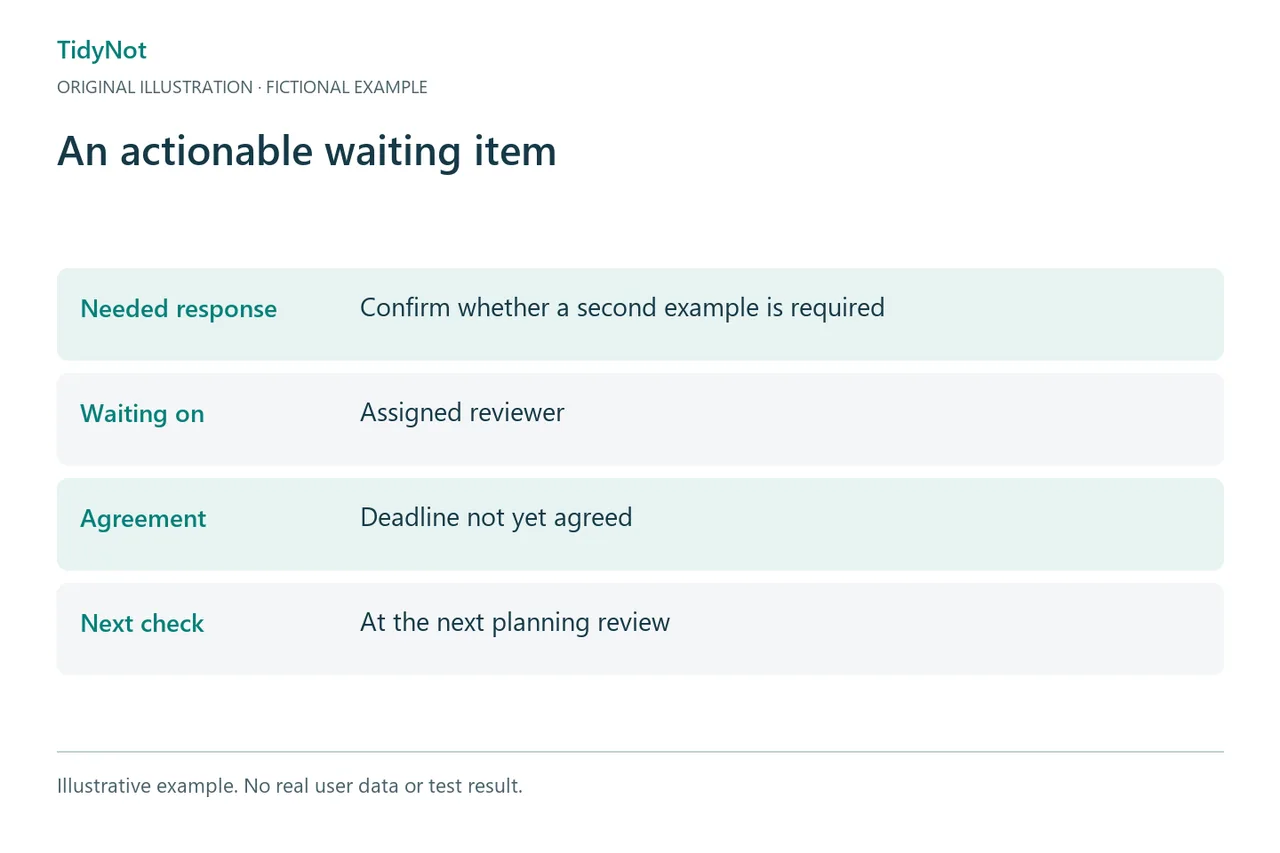
Record the reply you need, who owns it, and when to check again without confusing a follow-up date with an agreed deadline.
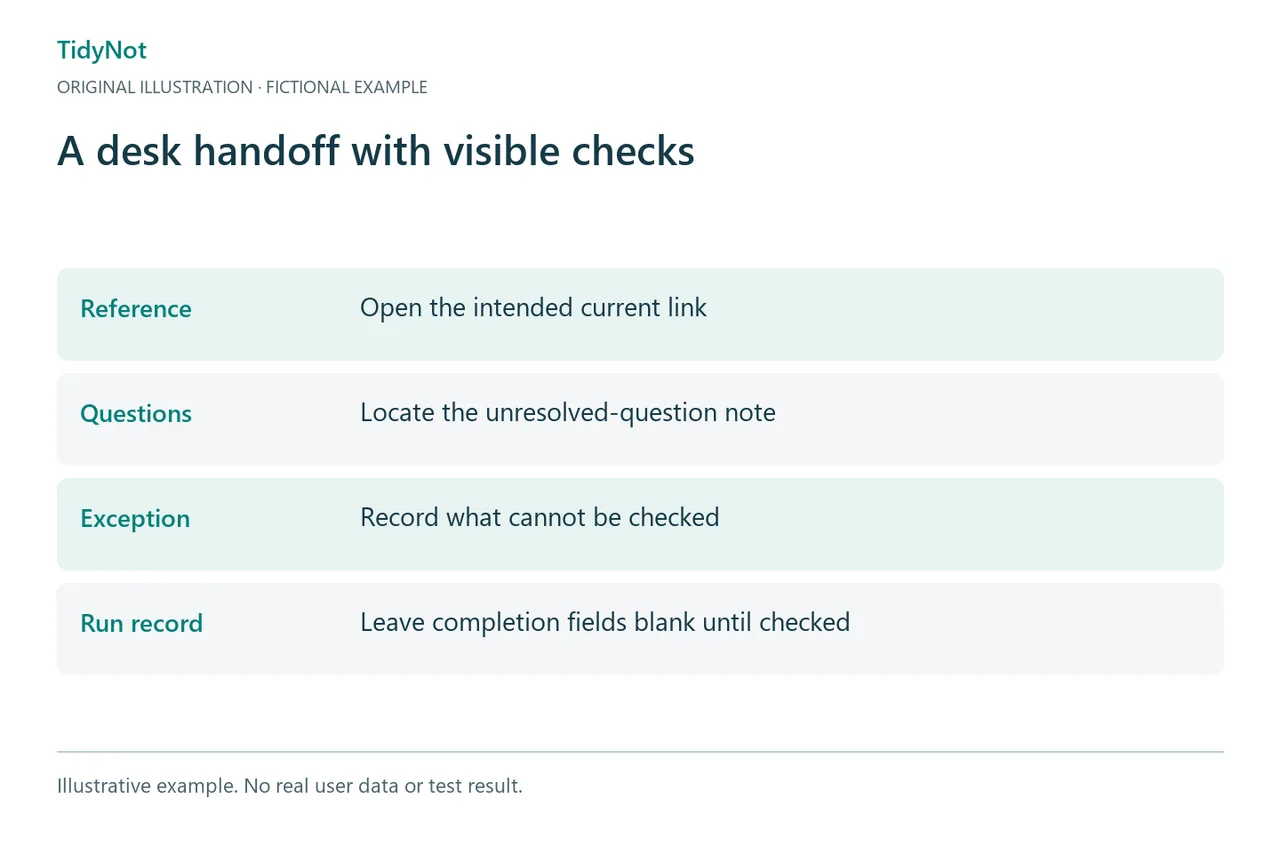
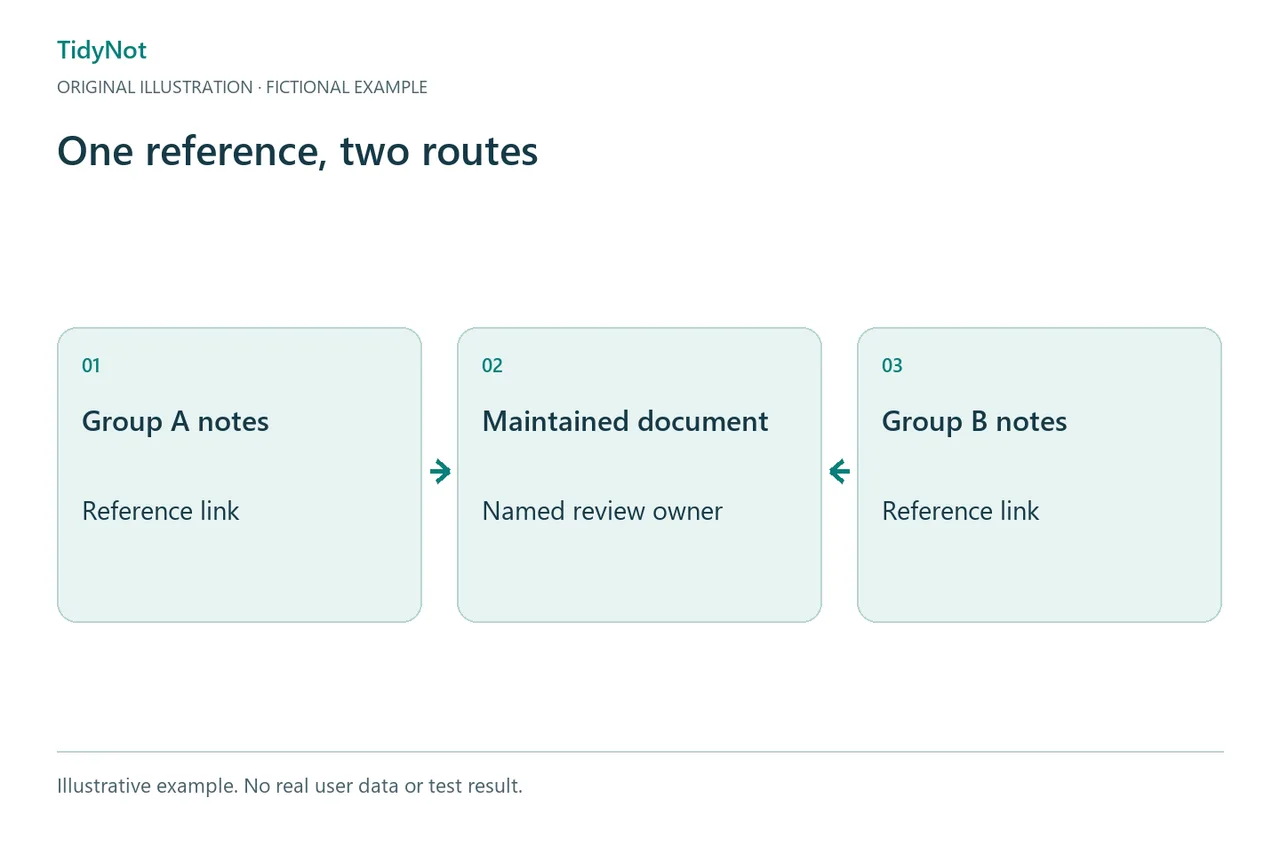
Keep one maintained document, name its owner, and check that reference links lead readers to the right file with the right access.
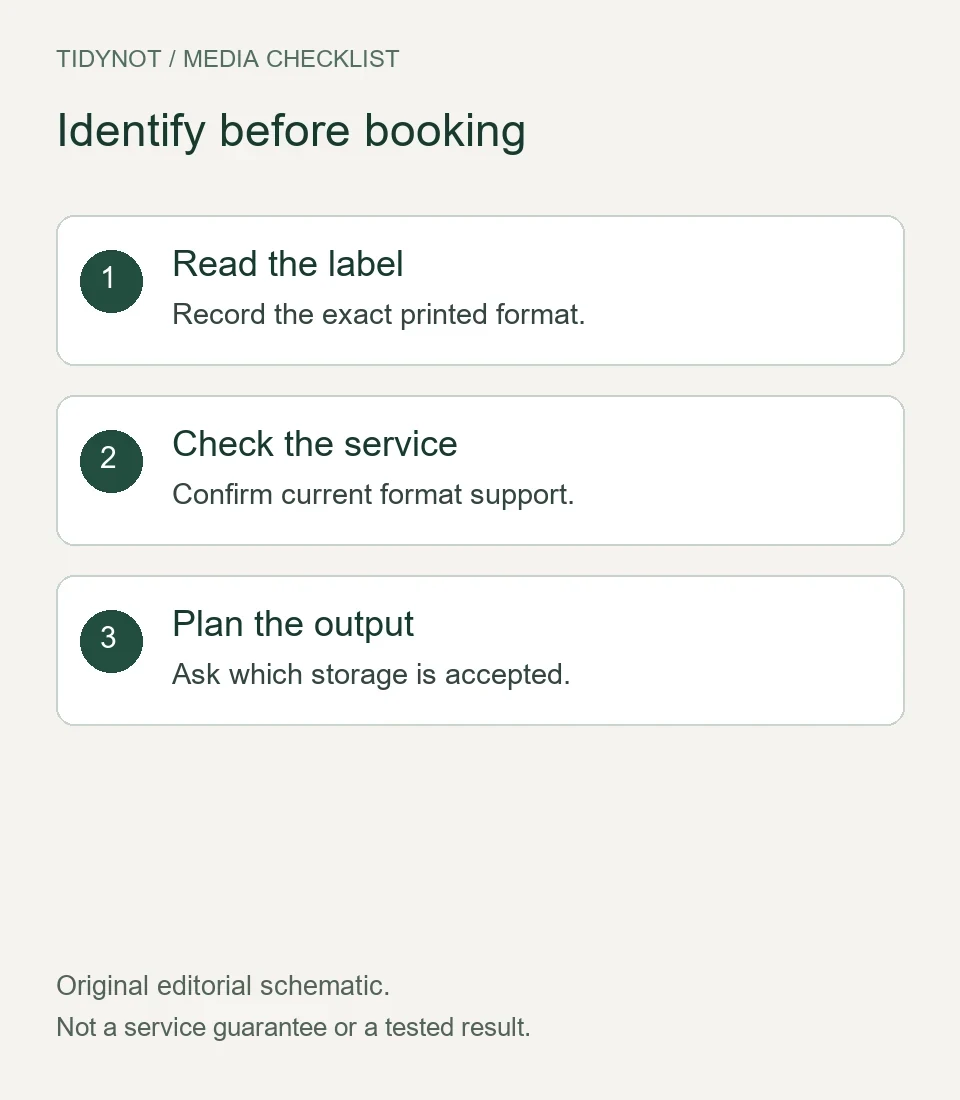
Before booking a digitizing session, identify the format you have and check whether the service currently accepts it. Then ask who operates the equipment, what you need to bring, and how you will take the files home. A service that handles VHS may not handle the smaller cassette sitting beside it.
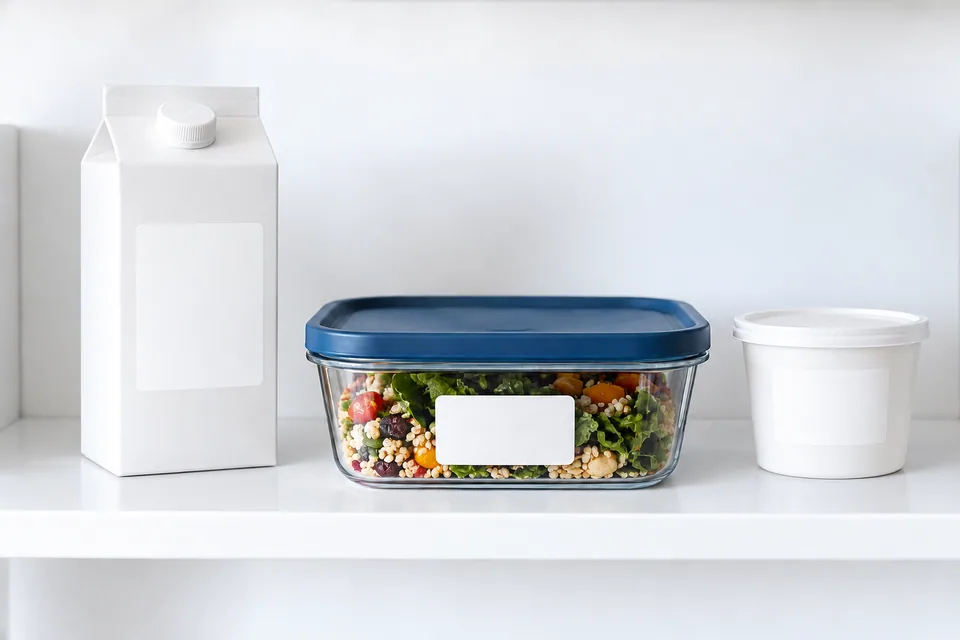
Keep any known opened or prepared date with the food, and leave an unknown date marked as unknown.
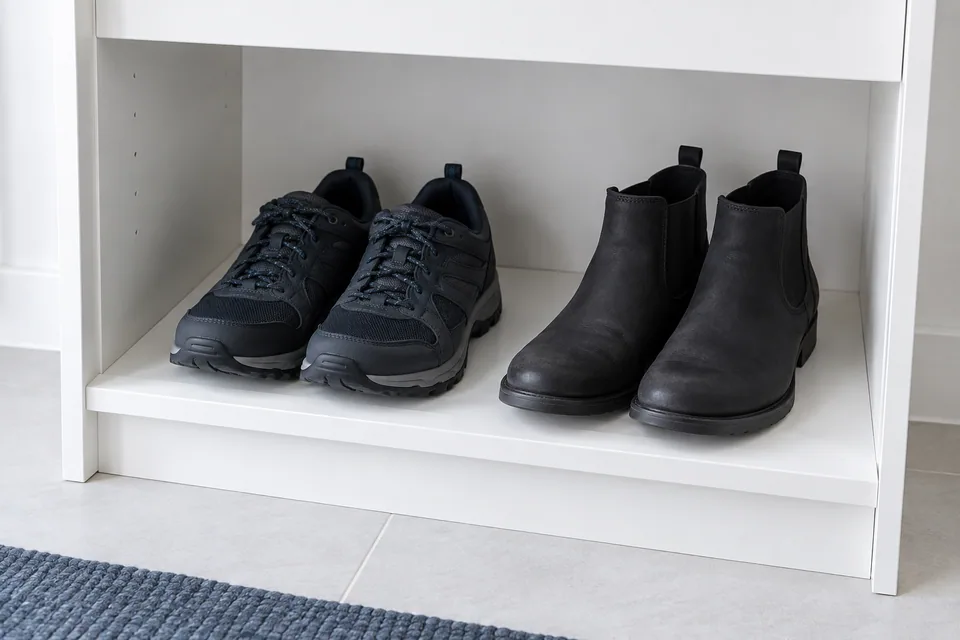
Try the pairs you reach for most before adding another rack.
Choose a small finish boundary, leave a useful pause note, and return to one next action with a reusable cleaning routine table.
Start with one shelf, drawer or short length of rail.
Choose when to use dates, descriptions, and versions in personal filenames, with eight examples and a rule card you can adapt.
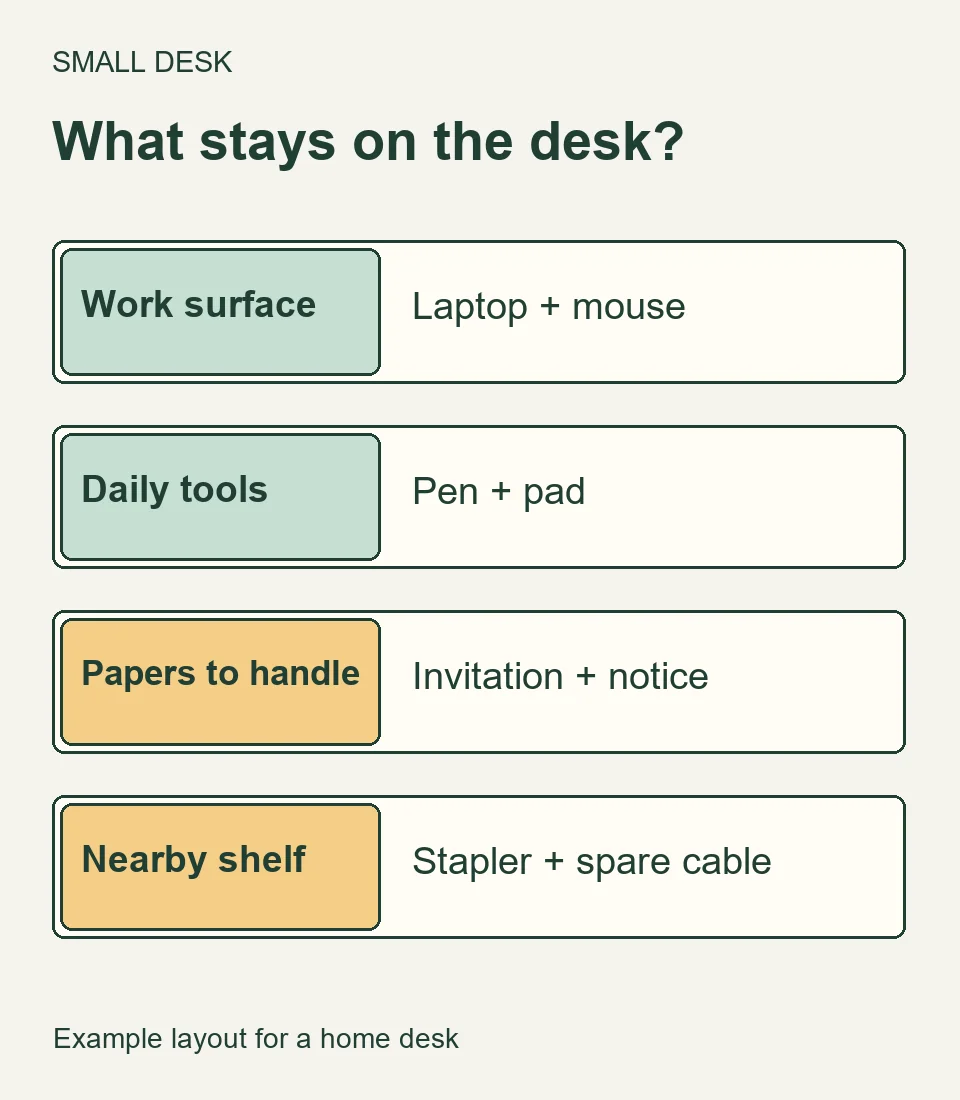
Make room for a laptop or an open notebook on a small desk. Use eight everyday objects to decide what stays within reach and which papers need a next action.
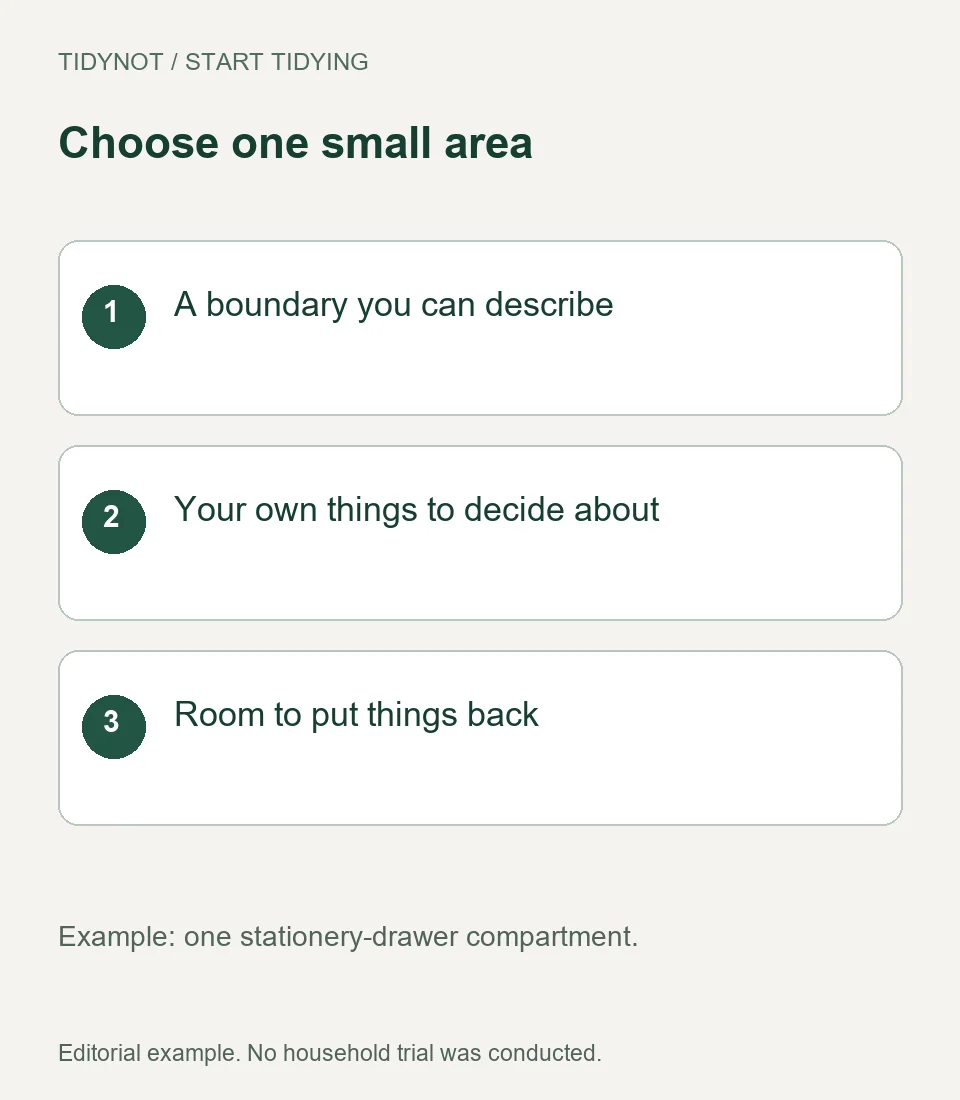
Choose one small area, return items to their places, and note what needs checking. Finish when the area is usable again.