Digital
Change a Photo Date in Mac Photos Only When Evidence Supports It
Correct supported photo dates in Mac Photos 11.0 on macOS Tahoe 26. Back up, log original values and reopen Info to verify each change.
Organize information so that its meaning survives the next move. File names, dates, sources and numerical context help you find something again and understand what it says.
Looking for a specific problem? Compare all guides by the decisions they help you make, or choose a topic represented in this collection:
Correct supported photo dates in Mac Photos 11.0 on macOS Tahoe 26. Back up, log original values and reopen Info to verify each change.
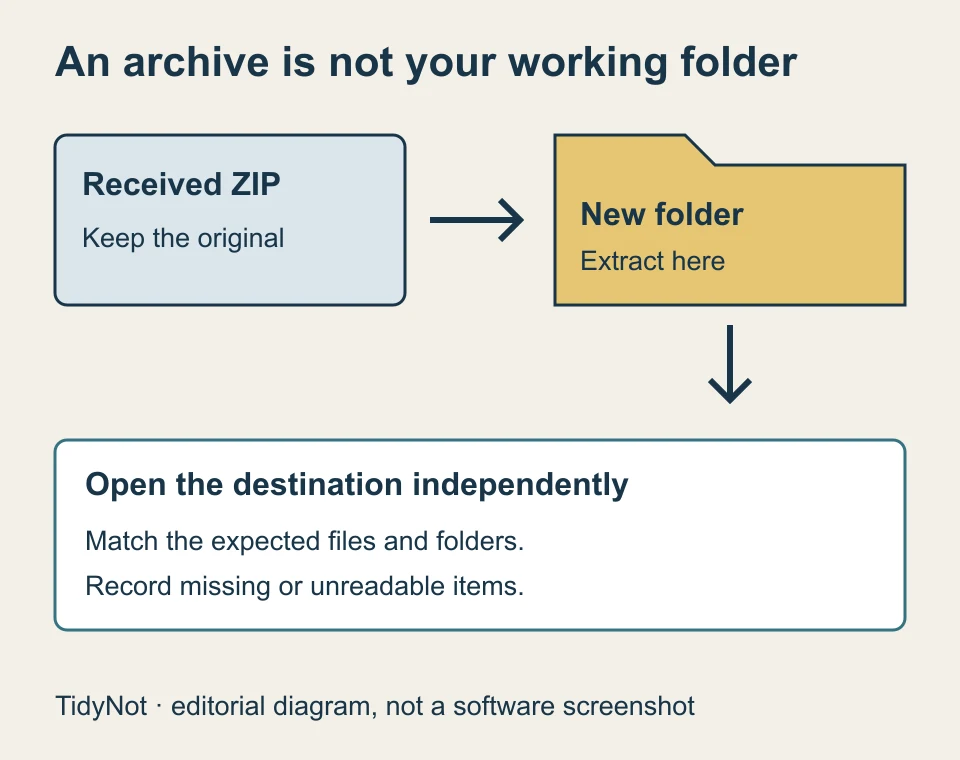
Extract a trusted ZIP into a fresh Windows 11 folder, check its contents outside the archive and record missing or unreadable files.
Mark a copied sentence as a quotation as soon as you save it, and keep its source and location beside it. Label your own restatement “paraphrase,” a shorter overview “summary,” and your reaction “my note.” That gives you a way to tell whose wording and ideas you are looking at when you return. Rewriting a passage does not remove the need to record its source.
When a source’s publication date differs from the day you read it, keep both and label them. Add a revision date only when the source identifies one, and keep the relevant edition or version beside the link. If the page does not show a date, write “not shown” rather than using today’s date. Your reading date records a check, not when the information became true or current.
Keep a small style sheet for the names and abbreviations you write repeatedly. Record the form you have chosen, the reason for it and the documents it applies to, then keep that sheet beside the next piece you edit. Start with choices you have already had to look up twice. You do not need to write a complete style manual before using a short list.
When two things change together, describe the observation before naming a cause. Use a small claim-check card to keep the comparison, method, and open question together.
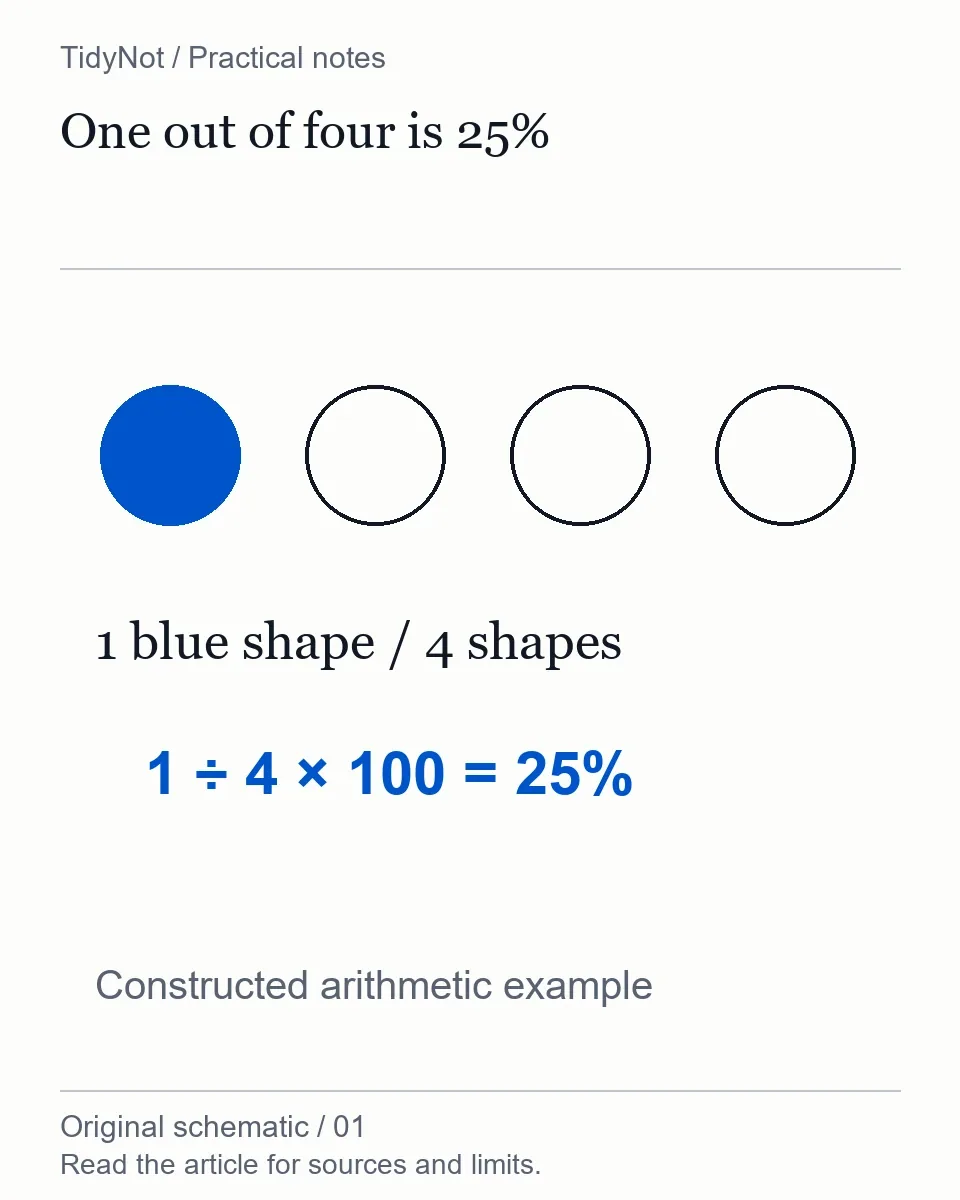
Keep the numerator, denominator, group and period attached to the percentage.
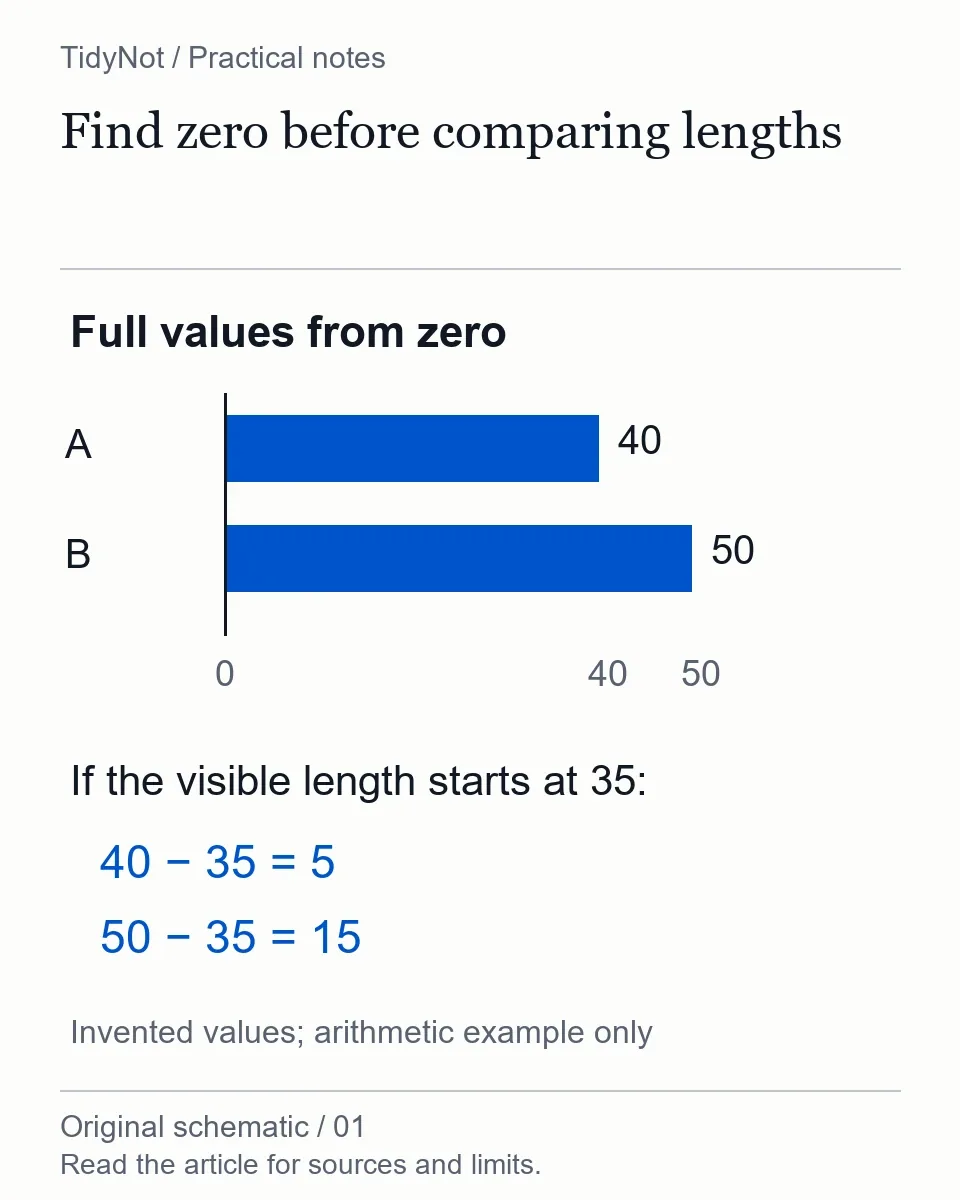
Read the baseline, units and range before interpreting bar lengths.
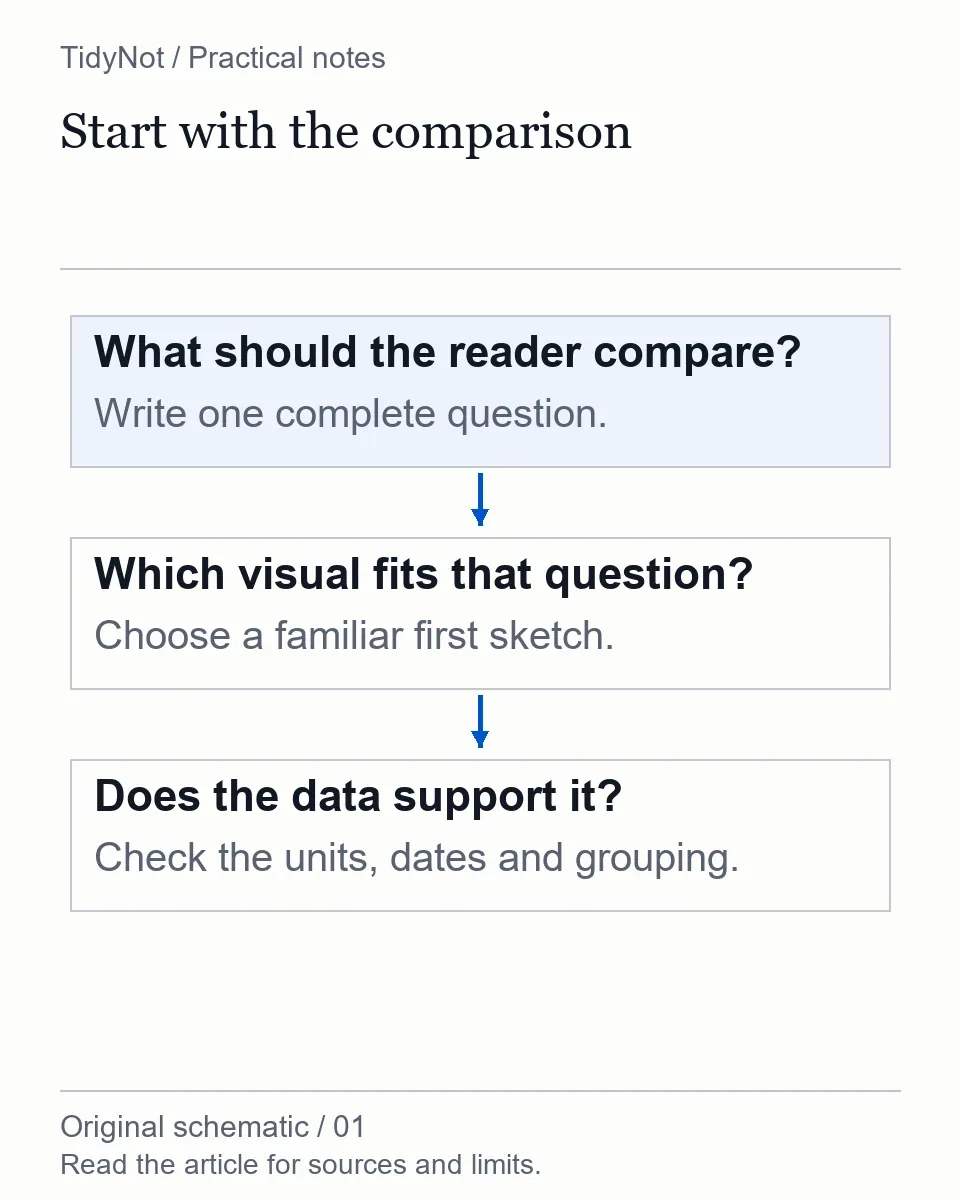
Write the comparison question before choosing a visual.
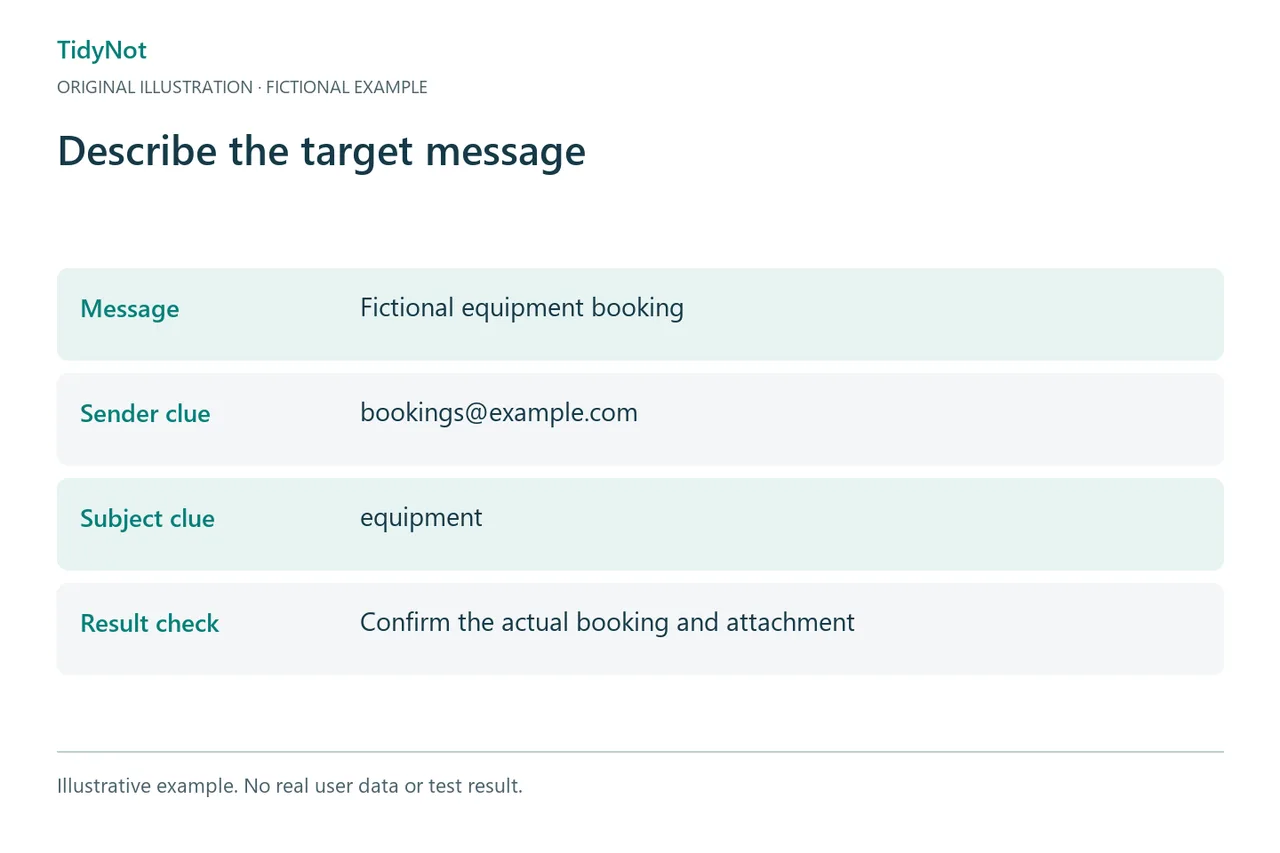
Test finding a known email with search scope, sender and keywords before adding another folder.
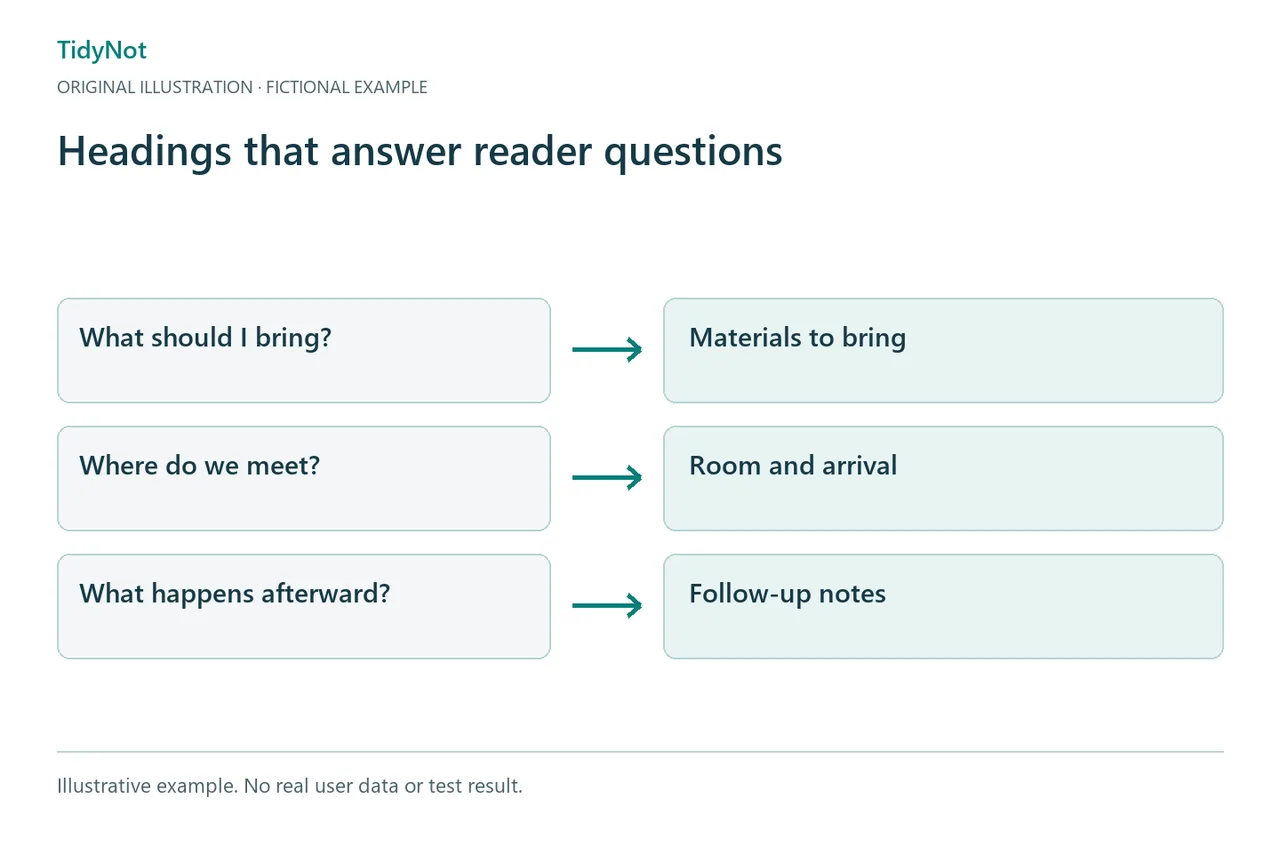
Give a long document meaningful headings, a usable contents list and a checked route to the sections readers need.
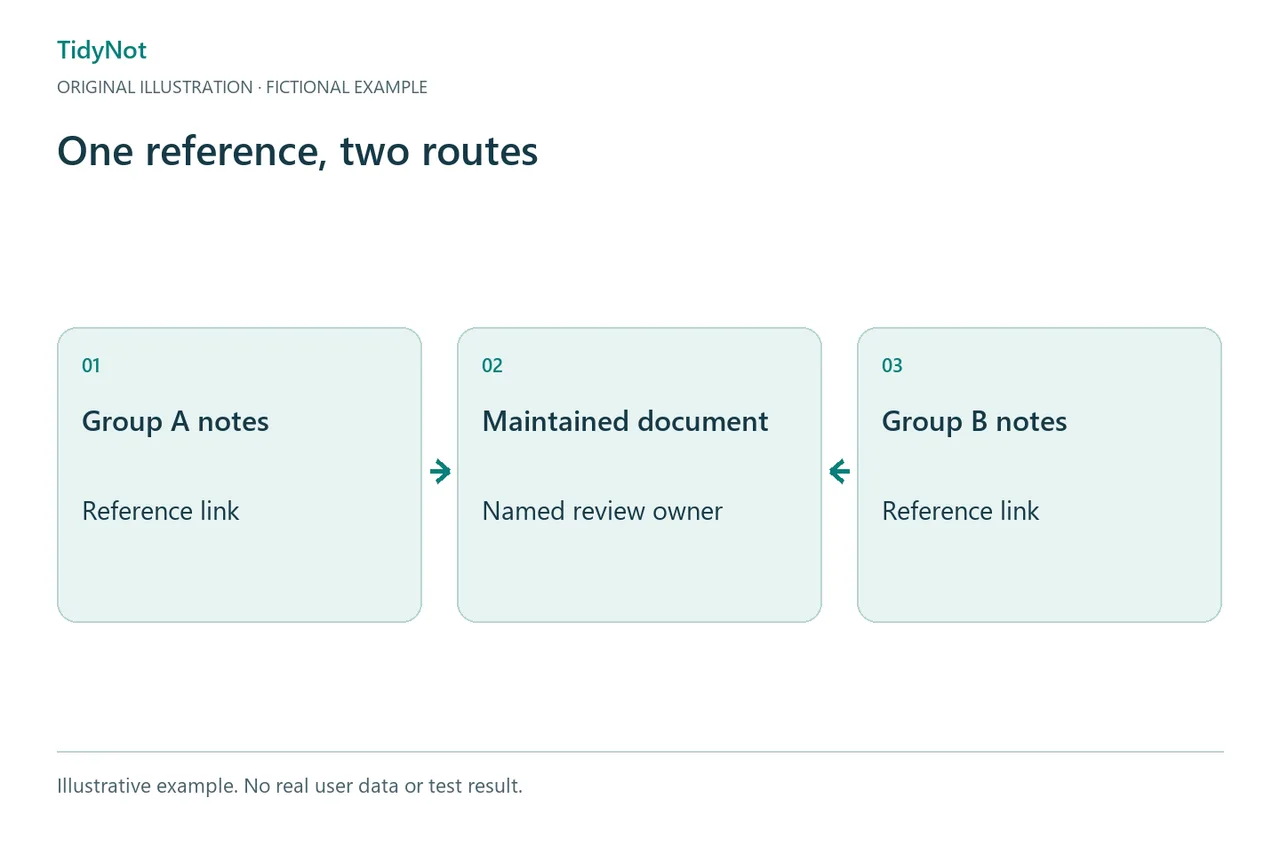
Keep one maintained document, name its owner, and check that reference links lead readers to the right file with the right access.
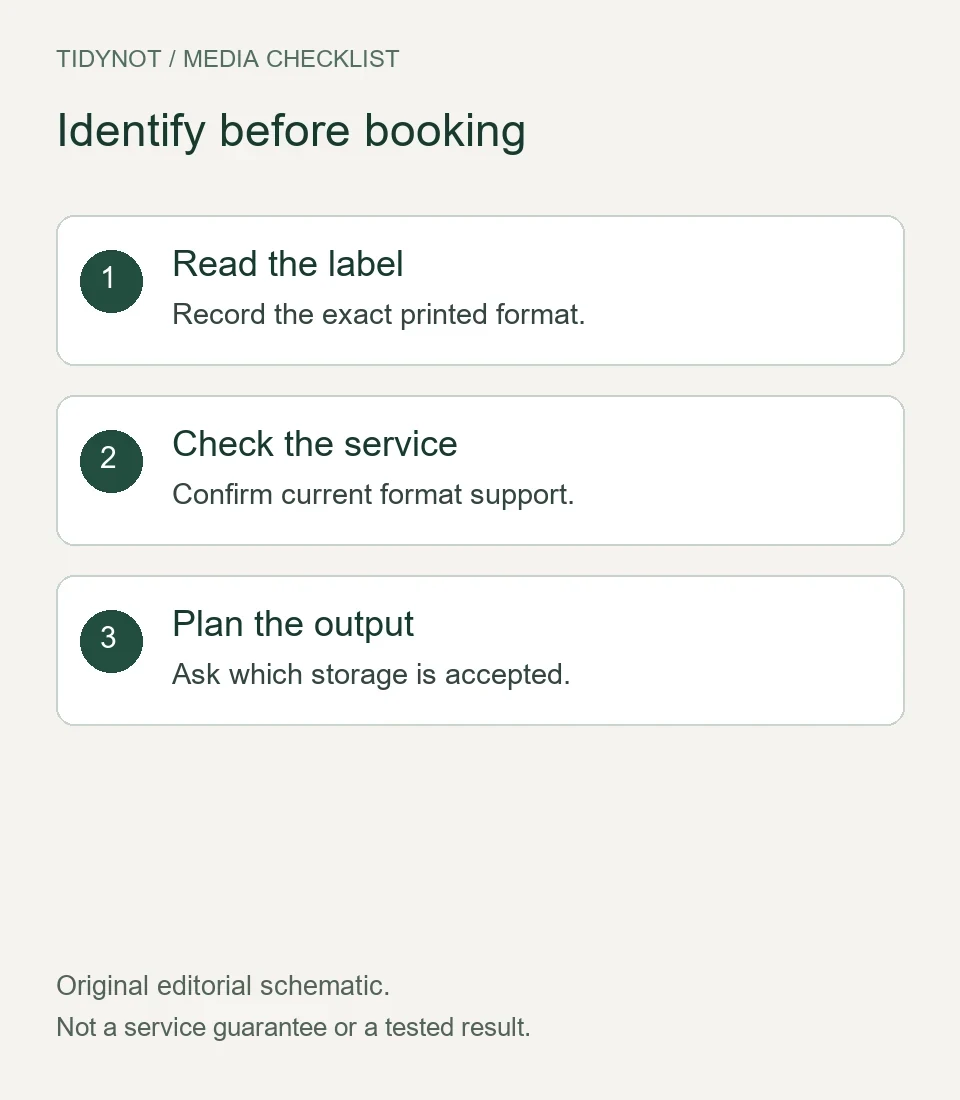
Before booking a digitizing session, identify the format you have and check whether the service currently accepts it. Then ask who operates the equipment, what you need to bring, and how you will take the files home. A service that handles VHS may not handle the smaller cassette sitting beside it.
Choose when to use dates, descriptions, and versions in personal filenames, with eight examples and a rule card you can adapt.