Pick one message you expect to need again and try to find it using details you already remember. In Gmail, combine a sender, subject word or date range, then check the message itself. Note which clues worked and where the attempt failed. Use that small check to decide whether you need a new folder or label for this kind of message.
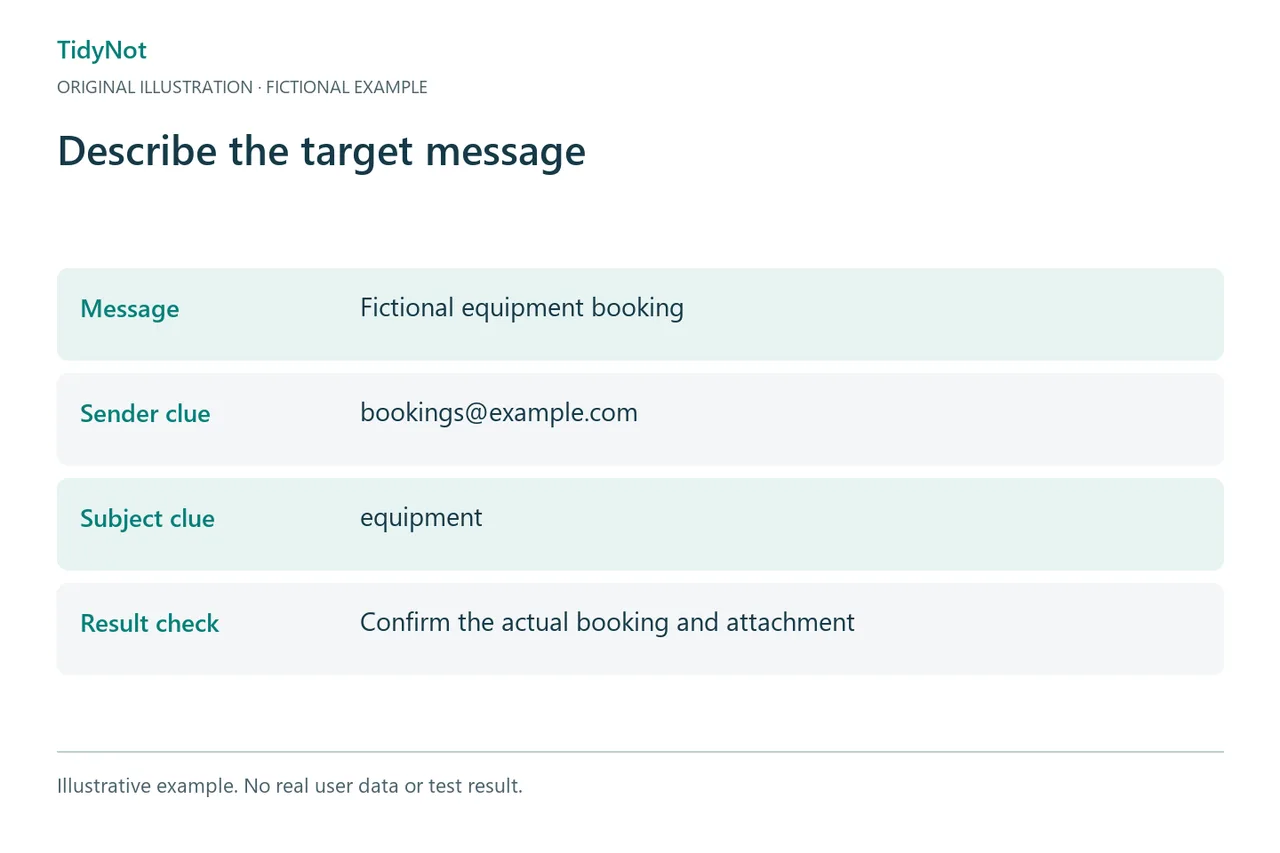
An illustrative record using an example.com address; no private mailbox is shown.
Define the message you need
Choose one target message, such as a fictional equipment-booking confirmation. Write the clues you remember before adding any filing structure: a sender, a subject word, an approximate date or an attachment. The target gives you a way to judge whether the result is the right message.
Whittaker and colleagues observed email refinding in one client. Their study examines the costs and behavior associated with organizing and retrieving mail, without proving that folders cause a problem in every mailbox. Use it as a reason to inspect an actual retrieval need, not an instruction to dismantle an existing system. Source 14.1
A retrieval attempt with a defined target
Clue you have | Gmail option | What to verify |
|---|---|---|
Sender | from: | The sender and the actual message match |
Subject word | subject: | The relevant conversation, not just a similar subject |
Approximate date | after: and before: | The date range includes the intended message |
Attachment | has:attachment | The attachment is the version you need |
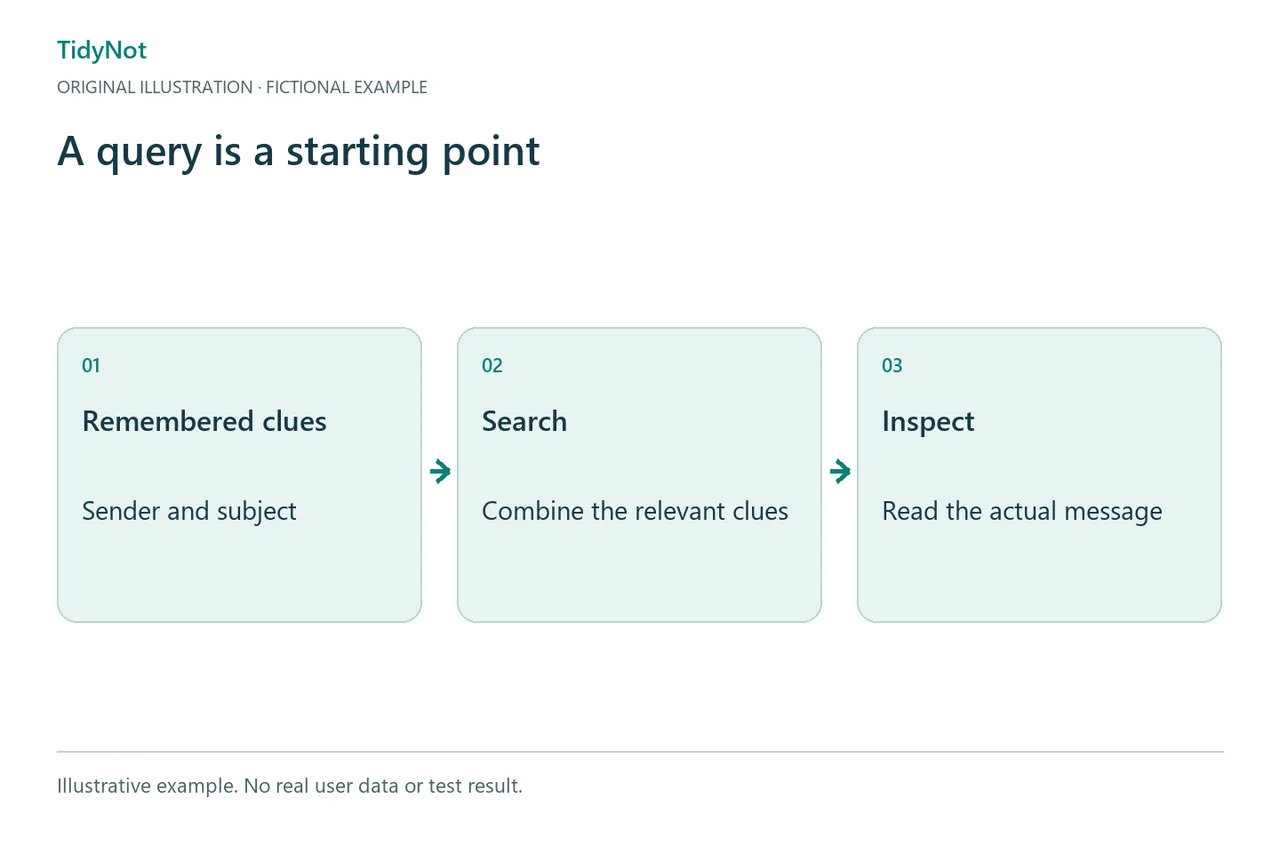
A matching subject is not enough to verify a message.
Combine clues and inspect the result
Gmail documents operators for sender, subject, date range and attachments. For a fictional message, a starting query could be `from:bookings@example.com subject:equipment`. Add a relevant date range if it helps narrow the results. The example address belongs to the reserved example.com domain and represents no actual contact. Source 14.2
Open the intended result and check its contents. A matching subject can lead to a different booking or an older attachment. If the result is wrong, revise the clue that misled you. Finding no result does not establish that the message was deleted; it shows that this particular attempt did not locate it.
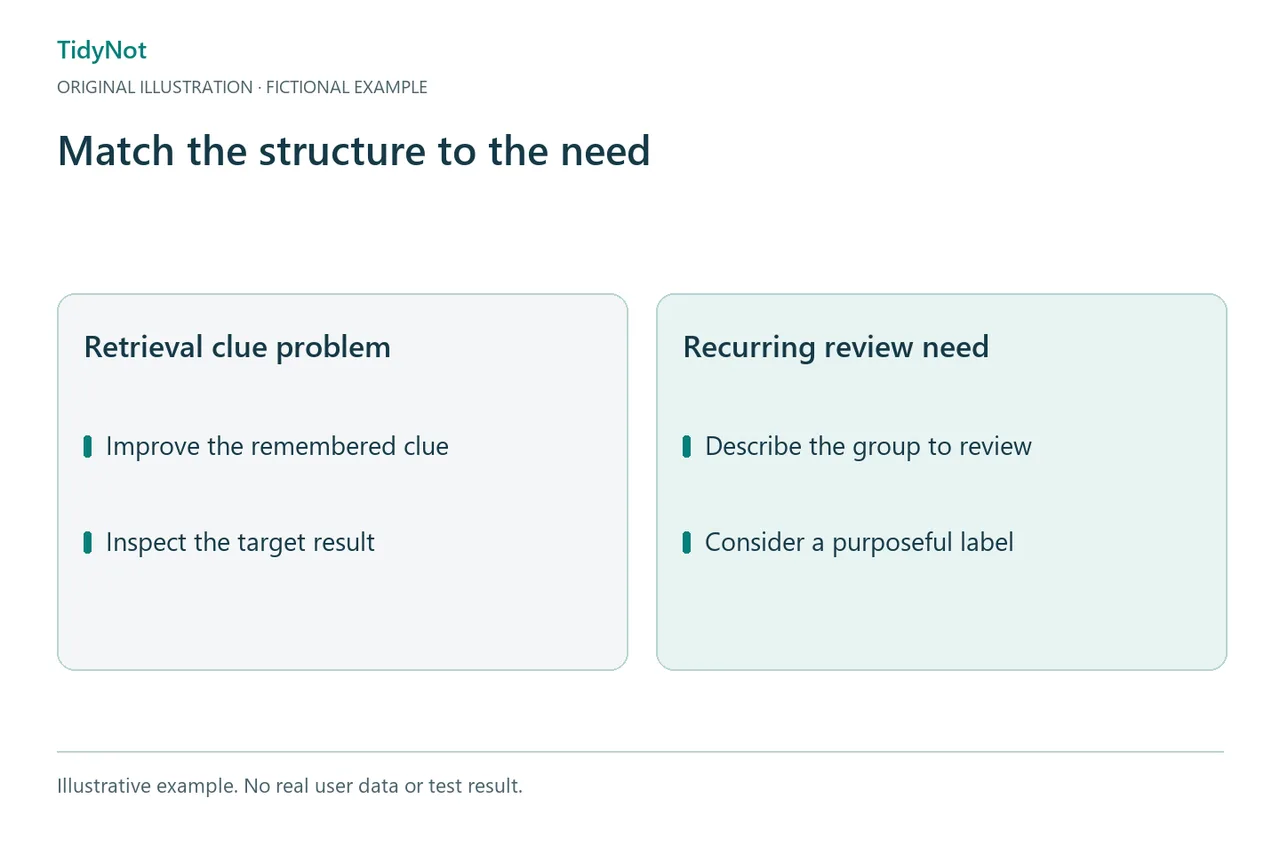
No labels, folders or mailbox rules are changed.
Name the problem a new label would solve
A new category can have a clear purpose when you need to review a particular kind of message together. It may be less useful if the actual difficulty was an imprecise search clue. Describe the need before choosing the structure. In Gmail, labels are the app-specific organization term; other mail apps may use folders differently.
Keep a brief retrieval note with the intended target, the clue you used and the actual outcome.
Check the search area before changing the filing system
Use a message you know exists as a small retrieval test. Check whether you searched the intended mailbox, archive or folder, then try a sender or a distinctive phrase. Keep any filing or retention rules required for your work; this proposal does not ask you to delete or move messages.
Try it with your own information
Keep a search trail
Change one search clue at a time and record where you looked.
An invented worked example
Use this scenario to see how the decisions fit together, then replace its details with your own observations.
Fictional target: an equipment booking message from bookings@example.com. Start with the sender and a distinctive subject word.
If nothing appears, inspect whether the clue was correct and whether the chosen folder/search scope excludes the message. No result is not evidence of deletion.
When found, keep the booking detail where you need it. Adding a folder before finding the message would not establish which message belongs there.
No account needed. Open the worksheet, enter your own notes, then download a text copy. You can also download it blank to complete elsewhere.
Open and download your worksheet
Sources and scope
[14.1] Steve Whittaker, Tara Matthews, Julian Cerruti, Hernan Badenes and John Tang. Am I wasting my time organizing email? A study of email refinding. CHI 2011 / ACM, 2011-05-07. https://research.ibm.com/publications/am-i-wasting-my-time-organizing-email-a-study-of-email-refinding Read scope: Original authors’ IBM Research abstract; full paper not read. Limits: Observational behavior in one client; associations do not prove folders cause poor retrieval. Not a reason to delete a mailbox structure.
[14.2] Google. Refine searches in Gmail. Gmail Help, Undated; checked 2026-10-20. https://support.google.com/mail/answer/7190?hl=en Read scope: Official operator table read: from:, subject:, after:, before:, has: and combination behavior. Limits: Gmail-specific syntax. A suggested retrieval attempt is not a measured comparison with folders, and no private mailbox was accessed.
Source relationship: Independent observational email research and current first-party syntax documentation; the article proposes an individual check, not a causal comparison.
The images are original explanatory illustrations of fictional examples. They are not photographs, product screenshots or evidence of a completed practical test.
Evidence and scope
1. Steve Whittaker, Tara Matthews, Julian Cerruti, Hernan Badenes and John Tang. Am I wasting my time organizing email? A study of email refinding. CHI 2011 / ACM, 2011-05-07.
Claim covered: Email refinding research concerns its observed users and system
Whittaker and colleagues observed email refinding in one client. Their study examines the costs and behavior associated with organizing and retrieving mail, without proving that folders cause a problem in every mailbox. Use it as a reason to inspect an actual retrieval need, not an instruction to dismantle an existing system. Source 14.1
Steve Whittaker, Tara Matthews, Julian Cerruti, Hernan Badenes and John Tang. Am I wasting my time organizing email? A study of email refinding. CHI 2011 / ACM, 2011-05-07.. English edition; source-specific context. Checked: .
Original authors’ IBM Research abstract; full paper not read. Observational behavior in one client; associations do not prove folders cause poor retrieval. Not a reason to delete a mailbox structure.
2. Editorial application
Claim covered: A practical step to try in your own setting
Use a message you know exists as a small retrieval test. Check whether you searched the intended mailbox, archive or folder, then try a sender or a distinctive phrase. Keep any filing or retention rules required for your work; this proposal does not ask you to delete or move messages.
TidyNot editorial suggestion. English edition; fictional example. Checked: .
TidyNot editorial proposal. No completed practical trial, measured benefit or universal outcome is claimed.