Choose the document that will be maintained, name who is responsible for it, and put links to that original where readers expect to find it. In Google Drive, a shortcut points to the original file. Check access from the intended reader’s account: placing a shortcut in a shared folder does not automatically give that reader permission to open the original. Source 6.2
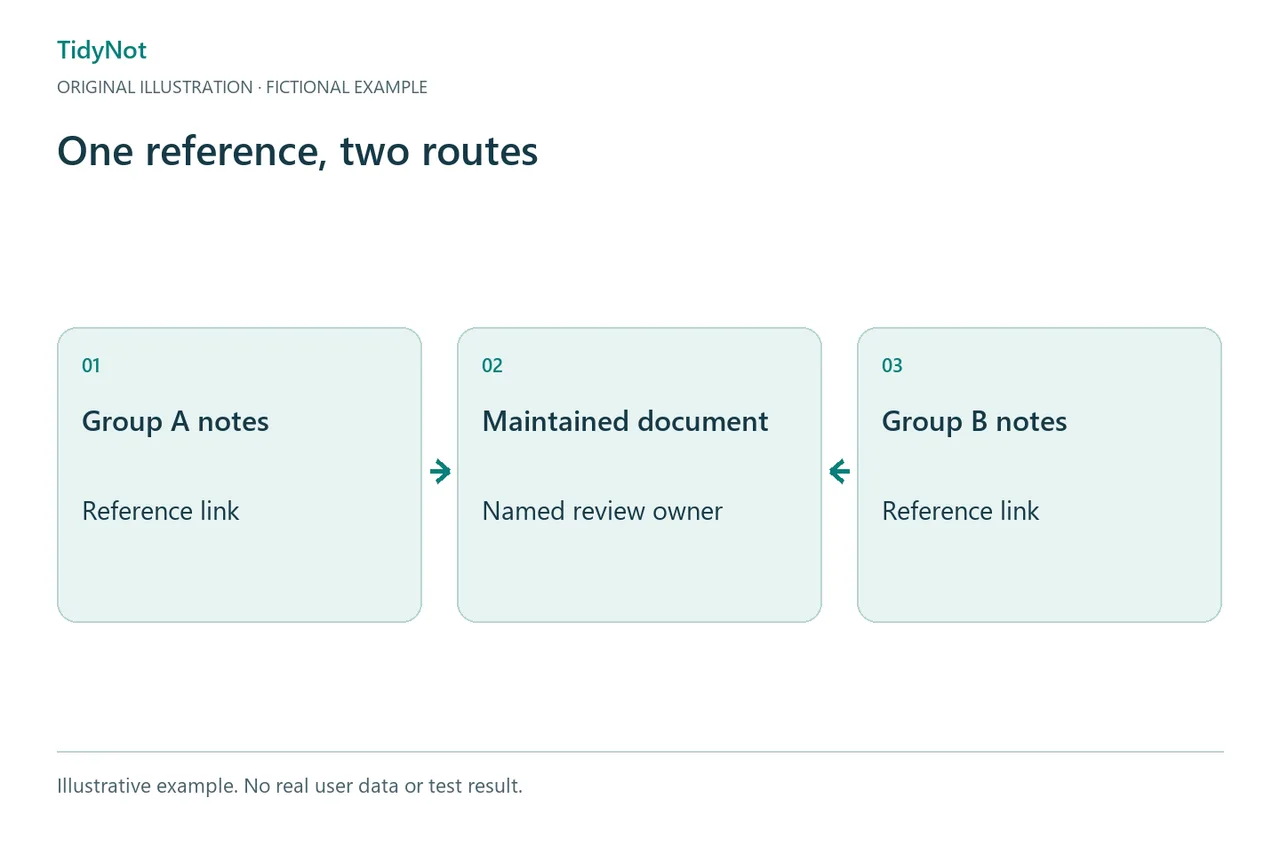
Fictional equipment reference: both groups use the same maintained document.
Choose the reference that will stay current
Suppose two hobby groups use the same equipment list. Give the maintained document a clear name, such as "Shared equipment reference," and record who will check changes. Put the review note in the document, where a reader can see it. Avoid names such as "latest final" that stop meaning anything as soon as another copy appears.
The publisher describes William Jones’s book as an overview of personal information management and questions for evaluating information tools. Our equipment example is an editorial proposal: choose who will maintain the reference and how readers will report a needed change. The publisher description does not test this workflow. Source 6.1
Separate the original from its routes back
Item | Purpose | Check to make | Failure to watch for |
|---|---|---|---|
Maintained original | Holds the current content | Owner and review responsibility are clear | Several copies are edited separately |
Shortcut or reference link | Provides another route to the original | Target is the intended file | Target was deleted or access was removed |
Reader access | Lets the intended person open it | Use an authorized test reader | Folder access is mistaken for file access |
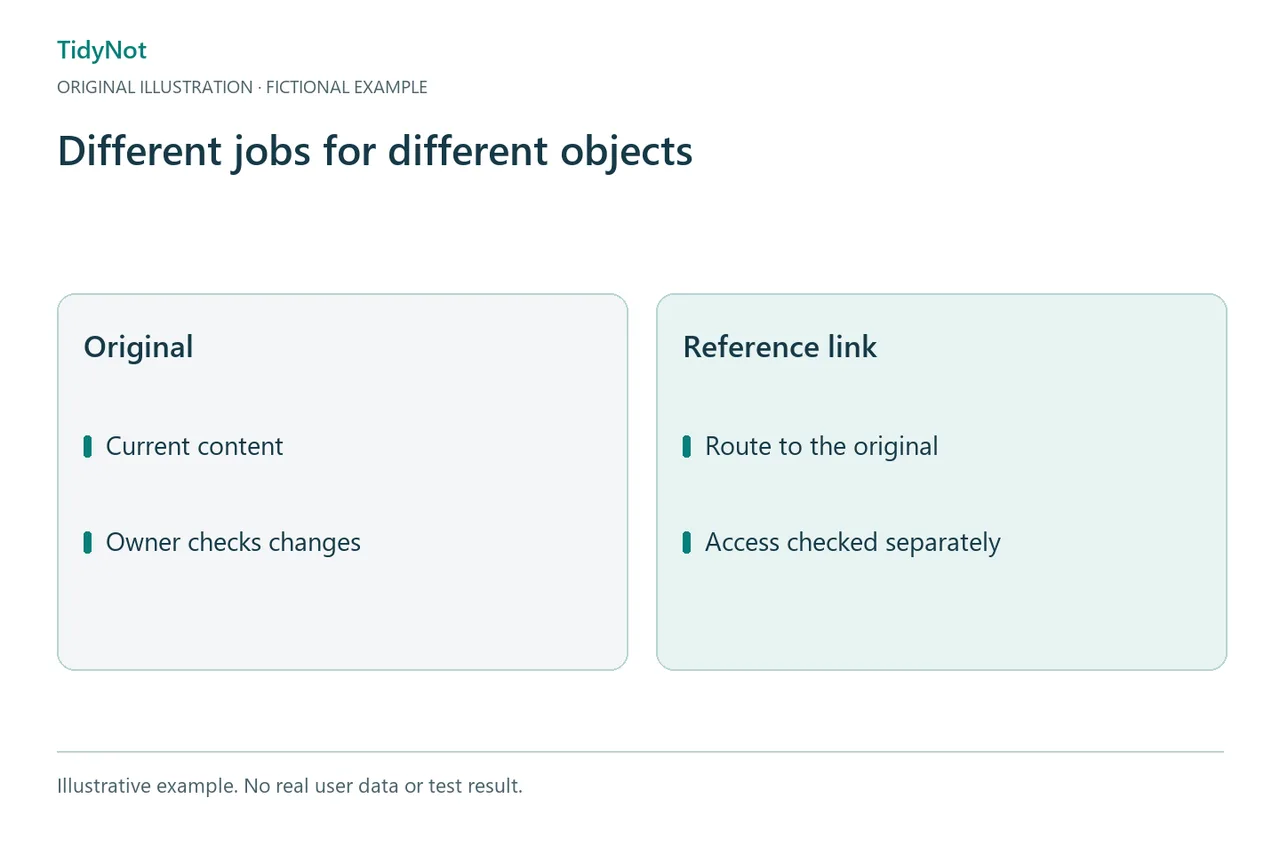
A route to a document has a different job from its maintained content.
Separate a route from a copy
A Drive shortcut points to an original. It does not create a separately maintained copy or change permission to open the target. A reader can see a shortcut in a folder and still be unable to open the document. The shortcut title can also be visible to people who cannot open its target. Source 6.2
For the equipment example, put a reference link in each group’s planning notes. Add a short explanation of what it contains. A reader looking for the equipment list should reach the maintained document, rather than a pasted version that needs its own updates. If a separate copy is genuinely needed, label its purpose and date so nobody mistakes it for the maintained reference.
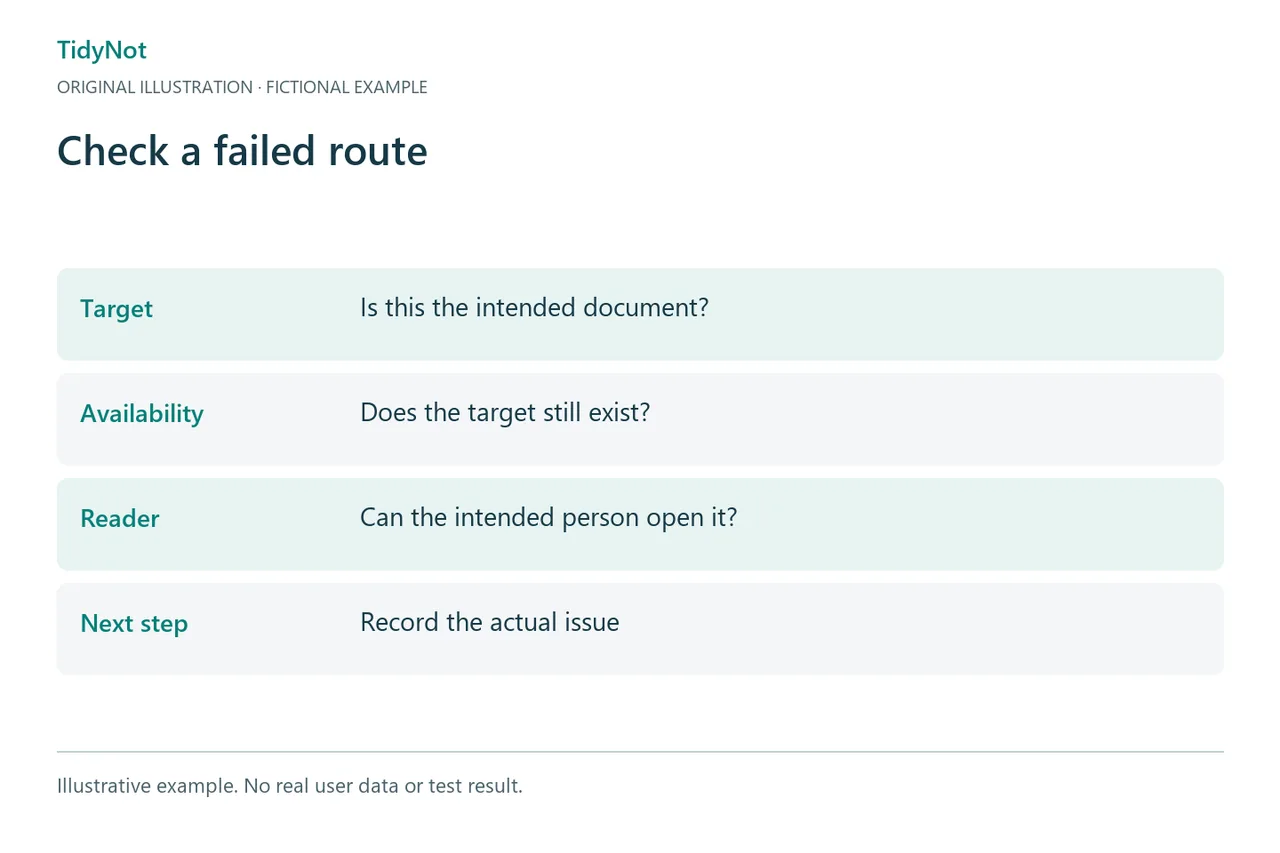
A proposed diagnostic card, not a screenshot or an actual access test.
Check the route when the reference changes
Before relying on a link, check that it reaches the intended document. Ask an already authorized reader to check their own access when appropriate.
If the route fails, identify whether the target is unavailable or the reader lacks access before replacing it with another copy. Record the problem beside the reference. If you retire the original, name its replacement in the places where people still look for it. A link is a way back to information; a backup needs a separate plan.
Keep the replacement easy to identify
When replacing the maintained reference, leave a brief note at the old route naming the new document and its owner. Check one link from each place where people normally look. This is a proposed maintenance check, not a reason to broaden file access.
Try it with your own information
Make a source-copy register
Record one document and the places that point to it. A link does not grant access.
An invented worked example
Use this scenario to see how the decisions fit together, then replace its details with your own observations.
Maintained copy: Equipment list, in the group’s agreed shared folder. Owner: confirm with the group.
Reference in welcome note: replace the pasted equipment list with the maintained-copy link after the owner agrees.
Check: ask an intended reader to open the link using their own access. Record the observed result; do not infer access from your editor account.
No account needed. Open the worksheet, enter your own notes, then download a text copy. You can also download it blank to complete elsewhere.
Open and download your worksheet
Sources and scope
[6.1] William Jones. Keeping Found Things Found: The Study and Practice of Personal Information Management. Morgan Kaufmann / Elsevier, 2007-11-01. https://shop.elsevier.com/books/keeping-found-things-found-the-study-and-practice-of-personal-information-management/jones/978-0-12-370866-3 Read scope for this revision: publisher description and edition metadata rechecked 2026-10-23 KST; no full-book claim. Limits: Conceptual introduction, not evidence that a particular app or folder structure is best.
[6.2] Google. Find files & folders with Google Drive shortcuts. Google Drive Help, Undated; checked 2026-10-20. https://support.google.com/drive/answer/9700156?hl=en Read scope: Official help body read: shortcut definition, original permissions and broken shortcuts. Page selected Android instructions. Limits: Functional documentation, not a productivity trial. Draft uses product concepts only; no unverified desktop click sequence or permission change.
Source relationship: Independent conceptual book introduction and first-party functional documentation; no collaboration-performance study.
The images are original explanatory illustrations of fictional examples. They are not photographs, product screenshots or evidence of a completed practical test.
Evidence and scope
1. Google. Find files & folders with Google Drive shortcuts. Google Drive Help, Undated; checked 2026-10-20.
Claim covered: Drive shortcuts point to an original without granting access
Choose the document that will be maintained, name who is responsible for it, and put links to that original where readers expect to find it. In Google Drive, a shortcut points to the original file. Check access from the intended reader’s account: placing a shortcut in a shared folder does not automatically give that reader permission to open the original. Source 6.2
Google. Find files & folders with Google Drive shortcuts. Google Drive Help, Undated; checked 2026-10-20.. English edition; source-specific context. Checked: .
Official help body read: shortcut definition, original permissions and broken shortcuts. Page selected Android instructions. Functional documentation, not a productivity trial. Draft uses product concepts only; no unverified desktop click sequence or permission change.
2. Editorial application
Claim covered: A practical step to try in your own setting
When replacing the maintained reference, leave a brief note at the old route naming the new document and its owner. Check one link from each place where people normally look. This is a proposed maintenance check, not a reason to broaden file access.
TidyNot editorial suggestion. English edition; fictional example. Checked: .
TidyNot editorial proposal. No completed practical trial, measured benefit or universal outcome is claimed.