
AI-generated editorial illustration; not a photograph of an actual event.
Give each date a job
A source note can contain several real dates without any of them being interchangeable. A publication date describes the source. An access date describes your encounter with it. A revision date needs a label or other evidence connecting it to a change in the source.
Zotero’s field documentation keeps publication and access dates separate, along with the timestamps for adding or editing an item in your own library.1 Those local-library timestamps describe your record. They do not establish when the original page changed.
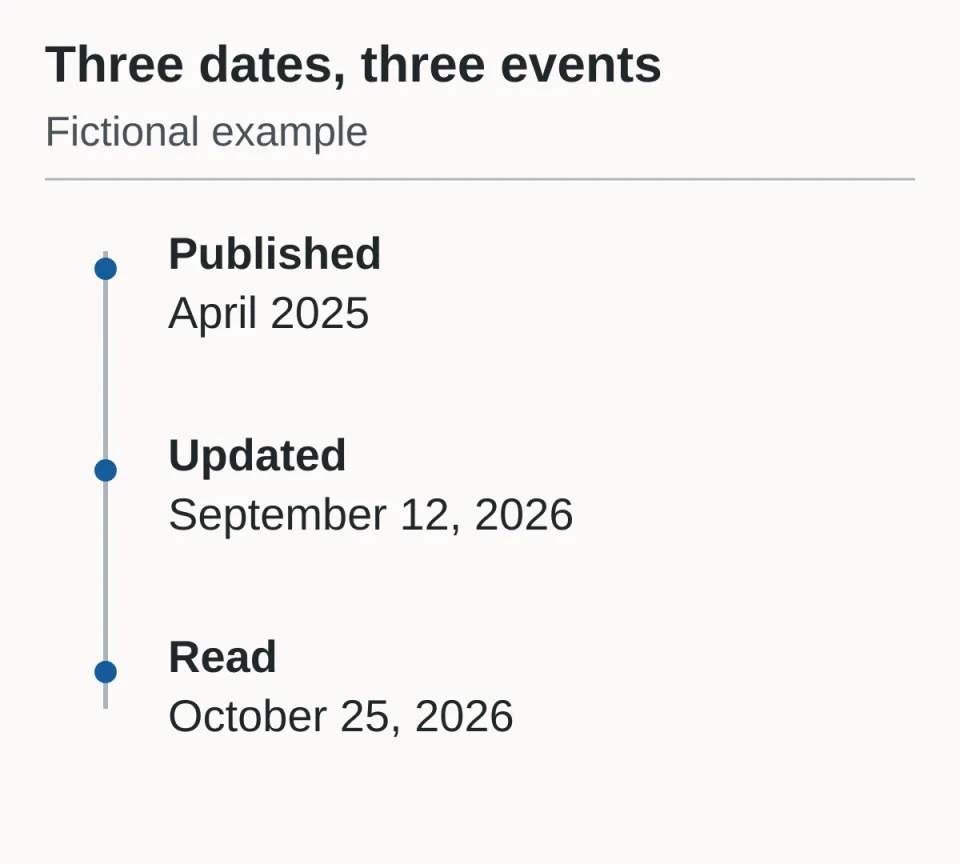
Publication, revision, and reading describe separate events. All dates in this diagram are fictional.
Keep the precision you can support
If a source displays only a year, record the year. If it displays a month and year, do not supply the first day of the month just to fill a field. When a date is ambiguous, note the uncertainty instead of silently choosing the interpretation that looks neatest.
A footer copyright year may apply to the website rather than the article. A search result’s date may also need checking against the actual page. Automatic imports are convenient, but inspect the result before relying on it. “Not shown” is a useful answer when the alternative is a guess.
Field | Fictional example | What it means |
|---|---|---|
Publication | 2025-04 | The page supplies a month, not an exact day. |
Displayed revision | 2026-09-12 | The page labels this as an update. |
Successful access | 2026-10-25, Asia/Seoul | The relevant text was readable on this date. |
Version and scope | Web guide; Materials and Preparation sections | These are the portions checked. |
Added to my library | 2026-10-25 | A personal filing event. |
Undated companion page | Publication date not shown | No substitute date is invented. |
Later attempt | 2026-10-27: page unavailable | The earlier successful check remains in the record. |
The guide, dates, and later failed attempt are hypothetical teaching examples, not reported website events.
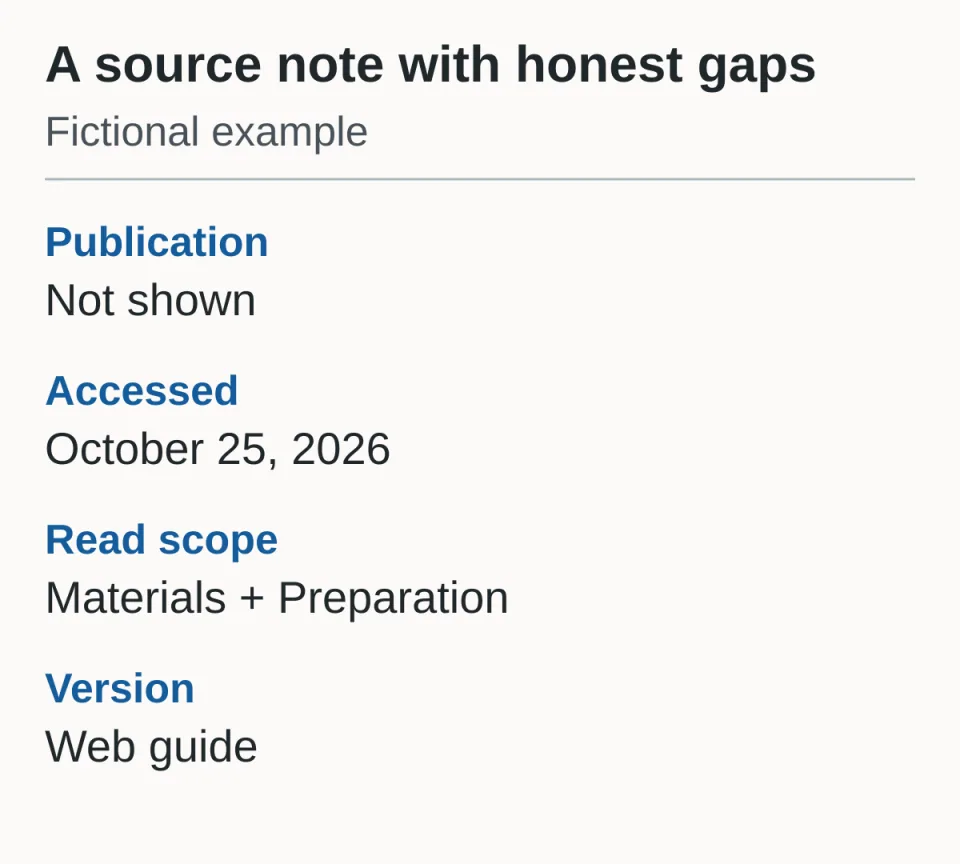
Keep missing information visible beside the fields you can fill. Fictional source note.
Record what you actually read
Keep a useful locator beside the URL: an edition, a version number, or a section heading. If you read only an abstract or a publisher description, say so. A link to a complete book or paper does not mean you checked its full contents.
Brooke Borel’s publisher description for The Chicago Guide to Fact-Checking includes source evaluation and record keeping among the book’s subjects.2 The small worksheet here is our editorial suggestion; it is not a method attributed to an unread chapter.
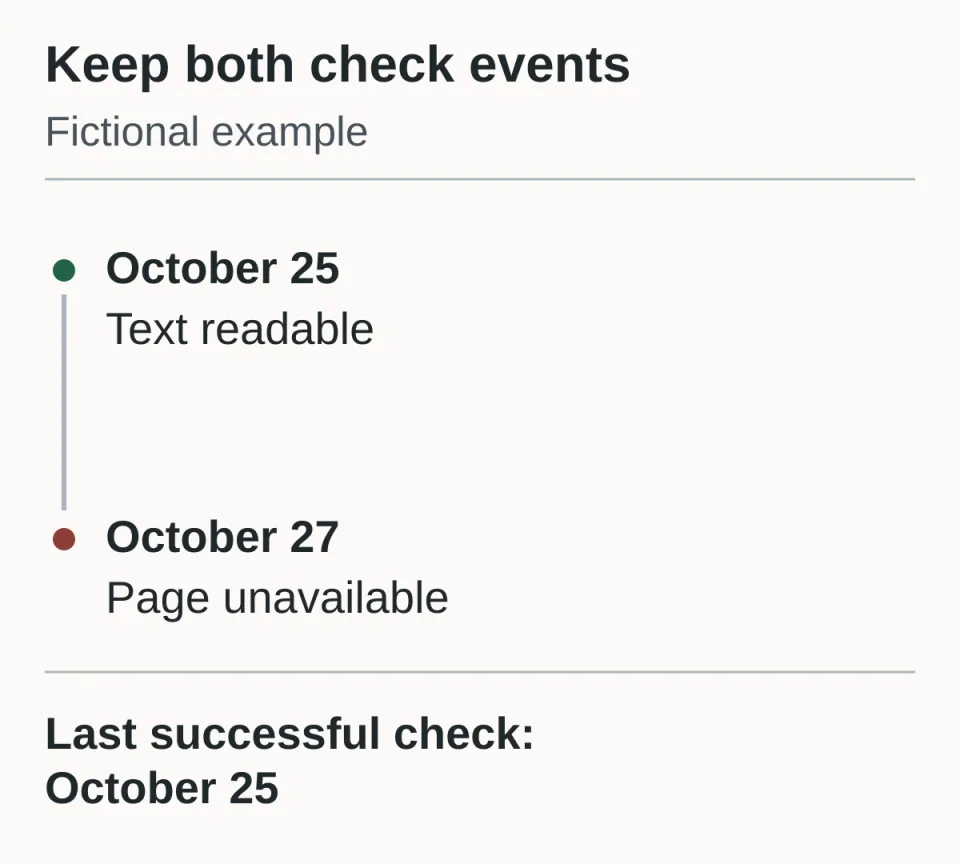
A failed recheck adds a new event without creating a fresh successful verification. Hypothetical example.
Preserve the last successful check
When you return to a source, record what happened. If the page is unavailable, keep the previous successful access date and add the attempted check separately. If the content is readable but you inspect only one section, avoid implying that every claim has been checked again.
Choose one source you expect to reuse. Add the date labels, the relevant version or section, and the scope of your reading. This private record can support later citation work, but a formal bibliography may require different fields or formatting. Follow the citation style required for that final document.
Try it with your own information
Create a source record with honest dates
Keep partial dates as text so this form never supplies a day the source did not give.
An invented worked example
Use this scenario to see how the decisions fit together, then replace its details with your own observations.
Fictional source: publication 2025-04; update 2026-09-12; successful access 2026-10-25. Each label describes a different event.
If publication is not shown, write “not shown”. Today is the access date only if you actually read the relevant material today.
A failed later attempt is a separate note; it does not replace the last successful reading date.
No account needed. Open the worksheet, enter your own notes, then download a text copy. You can also download it blank to complete elsewhere.
Open and download your worksheet
Sources and reading scope
Checked October 25, 2026, Asia/Seoul (October 24 UTC).
- Zotero, “Item Types and Fields.” Read publication, access, Date Added, and Date Modified definitions. The page’s own publication/revision date was not established.
- University of Chicago Press, The Chicago Guide to Fact-Checking, Second Edition. Read publisher description, contents, and bibliography. Full book not read. Visible year: 2023; the prior ledger’s May month was not reconfirmed.
Evidence and scope
1. Item Types and Fields — Zotero
Claim covered: Zotero’s field documentation keeps publication and access dates separate, along with the timestamps for adding or editing an item in your own library.1 Those local-library timestamps describe your record. They do not establish when the original page changed.
Publication and access dates are separate from local record creation and modification timestamps.
Item Types and Fields — Zotero. English edition; source jurisdiction as stated. Checked: .
Local library timestamps do not establish when the original source changed.
2. Editorial application
Claim covered: When a source’s publication date differs from the day you read it, keep both and label them. Add a revision date only when the source identifies one, and keep the relevant edition or version beside the link. If the page does not show a date, write “not shown” rather than using today’s date. Your reading date records a check, not when the information became true or current.
TidyNot practical application, separated from the original source’s claims.
TidyNot editorial suggestion. English edition. Checked: .
Local library timestamps do not establish when the original source changed.