
AI-generated editorial illustration; not a photograph of an actual event.
Name the activity, not just the app
“Check email” leaves a lot open. “Find the delivery message for one order” gives you a narrower question. You can tell whether you found the message, need another search term, or have reached a point where more information is needed.
Cal Newport’s Digital Minimalism is introduced by its publisher as an approach to choosing tools, purposes, and conditions of use.1 The little session card here is an editorial application of that framing. It is not a technique taken from a chapter we have read or a tested promise to reduce screen time.
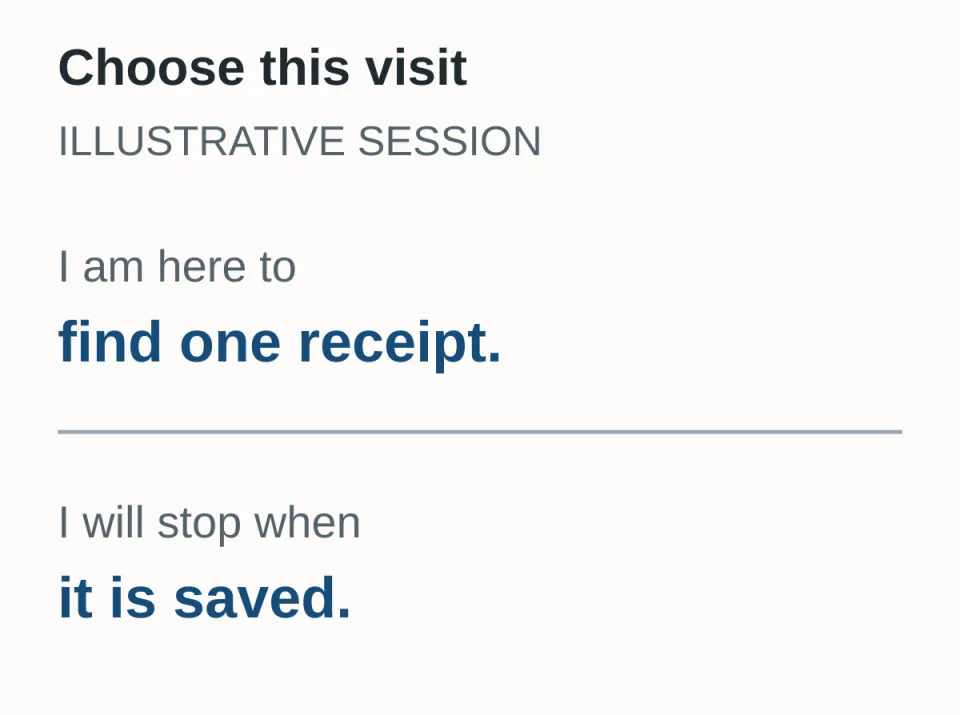
Choose a purpose and an ending for this visit. Illustrative session.
Choose what belongs in this visit
Write the activity in ordinary language: search for one message, read the venue’s official opening times, reply to a friend, or watch a selected episode. You do not need a list of everything you must avoid. A clear description of the intended activity is enough to begin.
If the purpose changes, you can change the plan. Perhaps the message reveals a delivery problem that needs attention. Name the new task instead of pretending you are still doing the original one. The card records a choice; it is not a rule enforced by the app.
Pick an ending you can recognize
An ending might be a result: the receipt is saved. It might be a boundary: the selected episode has ended. It might be a decision: the official page does not answer the question, so you record what is missing before trying another route.
A timer is another option if it suits the activity, but there is no special session length prescribed here. A social conversation may also need a more flexible ending than a search task. Choose a boundary that makes sense for this visit, rather than applying the same one everywhere.
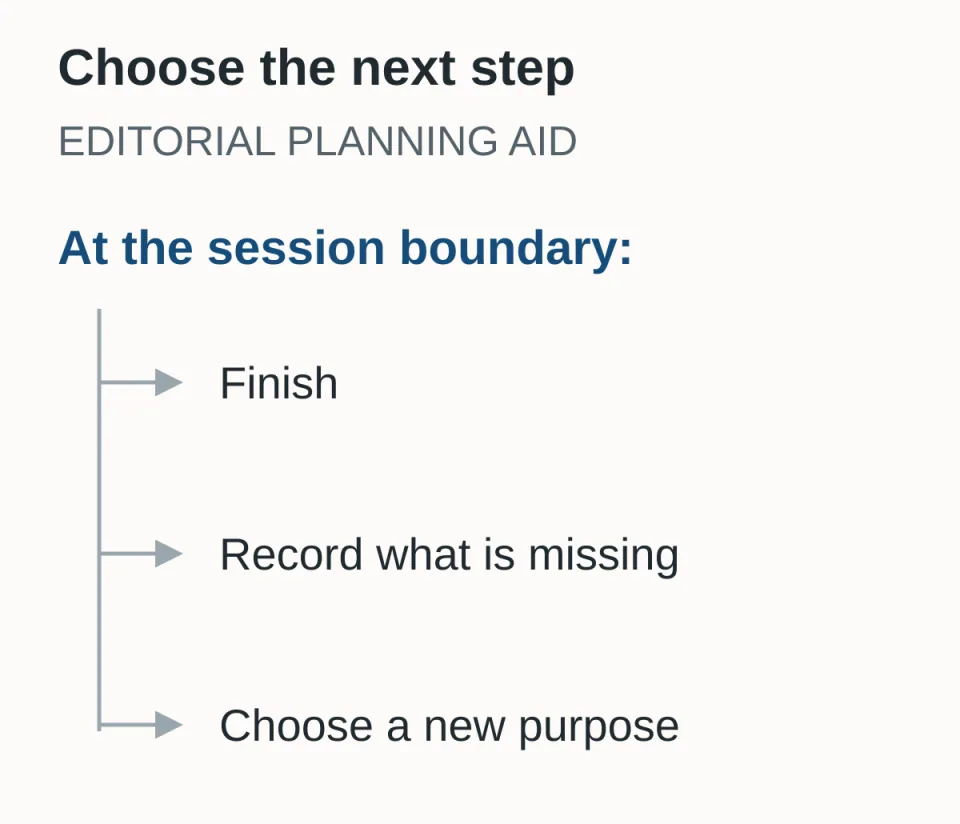
If the task changes, choose the next step deliberately.
Leave useful information somewhere findable
When the session produces something you need later, decide where it belongs. A booking reference could go in the trip note; a source link could sit beside the decision it supports. Avoid ending with a useful fact stranded in a tab you cannot identify tomorrow.
In the open introduction to Keeping Found Things Found, William Jones distinguishes finding information from keeping it available for use and connects information practices to goals.2 That is the reason for the last column below, not an argument for any particular app or folder system.
Illustrative session cards, not observed or tested sessions
Visit | Purpose | End or reconsider when | What remains |
|---|---|---|---|
Find one order receipt | It is saved, or the search needs a missing detail | Receipt in the order folder; or a next question | |
Browser | Check hours for a planned visit | Date-specific hours are recorded, or unclear | Official link and checked date in the trip note |
Messaging | Answer a friend’s Saturday question | The reply is sent, or a detail is requested | The conversation itself |
Video | Enjoy the selected episode | It ends; then choose whether to continue | No saved output required |
On a narrow screen, scroll the table horizontally.
Let leisure have its own purpose
An enjoyable visit does not have to leave a file behind. Listening to music, chatting, or watching something can be the activity you intended. Keep the leisure example in the table on equal terms with the practical ones; otherwise the card quietly becomes another productivity score.
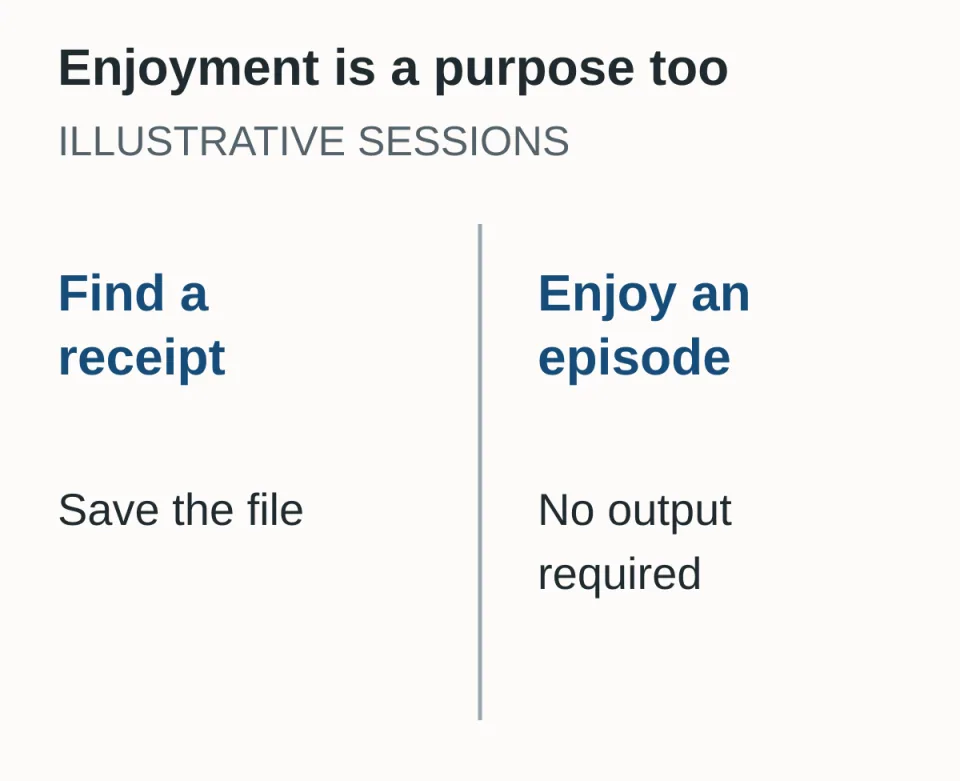
A session can be practical or simply enjoyable. Illustrative examples.
For the next ordinary session, try writing a purpose and an ending in one sentence. Afterwards, ask whether the wording was clear enough to use. If it was not, make the next version simpler. This is a modest planning aid, not a treatment for compulsive use or a measure of whether you are using technology well.
What if the session changes halfway through?
Constructed example: Lee opens a browser to find the return address on one order. A related product offer appears before the address is found.
| Situation | Decision and next step |
|---|---|
| The offer is unrelated to finding the address | Keep the original stopping point: record the verified address, then close the task. Save the offer only if it is wanted for a separate session. |
| The order page requires a support reply | The address is still unresolved. Record the question and next check; do not substitute more browsing for the missing answer. |
| Lee deliberately chooses leisure browsing instead | Name the change rather than claiming the return task is complete. A chosen end time or natural stopping point can suit leisure; a productive output is not required. |
Use three lines: current purpose; evidence that it is finished; what remains if I stop now. A task can be deliberately paused without being marked done.
These are editorial examples, not reported experiences or tested outcomes.
Source notes
- Cal Newport, Digital Minimalism, Portfolio, 2019. Read: publisher Book Description and edition date only; full book not read. Intentional-use framing, not evidence of this card’s effects. Checked 24 October 2026 UTC / 25 October KST.
- William Jones, Keeping Found Things Found, Morgan Kaufmann / Elsevier, 2007. Read: publisher bibliography and open Chapter 1, section 1.1, printed pages 4–5. Later chapters not read. The session card is an editorial adaptation. Checked 24 October 2026 UTC / 25 October KST.
All diagrams are original editorial SVG illustrations. Examples are fictional where marked. No use test, outcome measurement, or venue assessment is implied.
Evidence and scope
1. Digital Minimalism — Portfolio publisher description
Claim covered: Cal Newport’s Digital Minimalism is introduced by its publisher as an approach to choosing tools, purposes, and conditions of use.1 The little session card here is an editorial application of that framing. It is not a technique taken from a chapter we have read or a tested promise to reduce screen time.
Publisher framing concerns choosing technology deliberately and setting conditions for its use.
Digital Minimalism — Portfolio publisher description. English edition; source jurisdiction as stated. Checked: .
Publisher description only, full book unread; the session card is an editorial adaptation, not a validated intervention.
2. Editorial application
Claim covered: Before opening a tool, finish this sentence: “I am here to ___, and I will stop when ___.” Make the answer specific enough to recognize, such as finding one receipt or reading a saved article. If you are opening it for fun, say so. The point is to choose what this visit is for, not to make every screen activity productive.
TidyNot practical application, separated from the original source’s claims.
TidyNot editorial suggestion. English edition. Checked: .
Publisher description only, full book unread; the session card is an editorial adaptation, not a validated intervention.